
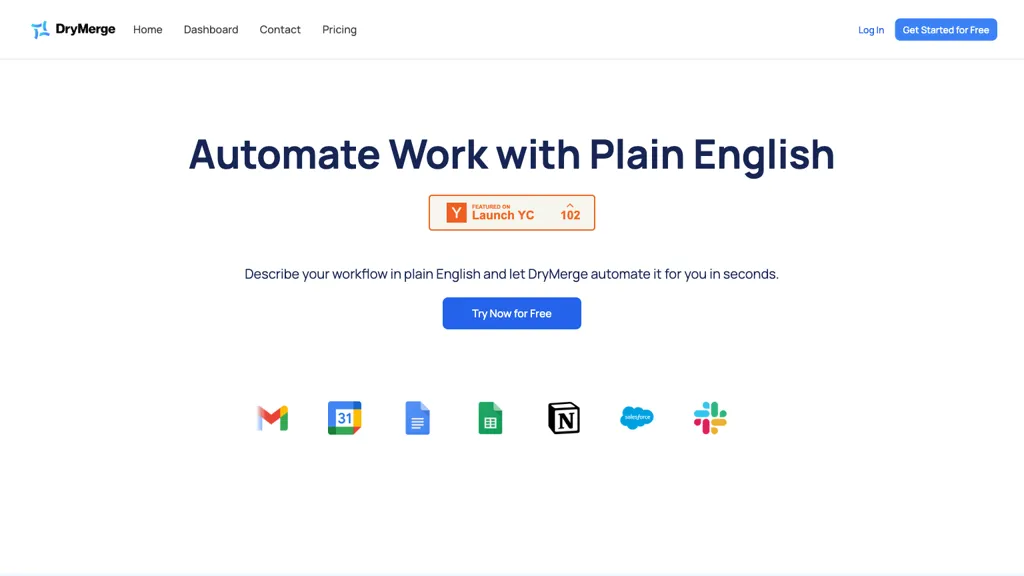
What is DryMerge?
DryMerge is an AI‑driven CRM automation platform that monitors email, calendar, and call activity to keep contact, deal, and account records complete and up‑to‑date. It connects to more than 50 business apps—including Gmail, Outlook, Slack, Teams, and major CRMs such as Salesforce, HubSpot, Zoho, and Pipedrive—to extract meeting details, action items, and relationship context without manual entry.
The system operates continuously, automatically creating or updating records in custom fields and objects to match a company’s specific deal workflow. It supports sales teams, asset managers, operations teams, and startups, improving data accuracy, reducing manual effort, and enabling better follow‑up and hand‑off processes.
DryMerge uses enterprise‑grade encryption and role‑based access controls to protect data, and it does not train on user content. The platform is designed for scalable growth, handling unlimited data volume while maintaining high accuracy across different industries.
DryMerge details
- Jurisdiction
- CA
- Built for
- Businesses and teams
- Data residency
- United States
DryMerge tech specs
- Integrations
- Slack Salesforce HubSpot Google Workspace
DryMerge pricing
SubscriptionPricing details aren't listed here — check the official pricing page below.
Verify on the official pricing page.
View plansDryMerge's key features
-
AI agents monitor communications
-
Auto updates CRM data background
-
Integrates with 50+ business apps
-
Customizable permission controls
-
Works 24/7 no manual effort
-
Supports major CRMs
DryMerge use cases
-
Automatically sync customer interactions across Gmail, Outlook, and HubSpot to maintain up‑to‑date contact records and enable real‑time sales insights without manual entry
-
Extract meeting details from Teams and Slack calls and populate deal stages in Salesforce, ensuring pipeline accuracy and improving follow‑up timing
-
Track email activity across multiple platforms and flag missed replies in a unified dashboard, reducing response lag and boosting conversion rates
DryMerge user reviews
Based on 1 review, 100% of users recommend DryMerge, rated highly for quality results.
Liked for
Would you recommend DryMerge?
Who is DryMerge for?
-
Automation engineers
-
Workflow integrators
-
Business leaders
-
Data analysts
-
Support technicians
DryMerge FAQ
Is DryMerge free?
No. DryMerge is a paid product and requires a paid plan to use.
What are the best alternatives to DryMerge?
The closest alternatives to DryMerge are CustomerIQ, Read AI, Sybill, folk 2.0 and Relevance AI. You can compare them side by side in the alternatives section further down this page.
What does DryMerge do with my data?
DryMerge states that customer content is not used to train its models. Its privacy policy states that personal data is sold or shared for marketing purposes. Data may be shared with third-party service providers that help run the product. Customer data is held in United States.
What does DryMerge integrate with?
DryMerge connects with Slack, Salesforce, HubSpot and Google Workspace.
Compliance, privacy and billing terms are as stated in each product's own published documentation and have not been independently verified by TopAI.tools.


