
What is CopyCopter?
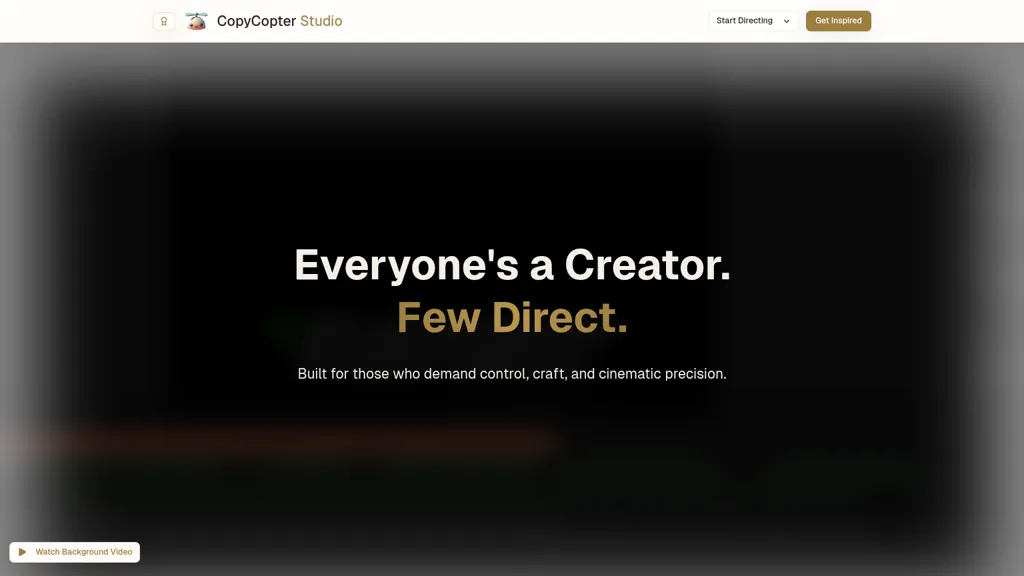
CopyCopter is an AI text-to-video generator that converts scripts and copy into AI-generated videos for social media, advertising, and branded content. It includes a studio editor for scene and asset customization, plus a template library with presets such as Kling v2 and Flux Pro Ultra.
The platform provides a public gallery for browsing trending, most recent, and most viewed examples to inform creative direction. Export options cover common social and web formats and documentation, FAQs, and developer resources support integration into production workflows.
CopyCopter tech specs
- Works with
- Black Forest Labs / Flux Kling
- Integrations
- Discord
CopyCopter pricing
Verify on the official pricing page.
View plansCopyCopter's key features
-
AI text-to-video generation
-
Gallery for browsing generated videos
-
Sorting and filtering (Default, Trending, Most Recent, Most Viewed)
-
Multiple generation models/presets (Kling v2, Flux Pro, Ultra)
-
Integrated studio editor (CopyCopter Studio)
CopyCopter use cases
-
Create scroll-stopping social and advertising videos from short scripts or marketing copy using CopyCopter’s AI text-to-video generator and template library, customize scenes and assets in the studio editor, then export platform-optimized formats for Instagram, TikTok, and Facebook ads
-
Produce on-brand product demos and promotional videos at scale by converting product descriptions and campaign scripts into polished videos with company templates and asset packs, use the public gallery for inspiration and generate A/B-ready ad variations for performance testing and ad platform integration
-
Turn long-form content like blog posts, email campaigns, or training scripts into shareable short explainers using CopyCopter’s scene automation and customization tools, apply branded templates, batch-export common formats, and use developer resources to integrate video generation into your workflow for localization and rapid distribution
CopyCopter user reviews
Would you recommend CopyCopter?
Who is CopyCopter for?
-
Content creators
-
Software developers
-
Brand managers
-
Social media managers
-
Advertising strategists
CopyCopter FAQ
What are the best alternatives to CopyCopter?
The closest alternatives to CopyCopter are TopView.ai, Canva AI, VideoAI, VidAU and Video Generator - A2E.ai . You can compare them side by side in the alternatives section further down this page.
Which AI models does CopyCopter use?
CopyCopter is built on Black Forest Labs / Flux and Kling. Which models you can reach may depend on your plan.
What does CopyCopter integrate with?
CopyCopter connects with Discord.


