
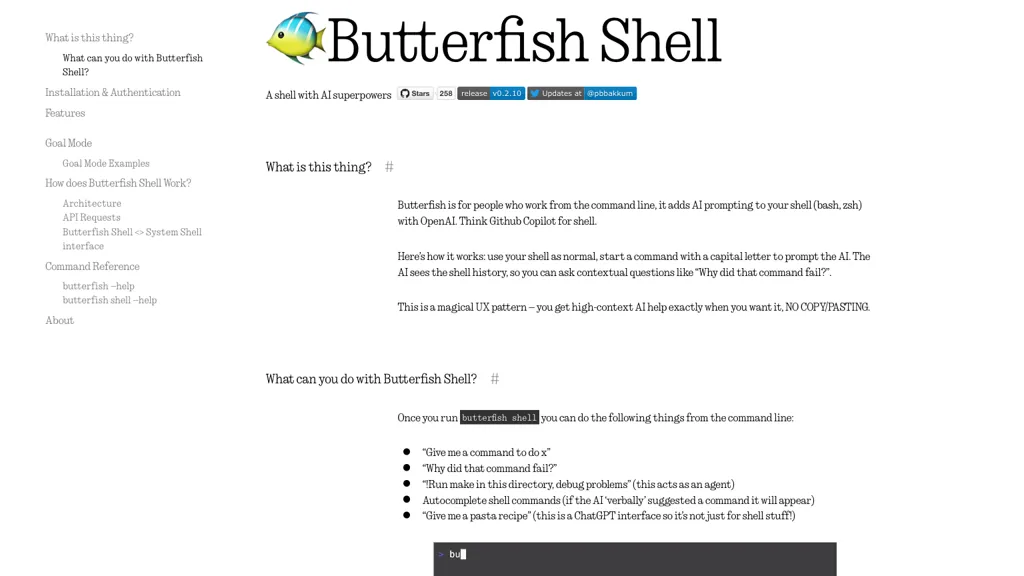
What is Butterfish Shell?
Butterfish is a command‑line interface that augments Unix shells (bash, zsh) with AI prompting via OpenAI or compatible APIs. It intercepts shell input, allowing users to send prompts by beginning a command with a capital letter, and streams ChatGPT responses directly into the terminal.
The tool provides autosuggested commands, contextual question answering about recent shell history, and a Goal Mode that can act as an agent to execute or debug commands autonomously. Optional plugins extend functionality to Neovim for in‑editor code rewrites and to manage local file embeddings for semantic search and summarization.
Installation is available through Homebrew on macOS, via `go install` on Linux, and the tool stores credentials and prompt templates in the user’s home configuration directory. Butterfish supports customization of models, prompt wrappers, and API endpoints, making it suitable for developers, system administrators, and power‑user shell operators who need context‑aware AI assistance without leaving the terminal.
Butterfish Shell pricing
FreeThis tool is free to use, with no credit card required.
Verify on the official pricing page.
Get started freeButterfish Shell's key features
-
AI prompting via capital letter
-
Contextual prompts with shell history
-
Auto-suggest shell commands with Tab
-
Goal mode agent executes commands
-
Editable prompt wrappers configuration
-
Custom OpenAI-compatible model selection
-
Verbose AI request and response logging
Butterfish Shell use cases
-
Generate complex bash scripts by asking Butterfish to translate natural language into commands and instantly see them executed via Goal Mode
-
Debug shell scripts with real‑time AI suggestions, context‑aware Q&A, and semantic search of local files for faster issue resolution
-
Automate routine server maintenance tasks—updates, backups, monitoring—by simply describing the goal and letting Butterfish handle the entire command chain
Butterfish Shell user reviews
Would you recommend Butterfish Shell?
Who is Butterfish Shell for?
-
Product designers
-
Developers
-
Data analysts
-
Command line enthusiasts
-
Tech enthusiasts
Butterfish Shell FAQ
Is Butterfish Shell free?
Yes. Butterfish Shell is free to use and does not require a credit card.
What are the best alternatives to Butterfish Shell?
The closest alternatives to Butterfish Shell are Claude AI, OpenAI Codex CLI, Z.ai, Promptly AI and Ai for Work. You can compare them side by side in the alternatives section further down this page.
Does Butterfish Shell have an API?
Yes. Butterfish Shell offers an API, so you can call it from your own applications instead of using the interface directly.


