
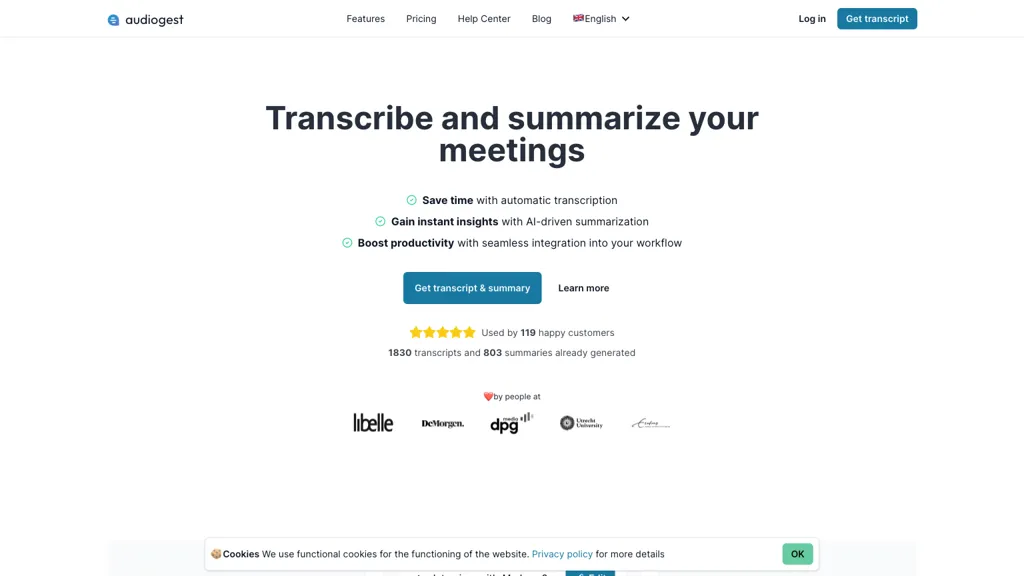
What is Audiogest.app?
Audiogest turns meetings, interviews, and calls into searchable transcripts with speaker labels and timestamps across 99+ languages. Users upload any audio or video file—up to 1 GB or 5 hours—and receive a transcript in minutes. Custom AI prompts let teams generate summaries, action items, briefs, and full reports from the transcript, saving the prompt for reuse.
Transcribed content can be shared within Audiogest, exported to Word, Markdown, SRT, or other formats, and public read‑only links can be generated for clients. Team collaboration is enabled by shared projects, shared credits, and the ability to comment directly on transcripts.
Audiogest.app details
- Company
- Thomas Mol Software Development
- Jurisdiction
- Netherlands
- Built for
- Businesses and teams
- Data residency
- EU (Amsterdam, Netherlands; Frankfurt, Germany)
- Stated compliance
- GDPR
Compliance as stated in Audiogest.app's own published documentation.
Audiogest.app tech specs
- Works with
- OpenAI / GPT
- Integrations
- Microsoft Teams
Audiogest.app pricing
SubscriptionVerify on the official pricing page.
View plansAudiogest.app's key features
-
Generate public, read‑only shareable links
-
Organize transcripts into projects
-
Export to Word, Markdown, SRT
-
Collaborate on transcripts with team
-
Set link expiration dates
-
Track view counts for links
-
AI‑driven note generation
Audiogest.app use cases
-
Transcribe multilingual board meetings with speaker labels and automated action‑item extraction, share GDPR‑compliant PDFs with stakeholders, and archive the conversations for future reference.
-
Convert long‑form educational videos into searchable, timestamped transcripts, apply a custom dictionary for subject jargon, and enable faculty collaboration on annotations while keeping data EU‑protected.
-
Automate podcast production by transcribing episodes in 99+ languages, generate SEO‑friendly show notes, highlight key segments with timestamps, and publish privacy‑protected summaries to your site.
Audiogest.app user reviews
Based on 1 review, 100% of users recommend Audiogest.app, rated highly for quality results.
Liked for
Would you recommend Audiogest.app?
Who is Audiogest.app for?
-
Content creators
-
Language learners
-
Business analysts
-
Students
-
Journalists
Audiogest.app FAQ
How much does Audiogest.app cost?
Audiogest.app is a paid product with no free plan. Plans include Pay for what you need or subscribe to a plan to get up to 75% off pay-as-you-go at € 4 per hour of audio (excl. vat), Plus at € 20/mo (excl. vat) and Team at € 30 per user/mo (excl. vat).
Is Audiogest.app safe to use?
Audiogest.app states GDPR compliance in its own published documentation. Audiogest.app is operated by Thomas Mol Software Development, registered in Netherlands.
What are the best alternatives to Audiogest.app?
The closest alternatives to Audiogest.app are TranscribetoText.AI, AudioTranscriber.io, Audioconverter, File Transcribe and TurboScribe. You can compare them side by side in the alternatives section further down this page.
What does Audiogest.app do with my data?
Audiogest.app states that customer content is not used to train its models. Its privacy policy states that personal data is not sold or shared for marketing purposes. Data may be shared with third-party service providers that help run the product. Customer data is held in EU (Amsterdam, Netherlands; Frankfurt, Germany).
Does Audiogest.app have an API?
Yes. Audiogest.app offers an API, so you can call it from your own applications instead of using the interface directly.
Who made Audiogest.app?
Audiogest.app is built and operated by Thomas Mol Software Development, a company registered in Netherlands.
Which AI models does Audiogest.app use?
Audiogest.app is built on OpenAI / GPT. Which models you can reach may depend on your plan.
What does Audiogest.app integrate with?
Audiogest.app connects with Microsoft Teams.
Compliance, privacy and billing terms are as stated in each product's own published documentation and have not been independently verified by TopAI.tools.


