Hama Photo Editor
The best 8 Hama Photo Editor AI tools - Free & Paid
Explore 8 AI for Hama Photo Editor
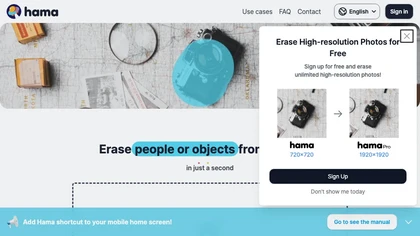
HAMA is an AI‑powered web tool that removes unwanted objects from photos using a brush‑based mask. Users upload an image and a mask, and the API returns a cleaned photo, useful for photo editing, e‑commerce imagery, and design workflows.
Free

HitPaw FotorPea automatically enhances photos by applying AI models for sharpening, denoising, face and color correction. It unblurs images, upsizes to 4K/8K, restores old photos, removes backgrounds, and generates images from text prompts.
Free trial

AI image enhancer that upscales up to 4×, removes noise, sharpens blur, and can enhance faces or colorize. Handles .png/.jpg/.webp/.tif/.bmp/.raw and outputs the same formats. Windows, macOS and Photoshop plugin supported.
Free trial
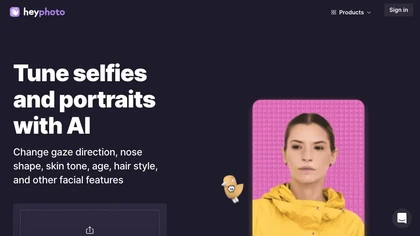
HeyPhoto is an AI‑powered photo editor that lets users swap faces, generate new faces, upscale images, and remove backgrounds with one click, offering facial attribute adjustments and support for common image formats up to 5 MB.
Free

HitPaw AI Photo Enhancer upsamples images up to 8×, removes blur and noise, sharpens detail, and restores color for JPG, PNG, and WebP files. Works on web, desktop, and mobile with batch processing, aiding photographers, designers, and archivists.
Freemium

Lensa is a mobile photo editor offering one‑tap facial retouching, detailed adjustment controls, background replace/blur, independent layer tuning, filters, effects, and borders for quick editing on iOS and Android.
Freemium
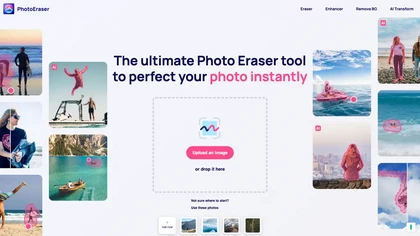
Photo Eraser uses AI to delete objects, people, backgrounds, or blemishes, replace skies, and swap faces. It supports HEIC, PNG, JPG, and offers automatic context‑aware erasing, cropping, and photo enhancement via a drag‑and‑drop interface.
Free