
Cad To Parametric Conversion
The best 8 Cad To Parametric Conversion AI tools - Free & Paid
Explore 8 AI for Cad To Parametric Conversion
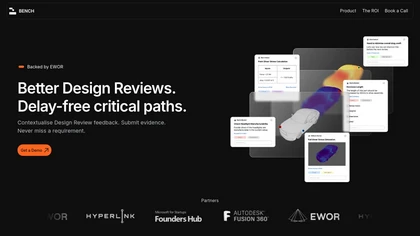
Bench automates end‑to‑end design workflows, converting STL meshes to parametric CAD and running simulations within existing CAD, CAE, and PLM tools. It cuts iteration time from days to minutes and supports collaboration with integrated review and role‑based security.
Freemium
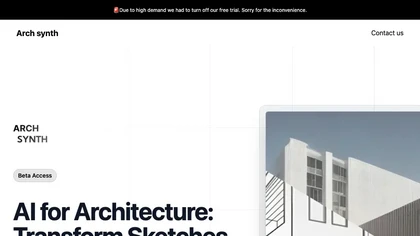
Archsynth transforms 2‑D sketches into detailed 3‑D models and high‑resolution renders instantly, supporting image‑to‑CAD, mood‑board, texture, and virtual staging creation. It offers AI inpainting, background removal, and upscaling, and exports to SketchUp, Rhino, Revit, and 3ds Max.
Freemium
- $29/mo

ArchitectGPT converts photos, CAD files, and text prompts into photorealistic interior, exterior, and landscape visualizations, preserving layout. It supports CAD-to-visual conversion, floorplan rendering, elevation enhancement, virtual staging, and cinematic walkthroughs for architects, designers,
Subscription
- $25/mo
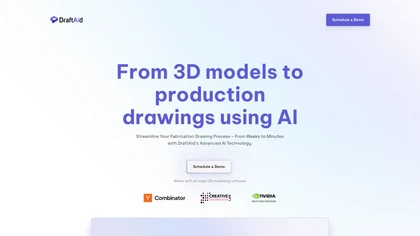
DraftAid transforms 3D models into production‑ready 2D drawings, automatically setting layout, scaling, break lines, dimensions, and annotations to meet engineering standards. It adapts to company templates, integrates with major CAD platforms, and cuts drafting time while lowering errors.
Freemium
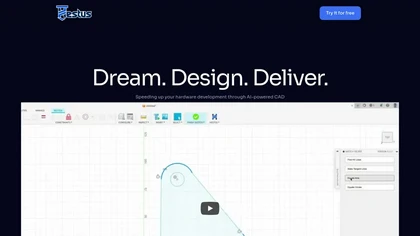
Hestus is an AI‑driven autocomplete tool that predicts the next drawing step inside CAD, cutting clicks by up to 60 % and speeding completion 2.5‑fold. Its one‑keystroke suggestions streamline workflows, delivering faster, accurate drawings.
Free

ContextClue transforms CAD, PDF, ERP and planning files into queryable knowledge graphs, enabling semantic search and automated generation of SOPs, compliance reports, and digital‑twin data. Ideal for manufacturing, R&D, and maintenance teams to streamline specification access and part reuse.
Freemium
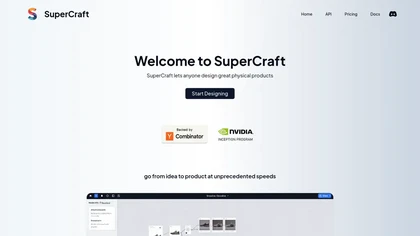
SuperCraft transforms natural language, sketches, or CAD files into photorealistic renderings, animations, and visualizations via a node‑based, non‑destructive workflow. Its secure on‑prem deployment and team collaboration tools reduce iteration time and improve communication.
Freemium