SlideSpeak vs SlidesPilot Comparison
What is the difference between SlideSpeak and SlidesPilot? Compare SlideSpeak and SlidesPilot in details side by side to make a choice.


Differences between SlideSpeak and SlidesPilot
SlideSpeak Description
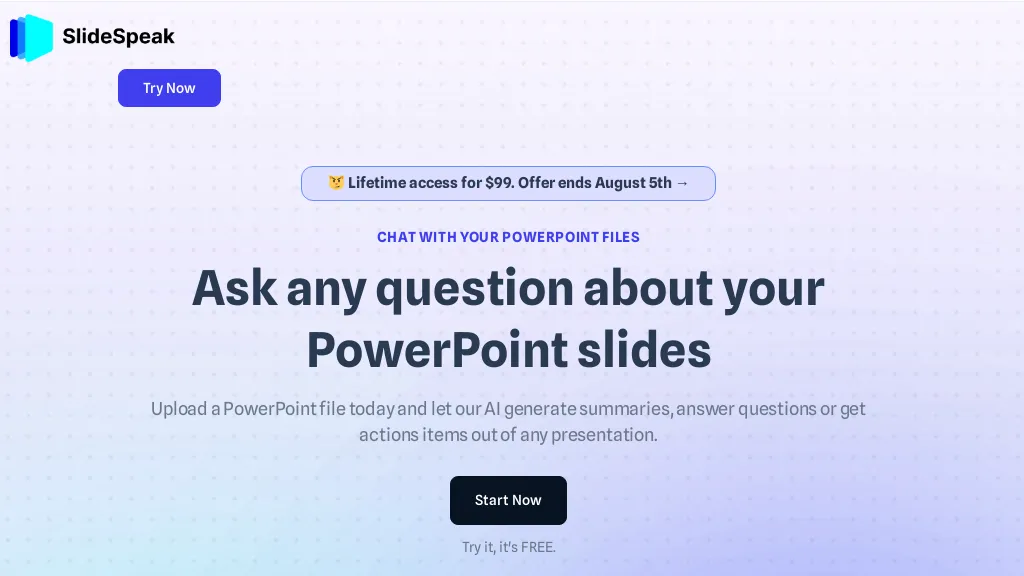
SlideSpeak transforms PDFs, Word, Excel, and web content into PowerPoint slides in seconds, offering AI editing, infographics, charts, AI images, narrated videos, branding, translation, and an API for custom integration.
SlideSpeak Features
- Generate slides from PDF/Word/Excel
- Fully editable AI-generated slides
- Built-in AI editor for layouts
- Automatic brand kit application
- Convert deck to narrated video
- Programmatic generation via API
SlidesPilot Description
SlidesPilot converts PDFs, Word docs, URLs, and text into editable PowerPoint decks with AI‑generated summaries, charts, tables, diagrams, and royalty‑free images. Users can edit layouts via a block editor and export to PPTX, Google Slides, PDF, PNG, or JPG.
SlidesPilot Features
- AI-Driven Word to PPT conversion
- Customizable presentation length and tone
- Block-based intuitive editor
- Export to PPTX, PDF, PNG
- Advanced encryption for file privacy
- Predefined theme library selection
- AI-generated executive summaries
User Satisfaction & Ratings
SlideSpeak Feedback
SlidesPilot Feedback
Pricing Breakdown
SlideSpeak Pricing
Pricing model: Freemium
Starting at: $29/mo
Available Plans:
SlidesPilot Pricing
Pricing model: Free trial
Starting at: Contact for pricing
Platform Availability & Capabilities
SlideSpeak Capabilities
Best for
convert:document>presentation convert:document>video convert:url>presentation convert:url>videoSlidesPilot Capabilities
Best for:
convert:document>presentation convert:url>presentation convert:text>presentation convert:document>document convert:document>imageWho Should Use Each?
SlideSpeak Users
SlidesPilot Users
Screenshots & Media
SlideSpeak