
Free Text-To-Speech vs Vidnoz Comparison
What is the difference between Free Text-To-Speech and Vidnoz? Compare Free Text-To-Speech and Vidnoz in details side by side to make a choice.


Differences between Free Text-To-Speech and Vidnoz
Free Text-To-Speech Description
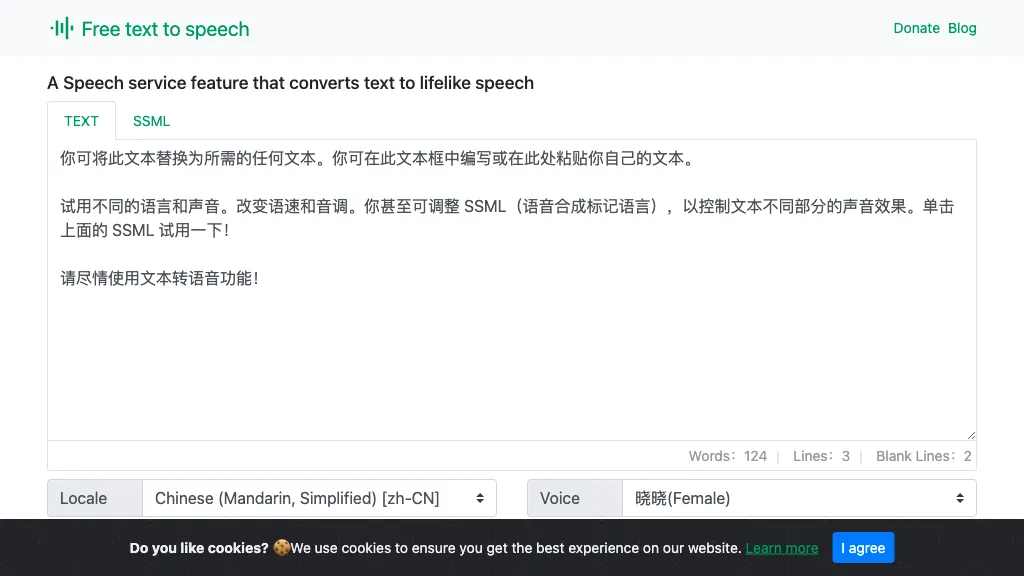
A web‑based Microsoft AI TTS tool offering 330+ neural voices in 129 languages. Users can adjust rate, pitch, pauses, and style for news, scripts, or narration. Works across Chrome, Firefox, Edge, with an API for web integration.
Free Text-To-Speech Features
- Realistic neural TTS synthesis
- Customizable narrator voice
- Adjustable speech rate, pitch, pauses
- Multilingual support 129 languages
- Browser compatibility Chrome, Firefox, Edge
- Download audio output
- Supports SSML input
Vidnoz Description
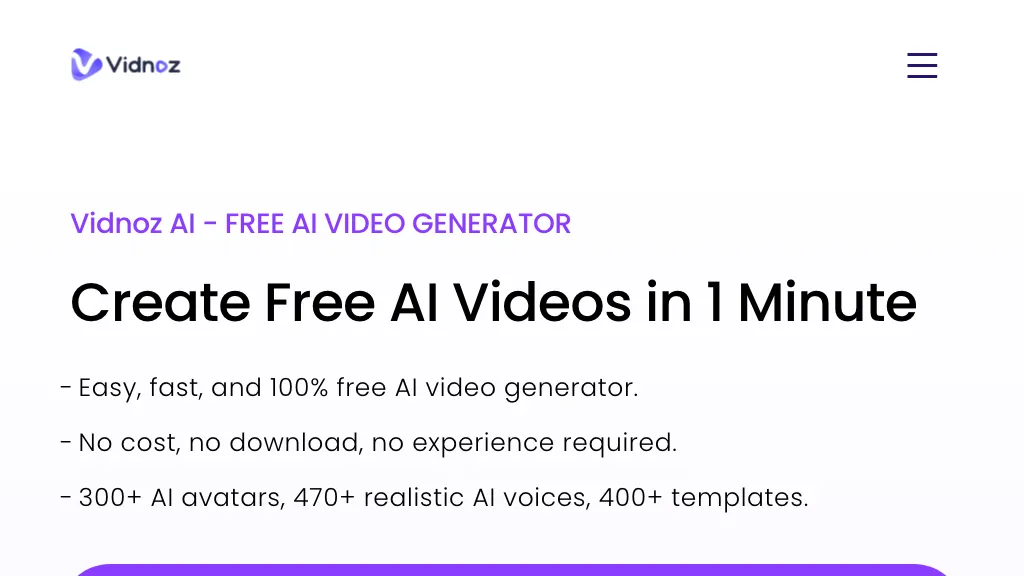
Vidnoz AI turns text into video with over 1900 AI avatars, 2000 voices, and 2800 templates. It supports voice cloning, real‑time lip sync, and 140+ language subtitles, enabling quick, low‑cost production for creators, marketers, educators, and trainers.
Vidnoz Features
- Upload product image, auto-generate video
- Thousands of realistic AI avatars
- Customizable avatars from video clip
- Hyper-real voice and lip sync
- No cameras, no studios, no models
- Instant update with new product images
User Satisfaction & Ratings
Free Text-To-Speech Feedback
Vidnoz Feedback
Pricing Breakdown
Free Text-To-Speech Pricing
Pricing model: Free
Starting at: Contact for pricing
Vidnoz Pricing
Pricing model: Paid
Starting at: $19.99
Available Plans:
Platform Availability & Capabilities
Free Text-To-Speech Capabilities
Best for
convert:text>audio generate:text>audioWho Should Use Each?
Free Text-To-Speech Users
Vidnoz Users
Screenshots & Media
Free Text-To-Speech
Vidnoz
Pros & Cons
Free Text-To-Speech
Vidnoz
Pros:
- Easy to use with no experience required
- Over 1000 realistic AI avatars
- 1000+ free video templates
- Advanced AI face swapping capabilities
- Industry-leading AI voice cloning
- Custom AI avatars from personal videos
- Comprehensive AI video editing tools
- Supports 140+ languages
- Wide range of AI tools for photo and video enhancement
- High-quality video generation at scale
- Facilitates rapid video creation, increasing productivity
- No need for cameras, studios, or actors
Cons:
- Dependence on AI may limit creative control
- Customization options might be overwhelming for new users
- May require a learning curve to utilize all features effectively
- Quality of AI-generated content may vary
- Limited by the number of credits for face swapping