Archsynth vs SketchPro AI Comparison
What is the difference between Archsynth and SketchPro AI? Compare Archsynth and SketchPro AI in details side by side to make a choice.


Differences between Archsynth and SketchPro AI
Archsynth Description
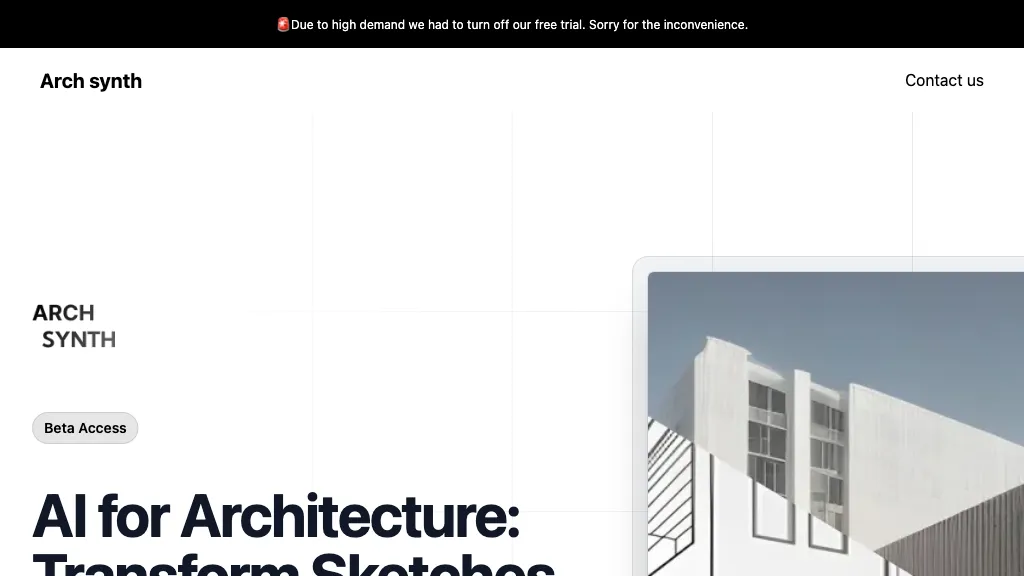
Archsynth transforms 2‑D sketches into detailed 3‑D models and high‑resolution renders instantly, supporting image‑to‑CAD, mood‑board, texture, and virtual staging creation. It offers AI inpainting, background removal, and upscaling, and exports to SketchUp, Rhino, Revit, and 3ds Max.
Archsynth Features
- Convert 2D sketches to 3D
- Render images in 14 seconds
- AI inpainting for missing parts
- Up-scaling images with advanced algorithms
- Text-to-image synthesis
- Edit images via textual commands
SketchPro AI Description
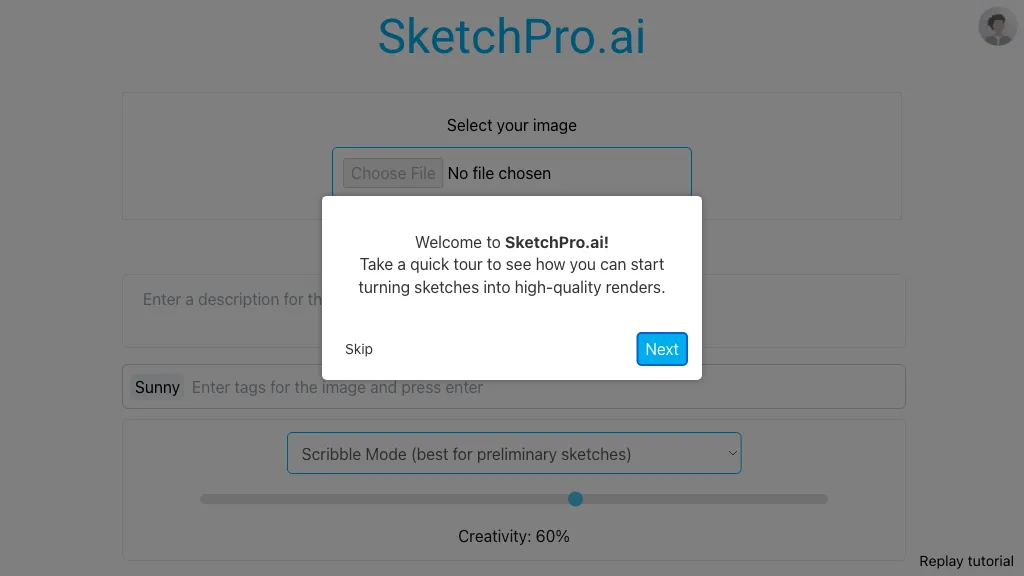
SketchPro is a native Revit add‑in that uses AI to automate documentation—dimensioning, tagging, sheets, and schedules—from natural‑language commands while applying firm‑specific guidelines, saving time, improving consistency, and ensuring compliance.
SketchPro AI Features
- AI-driven documentation inside Revit
- Automated dimensioning across building sides
- Tagging and labeling of elements
- View and sheet organization
- Real-time command execution
- Enforces firm standards via knowledge base
- Native Revit add-in integration
User Satisfaction & Ratings
Archsynth Feedback
SketchPro AI Feedback
No feedback data yet
Pricing Breakdown
Archsynth Pricing
Pricing model: Freemium
Starting at: $29/mo
Available Plans:
SketchPro AI Pricing
Pricing model: Subscription
Starting at: Contact for pricing
Platform Availability & Capabilities
Who Should Use Each?
Archsynth Users
SketchPro AI Users
Screenshots & Media
Archsynth
SketchPro AI