
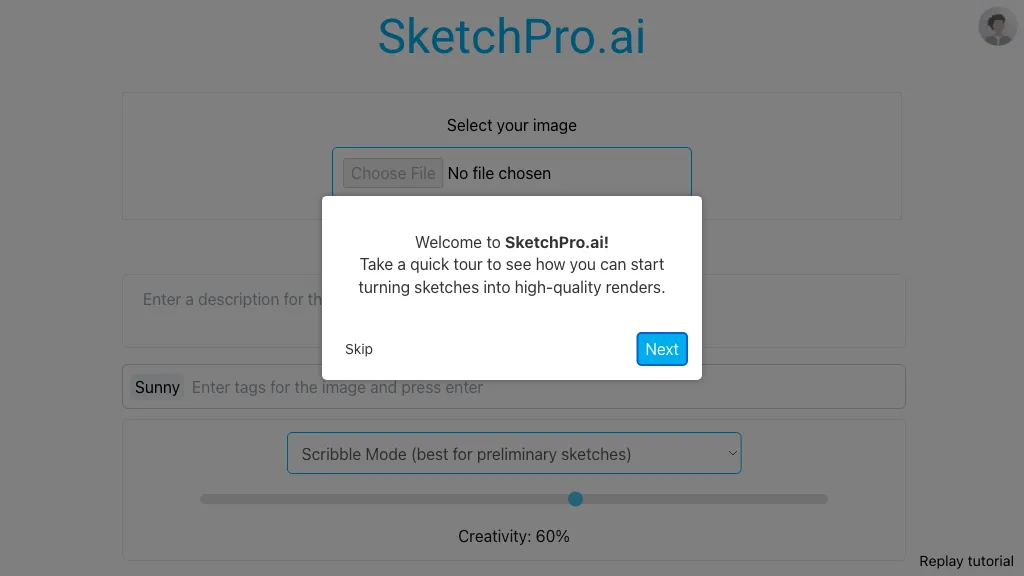
What is SketchPro AI?
SketchPro is an AI copilot that integrates directly into Revit as a native add‑in. It automates common documentation tasks—dimensioning, tagging, sheet creation, and schedule generation—by interpreting natural‑language commands and executing them within the current view.
The tool uses a knowledge base that accepts firm‑specific guidelines written in plain English, ensuring consistent naming, formatting, and placement across all team outputs without additional coding. Users can measure time savings and quality improvements in real‑time, with full model context and instant command execution.
SketchPro AI pricing
SubscriptionPricing details aren't listed here — check the official pricing page below.
Verify on the official pricing page.
View plansSketchPro AI's key features
-
AI-driven documentation inside Revit
-
Automated dimensioning across building sides
-
Tagging and labeling of elements
-
View and sheet organization
-
Real-time command execution
-
Enforces firm standards via knowledge base
-
Native Revit add-in integration
SketchPro AI use cases
-
Generate a full set of construction documents—dimensions, tags, sheets, and schedules—in Revit by typing natural‑language commands, with SketchPro automatically applying firm guidelines and ensuring compliance in seconds
-
Collaborate with the BIM team to update tags and schedules in real‑time: give a simple directive like “add load‑bearing wall tags to all levels,” and SketchPro will apply the firm’s tagging standards across the model instantly
-
Produce polished, compliant project sheets for clients and inspectors by instructing SketchPro to auto‑create and format sheets from the current model, guaranteeing that every sheet meets regulatory and firm specifications with zero manual tweaking
SketchPro AI user reviews
Would you recommend SketchPro AI?
Who is SketchPro AI for?
-
Product designers
-
Digital designers
-
Visual artists
-
Sketch designers
-
Creative directors
SketchPro AI FAQ
Is SketchPro AI free?
No. SketchPro AI is a paid product and requires a paid plan to use.
What are the best alternatives to SketchPro AI?
The closest alternatives to SketchPro AI are MyArchitectAI, mnml.ai, Revise, ArchiVinci and Dimension. You can compare them side by side in the alternatives section further down this page.


