AirCaption vs Free Text-To-Speech Comparison
What is the difference between AirCaption and Free Text-To-Speech? Compare AirCaption and Free Text-To-Speech in details side by side to make a choice.


Differences between AirCaption and Free Text-To-Speech
AirCaption Description
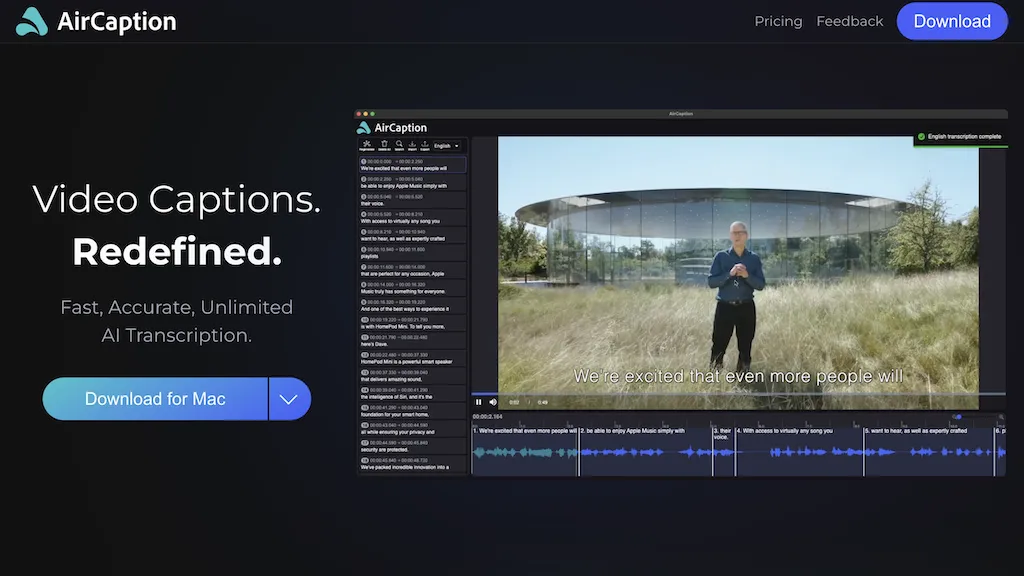
AirCaption offers offline, privacy‑first speech‑to‑text transcription and captioning for audio/video across 67 languages. It supports batch processing, hotkeys, editable timings, and export to standard formats, aiding editors, podcasters, researchers, and educators.
AirCaption Features
- AI speech-to-text transcription
- Offline processing, no internet
- Supports 67 languages
- Hotkeys for editing speed
- Drag‑and‑drop folder transcription
- Import and edit captions
Free Text-To-Speech Description
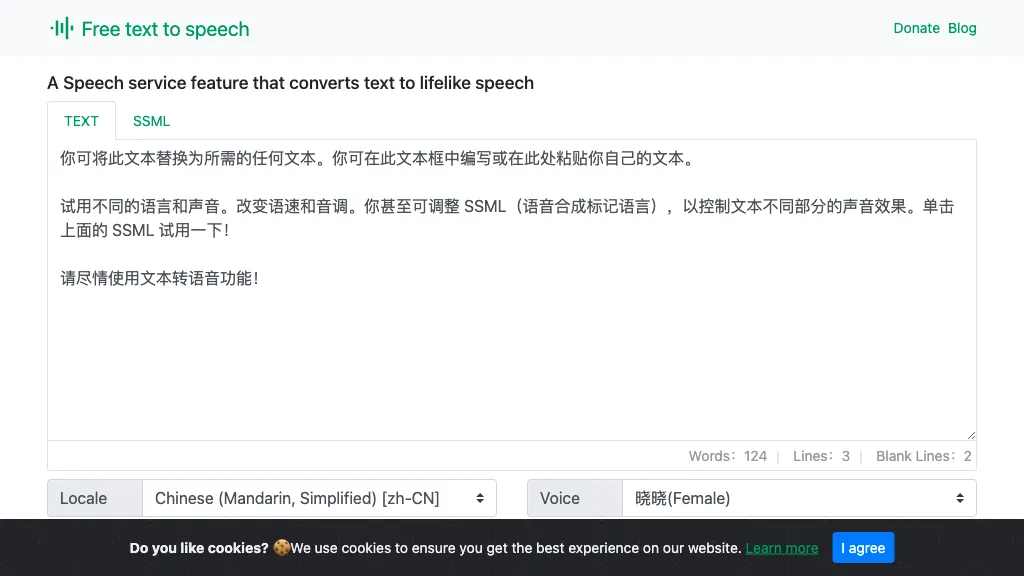
A web‑based Microsoft AI TTS tool offering 330+ neural voices in 129 languages. Users can adjust rate, pitch, pauses, and style for news, scripts, or narration. Works across Chrome, Firefox, Edge, with an API for web integration.
Free Text-To-Speech Features
- Realistic neural TTS synthesis
- Customizable narrator voice
- Adjustable speech rate, pitch, pauses
- Multilingual support 129 languages
- Browser compatibility Chrome, Firefox, Edge
- Download audio output
- Supports SSML input
User Satisfaction & Ratings
AirCaption Feedback
Free Text-To-Speech Feedback
Pricing Breakdown
AirCaption Pricing
Pricing model: Subscription
Starting at: $9.99/mo
Available Plans:
Free Text-To-Speech Pricing
Pricing model: Free
Starting at: Contact for pricing
Platform Availability & Capabilities
AirCaption Capabilities
Best for
Generate Voice Transcribe Audio enhance text Generate TextFree Text-To-Speech Capabilities
Best for:
Generate Audio translate texts Optimize Voice Analyze VoiceWho Should Use Each?
AirCaption Users
Free Text-To-Speech Users
Screenshots & Media
AirCaption
Free Text-To-Speech