
What is Zcad?
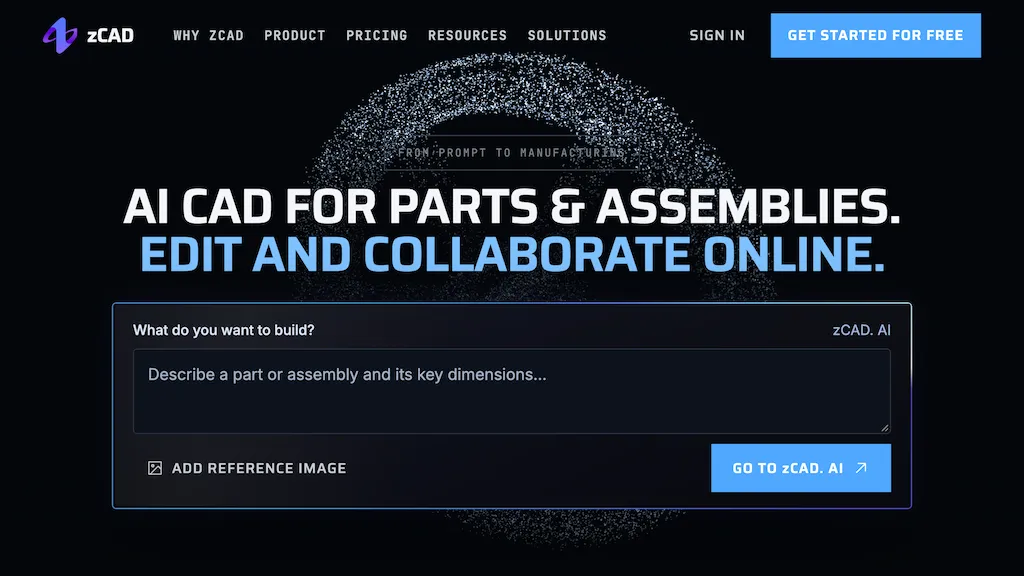
zCAD is an AI-native CAD platform that converts text or reference images into structured, editable parametric CAD (text-to-CAD and image-to-CAD).
It combines zCAD.AI for automated model generation with zCAD.Online for browser-based parametric modeling, editing, and drawing creation.
Generated models remain associative between AI and Online, eliminating export/import steps.
Supports multi-part assemblies with driving dimensions, geometric constraints, and assembly mates.
Includes sheet metal, weldments, surface modeling, BOM generation, interference checking, motion simulation, and basic structural analysis and rendering.
Delivers associative 2D drawings and model-based annotations while preserving editable geometry during CAD data exchange.
Project permissions, version history, and real-time co-editing enable controlled collaboration and traceability.
Zcad pricing
FreemiumVerify on the official pricing page.
View plansZcad's key features
-
Text- and image-to-editable parametric CAD conversion (text-to-CAD and image-to-CAD)
-
Automated AI model generation integrated with browser-based parametric modeling, editing, and drawing creation
-
Associative synchronization between AI-generated models and online editor (no export/import needed)
-
Multi-part assembly support with driving dimensions, geometric constraints, and assembly mates
-
Advanced modeling and analysis toolset: sheet metal, weldments, surface modeling, BOM generation, interference checking, motion simulation, basic structural analysis, and rendering
Zcad use cases
-
Turn hand-drawn sketches, photos or text descriptions into editable parametric CAD parts using zCAD's AI-driven text-to-CAD and image-to-CAD conversion, then refine constraints in the browser, generate 2D drawings and export manufacturing-ready STEP files with versioning and real-time collaboration
-
Design production-ready sheet metal components by converting written specifications into parametric sheet metal models, apply bend allowances and unfolding, run formability simulation, produce BOMs and DXF/laser outputs, and co-edit with suppliers in real time
-
Create associative multi-part assemblies from a product brief, have zCAD auto-generate interrelated parts and constraints, simulate motion or structural loads, produce consolidated BOMs and exploded 2D drawings, and track revisions across teams in the cloud
Zcad user reviews
Would you recommend Zcad?
Who is Zcad for?
-
Mechanical engineers
-
Product designers
-
Industrial designers
-
Design engineers
-
Cad technicians/drafters
-
Sheet metal fabricators
-
Weldment/fabrication engineers
-
Manufacturing engineers
-
Prototype engineers
-
R&d engineers
-
Hardware startups and small engineering teams
-
Engineering managers
-
Cnc programmers/cam operators
-
Bom/production planners
-
Engineering students and educators
Zcad FAQ
Is Zcad free?
Partly. Zcad has a free plan with usage limits, and paid plans unlock the full feature set. Plans include Plus at $49.99/mo and Pro at $89.99/mo.
What are the best alternatives to Zcad?
The closest alternatives to Zcad are TextToCAD, Tripo3D, AI3DGen, 3D AI Studio and Alpha3D. You can compare them side by side in the alternatives section further down this page.


