
What is Youtube Transcript Generator - Riverside?
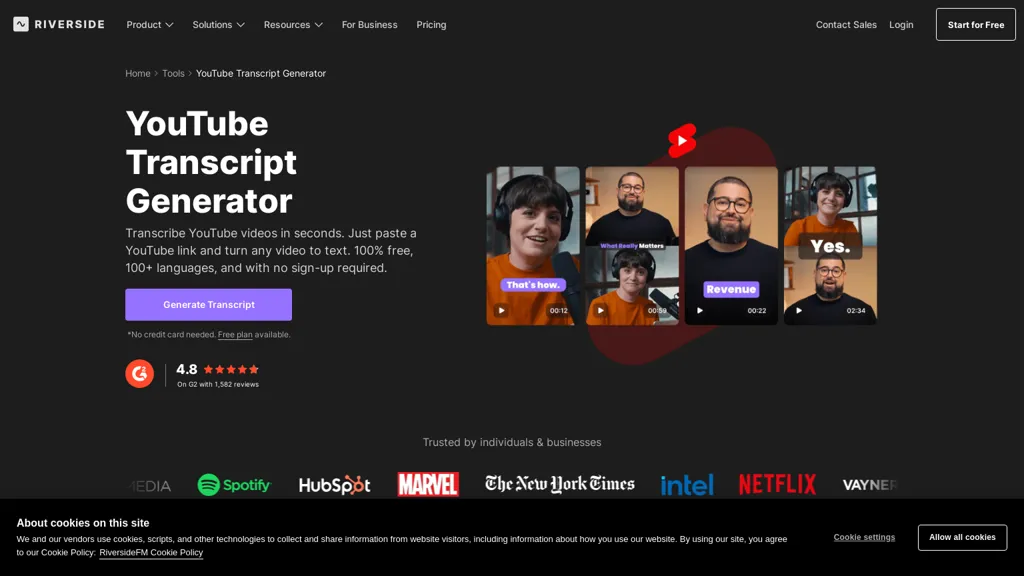
The Riverside YouTube Transcript Generator offers a fast and accurate way to convert YouTube videos into text.Simply paste a YouTube link and the AI automatically generates a transcript with up to 99% accuracy, supporting 100+ languages.
It allows you to download transcripts in text or subtitle formats, perfect for repurposing into blog posts, summaries, or captions.The tool supports live streaming, webinars, and podcast publishing, streamlining content creation.
Features include AI-powered “Magic Clips” and “Magic Audio” for enhanced editing.It's designed for podcasters, marketers, and creators seeking to maximize their video content.The intuitive browser-based interface eliminates downloads and uploads.
With Riverside, you can effortlessly create content from start to finish, repurposing videos for various platforms and formats.It’s a complete YouTube content studio, offering features like automatic summaries and clips.
The tool is easy to use, even for beginners, and offers a free plan.
Youtube Transcript Generator - Riverside details
- Company
- RiversideFM, Inc.
- Jurisdiction
- State of New York
- Built for
- Individuals
- Stated compliance
- SOC 2, ISO 27001
Compliance as stated in Youtube Transcript Generator - Riverside's own published documentation.
Youtube Transcript Generator - Riverside tech specs
- Works with
- OpenAI / GPT
- Cloud
- Azure
- Integrations
- Salesforce HubSpot
Youtube Transcript Generator - Riverside pricing
FreemiumYoutube Transcript Generator - Riverside offers a free plan with paid upgrades available. Plans start from $24/mo.
- Free trial
- 14 days
- Auto-renewal
- Yes
Trial, refund and renewal terms as stated in Youtube Transcript Generator - Riverside's own published documentation.
Verify on the official pricing page.
View plansYoutube Transcript Generator - Riverside's key features
-
AI-Powered Transcription (99% Accuracy)
-
100+ Language Support
-
Automatic Subtitle Generation
-
Browser-Based Interface (No Downloads)
-
Magic Clips & Magic Audio Editing
-
Live Streaming & Webinar Support
-
Podcast Publishing & Analytics
-
Async Recording Capabilities
-
Show Notes Generation
-
Customizable Transcript Formats (Text & Subtitle)
-
Integration with Riverside's Studio Platform
Youtube Transcript Generator - Riverside use cases
-
Creating blog posts and articles from YouTube video transcripts.
-
Generating captions and subtitles for YouTube videos to improve accessibility and SEO.
-
Transcribing podcast audio from YouTube videos for repurposing across platforms.
Youtube Transcript Generator - Riverside user reviews
Based on 4 reviews, 0% of users recommend Youtube Transcript Generator - Riverside.
Disliked for
Would you recommend Youtube Transcript Generator - Riverside?
Who is Youtube Transcript Generator - Riverside for?
-
Podcasters
-
Marketing professionals
-
Content creators
-
Educators & trainers
-
Video marketers
-
Businesses creating internal communications


