
What is VIVA?
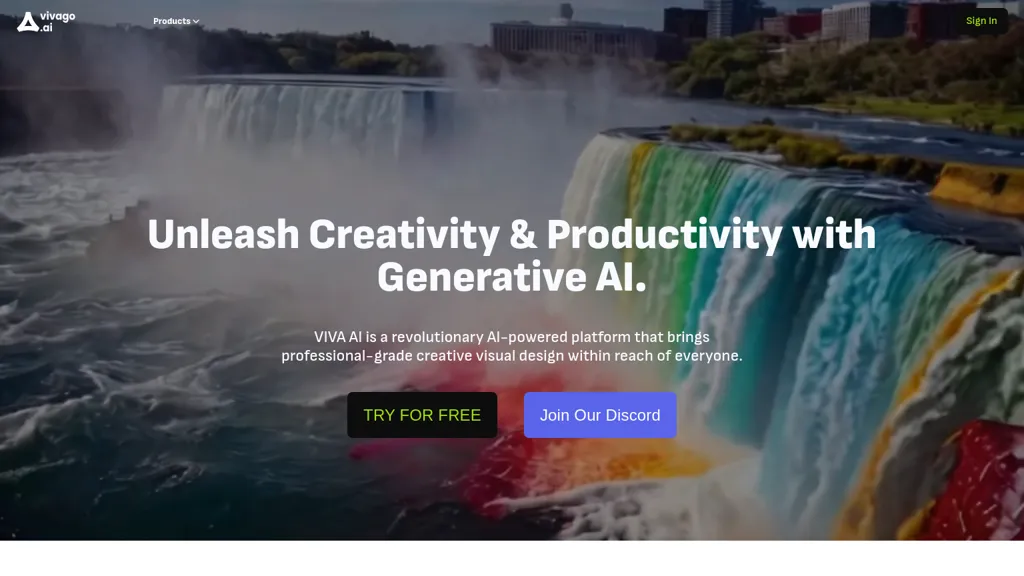
vivago.ai is an AI-driven platform that streamlines the video and image creation process for users, from marketers to educators. With features like text-to-video and image-to-video conversion, users can transform written prompts into engaging visual content effortlessly.
The platform enhances video quality to 4K resolution, allowing for sharper and more detailed output suitable for professional use. Key tools such as the Magic Brush enable users to animate specific sections of images with simple brush strokes, while the Magic Eraser provides precise removal of unwanted elements from visuals.
Additionally, vivago.ai caters to short-form content needs with its vertical video capabilities, perfect for social media platforms, along with customizable motion dimensions that align with user vision. Overall, vivago.ai offers an intuitive suite of tools to elevate visual storytelling and content creation.
VIVA pricing
Free trialVIVA offers a free trial before requiring payment.
Verify on the official pricing page.
Start free trialVIVA's key features
-
text-to-video conversion
-
image-to-video conversion
-
4K video enhancement
-
Magic Brush for animation
-
Magic Eraser for element removal
VIVA use cases
-
Create stunning promotional videos for social media campaigns using vivago.ai's text-to-video feature, allowing marketers to quickly transform their written content into captivating visuals
-
Educators can enhance their teaching materials by converting lecture notes into engaging videos, leveraging the platform's image-to-video capabilities to create dynamic learning resources
-
Utilize the Magic Brush and Magic Eraser tools to produce professional-grade visuals for blogs or websites, enabling seamless animations and precise adjustments to images without requiring advanced design skills
VIVA user reviews
Based on 24 reviews, 62% of users recommend VIVA, rated highly for value for money.
Liked for
Disliked for
Would you recommend VIVA?
Who is VIVA for?
-
Visual storytellers
-
Marketing professionals
-
Animation creators
-
Educational designers
-
Video editors
VIVA FAQ
Is VIVA free?
Not permanently. VIVA gives you a free trial, after which a paid plan is required.
Is VIVA safe to use?
VIVA carries the TopAI.tools verified mark, which we award after a manual review of pricing transparency, published terms, public following and working functionality. It has a substantial audience that is independently measured month to month.
Is VIVA good?
VIVA has a 62% recommendation rate from 24 reviewers on TopAI.tools. Reviewers rate it highest on value for money and quality of results.
What are the best alternatives to VIVA?
The closest alternatives to VIVA are Viw AI, Veo3, Vidful.ai, TopView.ai and Viyou AI. You can compare them side by side in the alternatives section further down this page.


Do you have a per‑video length limit on the free tier, or can I export a 2‑minute marketing clip without watermark?