
What is Charm AI?
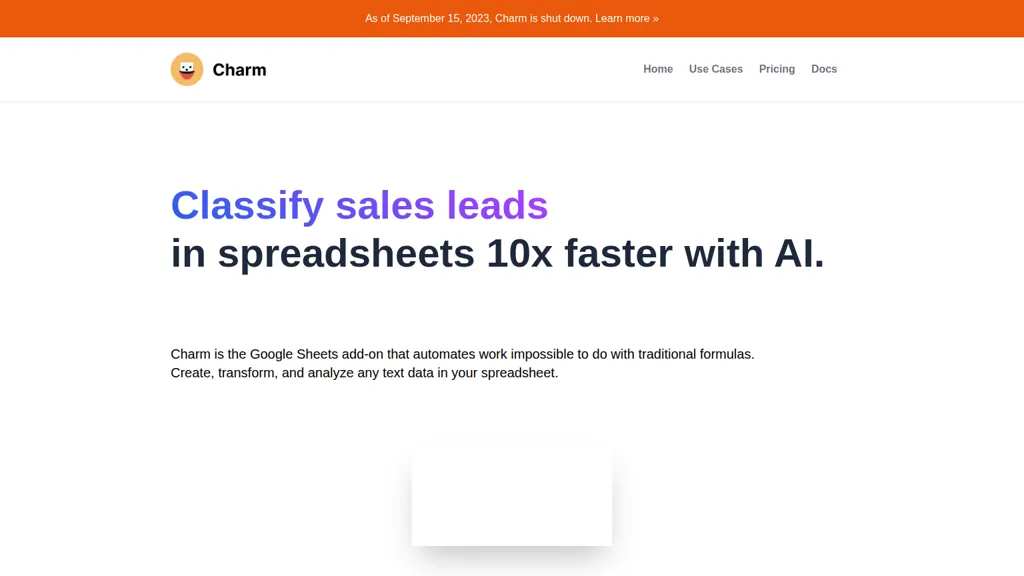
Charm is a Google Sheets add-on AI spreadsheet assistant for cleaning, transforming, and analyzing text data.It normalizes addresses, splits and merges columns, extracts entities, and standardizes messy datasets for easier analysis.
The tool can generate synthetic data (names, addresses, phone numbers) and create or rewrite SEO content, product descriptions, and summaries.It produces concise bullet-point summaries and shorter rewrites, and classifies text to tag feedback, prioritize leads, or surface trends.
A template editor lets users build custom automations to apply these operations across spreadsheets.Analysts, marketers, product managers, and sales teams can use Charm to automate repetitive text tasks and streamline spreadsheet workflows.
Charm AI details
- Built for
- Individuals
Charm AI tech specs
- Payment Processors
- Stripe
Charm AI pricing
- Free trial
- 5 days
Verify on the official pricing page.
View plansCharm AI's key features
-
Clean messy data (normalize addresses, split columns, extract entities)
-
Generate content (rewrite SEO content, write blog posts, create product description variations)
-
Generate dummy data (synthetic names, addresses, phone numbers)
-
Summarize content (bullet-point summaries, concise rewrites)
-
Classify text (categorize feedback, prioritize leads, detect trends)
Charm AI use cases
-
Clean and enrich customer contact lists in Google Sheets using Charm to normalize addresses, split and merge name/address fields, extract entities like street/city/state/ZIP for segmentation and export clean data for mailings or CRM import
-
Automate SEO and content workflows by using Charm's spreadsheet assistant to generate or rewrite product descriptions and blog snippets, summarize long copy, classify content by intent, and apply batch templates to update pages while preserving target keywords
-
Generate synthetic test datasets and anonymize sensitive text in spreadsheets with Charm to produce realistic sample records, mask PII, validate formatting rules, and automate data pipelines for QA or machine-learning experiments without coding
Charm AI user reviews
Would you recommend Charm AI?
Who is Charm AI for?
-
Content creators
-
Data analysts
-
Marketers
-
Researchers
-
Administrative assistants
Charm AI FAQ
What are the best alternatives to Charm AI?
The closest alternatives to Charm AI are SheetXAI, GPT for Work, numerous, Superjoin.ai and SimpleMetrics. You can compare them side by side in the alternatives section further down this page.
What does Charm AI do with my data?
Its privacy policy states that personal data is not sold or shared for marketing purposes. Data may be shared with third-party service providers that help run the product.
Compliance, privacy and billing terms are as stated in each product's own published documentation and have not been independently verified by TopAI.tools.


