
What is Uiquill?
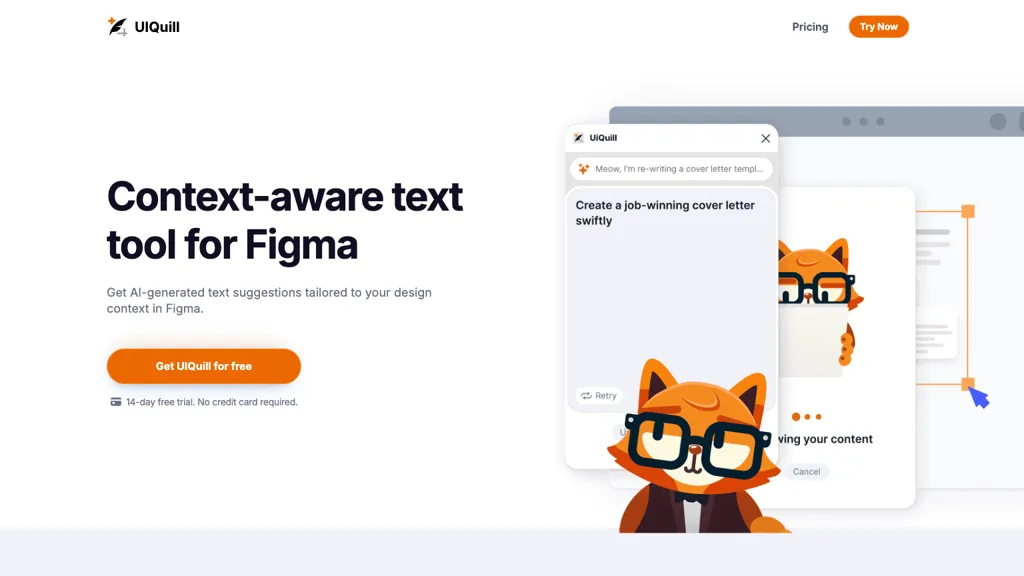
UIQuill is a context‑aware text generation tool integrated with Figma that proposes AI‑generated content tailored to the design's function, style, and length.
It works on individual text layers, groups, frames, or entire pages, allowing designers to edit large sections or fine details efficiently.
The interface supports both light and dark themes, enabling comfortable usage under different lighting conditions.
UIQuill leverages the latest AI models to generate professionally written, SEO‑optimised text that aligns with user‑specified tone and formatting preferences.
Uiquill details
- Company
- Sliday Limited
- Jurisdiction
- New Zealand
- Built for
- Individuals
Uiquill tech specs
- Integrations
- Figma
Uiquill pricing
Subscription- Free trial
- 14 days
- Refund window
- 0 days
- Auto-renewal
- Yes
Verify on the official pricing page.
View plansUiquill's key features
-
Context-aware text generation in Figma
-
AI-generated design‑specific text suggestions for Figma
-
Optimizes text across layers, frames, pages
-
Light and dark theme support
-
SEO-optimized text for high ranking
-
Unlimited content creation with AI
-
Latest AI models for accuracy
Uiquill use cases
-
Generate consistent CTA copy for all UI screens within Figma, cutting design time by 70% and ensuring brand tone alignment
-
Create localized, SEO‑friendly placeholder text for internationalized app interfaces directly in Figma, streamlining multilingual launch
-
Automate microcopy updates across design iterations, keeping copy consistent with updated layouts without manual retyping
Uiquill user reviews
Would you recommend Uiquill?
Who is Uiquill for?
-
Software developers
-
Product designers
-
Content creators
-
Digital marketers
-
Search engine optimizers
Uiquill FAQ
How much does Uiquill cost?
Uiquill is a paid product with no free plan. Plans include Premium at $9/mo and Lifetime at $299.
Is Uiquill safe to use?
Uiquill is operated by Sliday Limited, registered in New Zealand.
What are the best alternatives to Uiquill?
The closest alternatives to Uiquill are Canva AI, Fotor, WPS office, Text to Design and Dzine. You can compare them side by side in the alternatives section further down this page.
Does Uiquill auto-renew or offer refunds?
Uiquill subscriptions renew automatically until you cancel. It states a 0-day refund window.
Who made Uiquill?
Uiquill is built and operated by Sliday Limited, a company registered in New Zealand.
What does Uiquill integrate with?
Uiquill connects with Figma.
Compliance, privacy and billing terms are as stated in each product's own published documentation and have not been independently verified by TopAI.tools.


