
What is UGCraft AI?
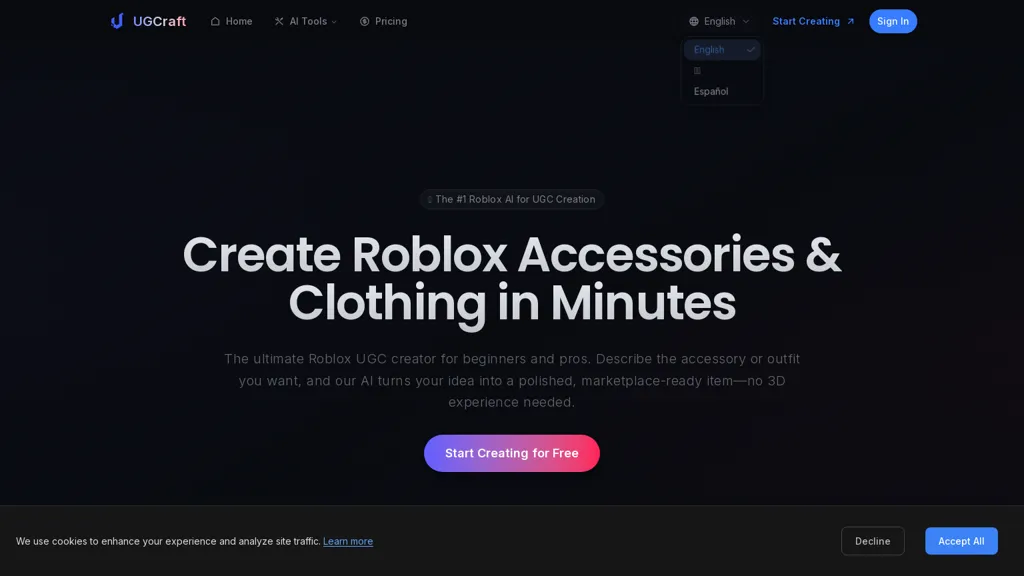
UGCraft AI helps Roblox UGC creators design and publish unique UGC accessories and clothing in minutes. No 3D skills needed—turn ideas into marketplace-ready items fast.
It provides text-to-3D and image-to-3D generation with FBX and GLB exports compatible with the Roblox UGC pipeline.
Designed for beginners and experienced creators, it produces models that can be edited in Blender or Maya without prior 3D expertise.
Includes built-in compliance checks, PBR texture support, and tools for prototypes, variations, and batch generation to streamline design workflows.
Generated items include commercial rights for publishing to the Roblox marketplace and monetizing via Robux.
Common use cases include hobbyist avatar items, developer in-game assets, and UGC creators iterating designs quickly.
UGCraft AI details
- Jurisdiction
- State of Delaware, United States
- Built for
- Individuals
- Stated compliance
- GDPR, CCPA
Compliance as stated in UGCraft AI's own published documentation.
UGCraft AI pricing
Freemium- Refund window
- 7 days
- Auto-renewal
- Yes
Verify on the official pricing page.
View plansUGCraft AI's key features
-
Text-to-3D and image-to-3D generation
-
FBX and GLB export compatible with the Roblox UGC pipeline
-
Models editable in Blender and Maya
-
Built-in compliance checks
-
PBR texture support and tools for prototypes, variations, and batch generation
UGCraft AI use cases
-
Design and publish marketplace-ready Roblox accessories and clothing using Ugcraft AI by converting text prompts or concept images into editable FBX/GLB models with PBR textures and built-in compliance checks, enabling fast prototyping and one-click export for UGC publication
-
Rapidly generate dozens of variant outfits and accessory packs with Ugcraft AI's batch 3D generation from a single concept image or prompt, automatically producing Roblox-compatible FBX/GLB files with editable meshes and texture variants for A/B testing or seasonal drops
-
Turn concept art into playable avatars and wearable items using Ugcraft AI's image-to-3D and text-to-3D tools, refine models in-editor, ensure Roblox compliance, and export optimized FBX/GLB assets ready for integration into game pipelines or third-party 3D workflows
UGCraft AI user reviews
Based on 4 reviews, 25% of users recommend UGCraft AI, rated highly for value for money.
Liked for
Disliked for
Would you recommend UGCraft AI?
Who is UGCraft AI for?
-
3d artists
-
Ugc marketplace sellers
-
Content creators
-
Product designers
-
E-commerce sellers
UGCraft AI FAQ
Is UGCraft AI free?
Partly. UGCraft AI has a free plan with usage limits, and paid plans unlock the full feature set. Plans include Creator at $12/mo and Pro at $24/mo.
Is UGCraft AI safe to use?
UGCraft AI states GDPR and CCPA compliance in its own published documentation. It has a substantial audience that is independently measured month to month.
What are the best alternatives to UGCraft AI?
The closest alternatives to UGCraft AI are AI3DGen, MeshGPT.io, Seed3D20.com, In3D and To3D.AI. You can compare them side by side in the alternatives section further down this page.
What does UGCraft AI do with my data?
UGCraft AI states that customer content is not used to train its models. Its privacy policy states that personal data is not sold or shared for marketing purposes. Data may be shared with third-party service providers that help run the product.
Does UGCraft AI auto-renew or offer refunds?
UGCraft AI subscriptions renew automatically until you cancel. It states a 7-day refund window.
Compliance, privacy and billing terms are as stated in each product's own published documentation and have not been independently verified by TopAI.tools.


