
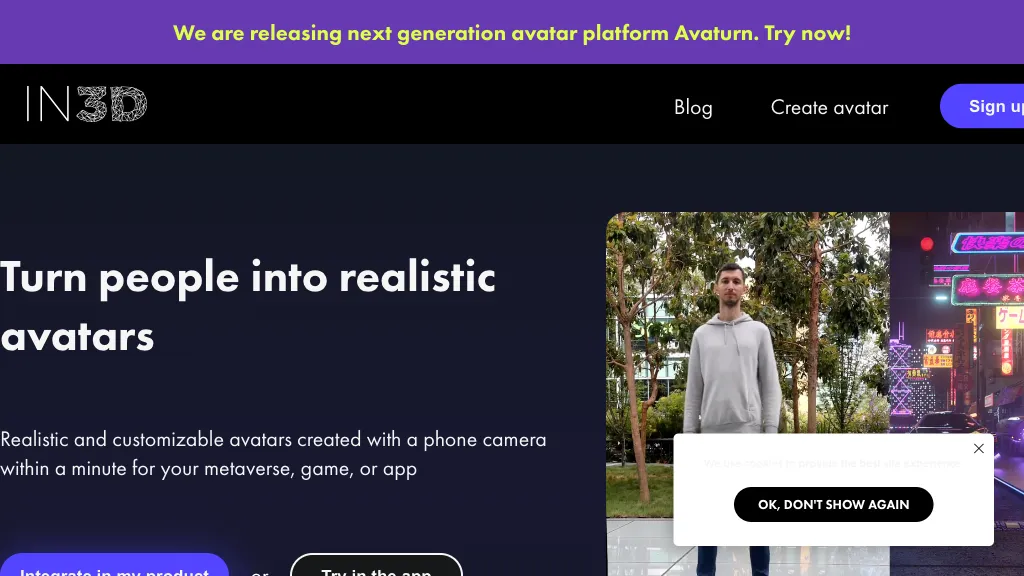
What is In3D?
in3D is a platform that lets users create photorealistic avatars for the metaverse, games, or applications using a phone camera in under a minute. It supports export of 3D models in FBX, GLB, or USDZ formats for compatibility with a wide range of pipelines.
Developers can integrate avatars directly into their products via in3D’s Web SDK and API, with ready‑made SDKs for Unreal Engine and Unity. The platform includes a scanning feature that captures user likenesses and converts them into detailed meshes suitable for virtual environments.
A community hub and blog provide tutorials, such as converting meshes to MetaHumans and showcasing collaborations like the in3D x Netflix partnership. The service emphasizes quick deployment, cross‑platform export, and seamless integration for developers building immersive experiences.
In3D pricing
FreemiumIn3D offers a free plan with paid upgrades available.
Verify on the official pricing page.
View plansIn3D's key features
-
Create realistic avatars via phone camera
-
Export 3D models: FBX, GLB, USDZ
-
Unreal Engine SDK integration
-
Unity SDK integration
-
Web SDK and API support
-
Copy‑paste avatars into environments
-
Real‑time avatar creation in minutes
In3D use cases
-
Develop a virtual try‑on experience for an e‑commerce clothing brand by capturing customers’ photorealistic avatars directly from their phone camera, exporting them to USDZ, and integrating with the in3D Web SDK so shoppers can instantly see themselves wearing outfits without any coding
-
Build a multiplayer AR social app where users generate their own 3‑D avatars in under a minute using in3D, export the models to GLB, and stream them through the Unreal Engine to create shared virtual spaces—all while eliminating the need for traditional 3‑D modeling skills
-
Create interactive educational simulations for schools, letting students snap realistic avatars from their phones, convert the mesh to FBX, and import into Unity to personalize their characters in VR learning modules
In3D user reviews
Based on 2 reviews, 100% of users recommend In3D, rated highly for feature coverage.
Liked for
Would you recommend In3D?
Who is In3D for?
-
3d artists
-
Product designers
-
Content creators
-
Digital marketers
-
Entertainment industry creators
In3D FAQ
Is In3D free?
Partly. In3D has a free plan with usage limits, and paid plans unlock the full feature set.
What are the best alternatives to In3D?
The closest alternatives to In3D are Face-generator, VOGE, UGCraft AI, Stable fast 3d(sf3d) and AI3DGen. You can compare them side by side in the alternatives section further down this page.
Does In3D have an API?
Yes. In3D offers an API, so you can call it from your own applications instead of using the interface directly.
Is there a mobile app for In3D?
Yes. In3D has a mobile app alongside its web version.


