
What is Tablextract?
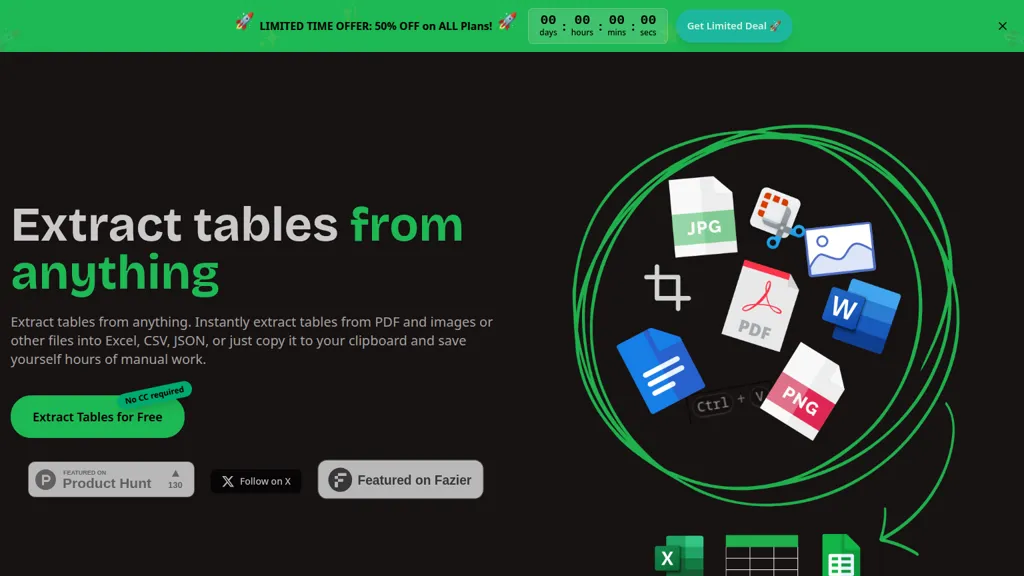
Tablextract extracts tables from PDFs, images, scanned documents and screenshots into Excel, CSV, JSON or clipboard-ready data.
Automatic OCR and table recognition preserve row/column structure, handle merged cells, multi-page and nested tables, and recover complex layouts.
Supports receipts, invoices, scientific papers, financial reports and legacy documents with special characters or formulas.
Export options include direct download, clipboard copy and format-preserving Excel/CSV/JSON outputs for downstream processing.
Reduces manual data entry and post-OCR cleanup time for finance teams, researchers, data analysts, claims processors and operations staff.
Offers selective page- or section-level extraction and structured outputs for easy integration with spreadsheets, BI tools and databases.
Tablextract pricing
Verify on the official pricing page.
View plansTablextract user reviews
Based on 1 review, 0.0% of users recommend Tablextract.
Disliked for
Would you recommend Tablextract?
Tablextract's key features
-
AI-powered table recognition that identifies and extracts tables while preserving complex table structure
-
OCR support for scanned documents, images, and handwritten text
-
Accepts multiple input formats and methods (PDF, JPG, PNG, spreadsheets; drag-and-drop or clipboard paste)
-
Selective extraction from specific pages or sections of a document
-
Export outputs to Excel, CSV, JSON or copy extracted tables to clipboard
Tablextract use cases
-
Convert multi-page scanned financial statements, invoices or billing PDFs into cleaned Excel workbooks that preserve merged cells and nested layouts for accountants to reconcile and import into ERPs, using selective page extraction to ignore non-table pages
-
Extract tables from research papers, reports or government PDFs and images into CSV or JSON for data analysis and visualization, leveraging automatic OCR and table structure recovery to maintain row/column relationships for downstream processing
-
Automate AP workflows by parsing invoice line items and purchase orders from photographed receipts, scans or PDFs into format-preserving Excel/CSV exports for bulk upload, with OCR table parsing that keeps merged cells and complex table layouts intact
Who is it for?
-
Data analysts
-
Researchers
-
Administrative professionals
-
Archivists
-
Financial professionals


