
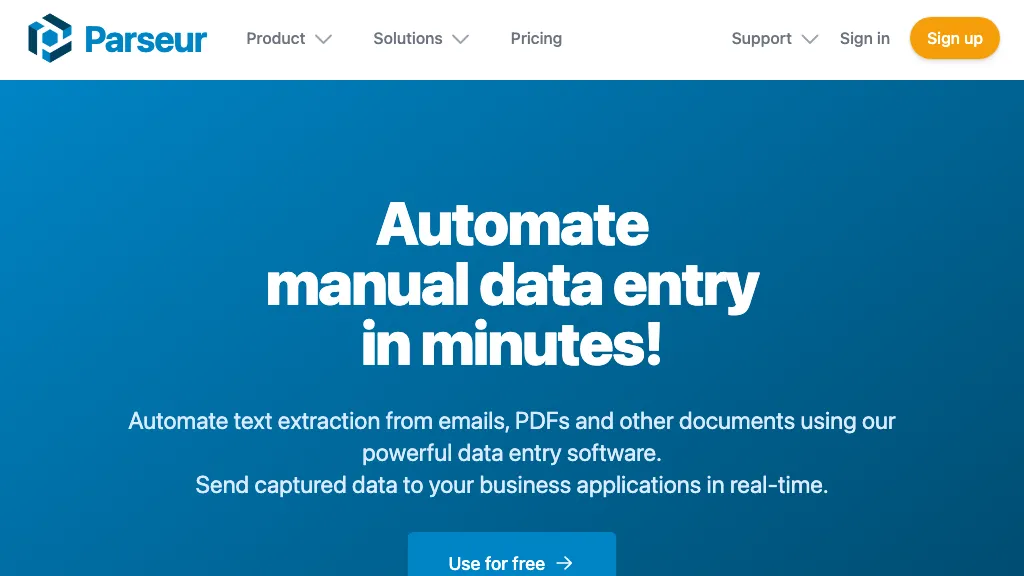
What is Parseur?
Parseur is an AI‑based data extraction platform that transforms PDFs, emails, spreadsheets, and scanned documents into structured formats. It uses AI, OCR, zonal OCR, and dynamic OCR engines to capture fields automatically, and supports template‑based extraction for strict rule‑based workflows.
The tool can pull information from invoices, bank statements, resumes, real‑estate leads, and logistics documents, then export data as CSV, Excel, JSON, or send it in real time to applications via Zapier, Make, Power Automate, webhooks, or the Parseur API.
Users can set up automatic imports from email, API, or other connectors without writing code, and review logs, alerts, and exceptions through the web interface. The platform is designed for finance, e‑commerce, human resources, logistics, and real‑estate teams that need scalable, accurate, and compliant data extraction.
Parseur details
- Company
- Parseur Pte Ltd.
- Jurisdiction
- Singapore
- Built for
- Individuals
- Stated compliance
- SOC 2, GDPR, CCPA
Compliance as stated in Parseur's own published documentation.
Parseur tech specs
- Integrations
- Zapier Make (Integromat) n8n Slack Salesforce Airtable
Parseur pricing
FreemiumVerify on the official pricing page.
View plansParseur's key features
-
Multi-format document ingestion
-
OCR engine for image PDFs
-
AI-based field extraction
-
Template-based extraction via point-and-click
-
Zonal and dynamic OCR
-
Automatic layout detection
-
Export to Zapier, Power Automate, webhooks
Parseur use cases
-
Automate invoice processing for accounting teams by extracting key fields from scanned invoices, converting them to CSV, and pushing the data into QuickBooks via Zapier for real‑time accounting updates.
-
Streamline lease agreement management for real‑estate agencies by using Parseur’s template‑based OCR to pull critical terms from PDF contracts and automatically update the CRM database, ensuring accurate listings and legal compliance.
-
Simplify employee onboarding by extracting personal and contract information from scanned offer letters and importing the structured data into the HRIS, eliminating manual data entry and reducing errors.
Parseur user reviews
Based on 1 review, 100% of users recommend Parseur, rated highly for quality results.
Liked for
Would you recommend Parseur?
Who is Parseur for?
-
Data analysts
-
Software developers
-
Cloud integrators
-
Automation engineers
-
System administrators
Parseur FAQ
Is Parseur free?
Partly. Parseur has a free plan with usage limits, and paid plans unlock the full feature set.
Is Parseur safe to use?
Parseur states SOC 2, GDPR and CCPA compliance in its own published documentation. Parseur is operated by Parseur Pte Ltd., registered in Singapore. It has a substantial audience that is independently measured month to month.
What are the best alternatives to Parseur?
The closest alternatives to Parseur are Extracta.ai, Airparser, Doctly AI, PDF.ai and SuperAI. You can compare them side by side in the alternatives section further down this page.
What does Parseur do with my data?
Parseur states that customer content is not used to train its models. Its privacy policy states that personal data is not sold or shared for marketing purposes. Data may be shared with third-party service providers that help run the product.
Does Parseur have an API?
Yes. Parseur offers an API, so you can call it from your own applications instead of using the interface directly.
Who made Parseur?
Parseur is built and operated by Parseur Pte Ltd., a company registered in Singapore.
What does Parseur integrate with?
Parseur connects with Zapier, Make (Integromat), n8n, Slack, Salesforce and Airtable.
Compliance, privacy and billing terms are as stated in each product's own published documentation and have not been independently verified by TopAI.tools.


