
What is Swayclip AI?
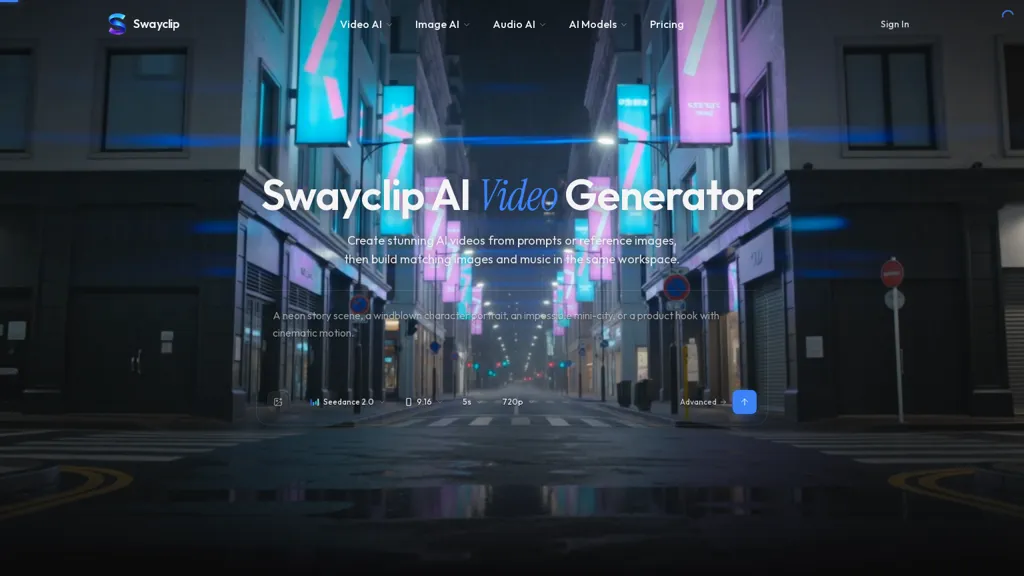
Swayclip is an AI video generator, image generator and music workspace that combines prompt-to-video, prompt-to-image and prompt-to-music creation in a single browser workspace.It supports multiple AI models (examples.
Seedance 2.0, Kling 3.0, Veo 3.1) and accepts text prompts plus reference images to produce cinematic videos, editorial images and short music tracks.Output options include vertical 9.16 and widescreen 16.
9 formats, short durations (e.g., 5s) and common resolutions such as 720p.Use cases include social clips, editorial posters, product shots, concept art and ready-to-cut soundtracks for content creators, editors and marketers.
Composer view and a single-tab workflow let users iterate across video, image and audio assets without switching tools.The interface exposes example prompts and matching tool tiles for reproducible outputs and includes FAQs and one-business-day support for technical questions.
Export formats and rights details are documented in the help section to support commercial projects.
Swayclip AI pricing Subscription
Verify on the official pricing page.
View plansSwayclip AI user reviews
Based on 1 review, 100.0% of users recommend Swayclip AI, rated highly for quality results.
Liked for
Would you recommend Swayclip AI?
Swayclip AI's key features
-
Prompt-to-video, prompt-to-image and prompt-to-music generation in a single browser workspace
-
Supports multiple AI models (e.g., Seedance 2.0, Kling 3.0, Veo 3.1) with model selection
-
Accepts text prompts and reference images as inputs to generate videos, images, and short music tracks
-
Configurable output options: aspect ratios (9:16, 16:9), short durations (e.g., 5s), and resolutions (e.g., 720p)
-
Composer view and single-tab workflow for iterating across video, image, and audio assets without switching tools
Swayclip AI use cases
-
Create attention-grabbing vertical 9:16 short videos for TikTok, Reels or Stories using Swayclip's prompt-to-video and reference-image support with ready-to-cut soundtracks, iteratively edit in a single browser tab and export social-ready assets without complex tooling
-
Develop polished marketing visuals and widescreen ad creatives by combining prompt-to-image generation and multi-model selection, using reference images for brand consistency and exporting both vertical and widescreen versions for campaigns
-
Assemble complete multimedia prototypes—video, images and short music—from text prompts in Swayclip's multimodal workspace, rapidly iterate in a single-tab workflow to produce storyboards, soundtracks and final cuts for content creators and editors
Who is it for?
-
Content creators
-
Video editors
-
Graphic designers
-
Music producers
-
Indie filmmakers


