
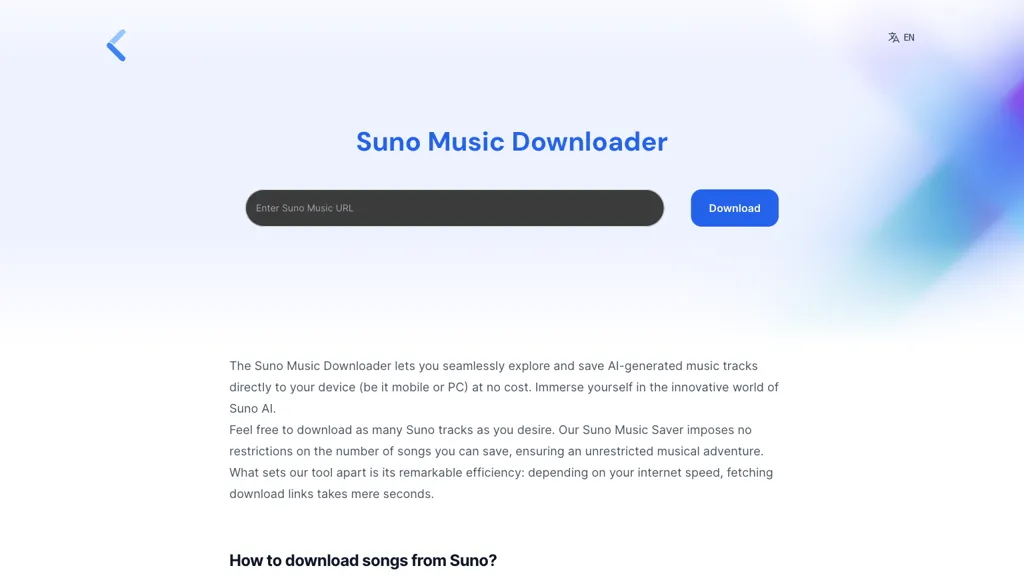
What is Suno Music Downloader?
Suno Downloader lets users copy and paste a Suno AI share link to download AI‑generated music tracks directly to any device. The tool supports Windows, macOS, Linux, and mobile browsers and offers a single‑click download once the link is retrieved. It handles any track created in Suno AI, regardless of the creator, so fans and creators can freely save songs for offline listening or sharing.
Downloading is limited only by user internet speed, and the interface requires no additional steps beyond entering the share URL and pressing download. The service works across all modern browsers and automatically saves files to the default download folder, making it easy for musicians, playlist curators, and casual listeners to collect Suno AI tracks.
Suno Music Downloader details
- Built for
- Individuals
Suno Music Downloader tech specs
- Works with
- Suno Udio
Suno Music Downloader pricing
FreemiumVerify on the official pricing page.
View plansSuno Music Downloader's key features
-
Download via share link
-
Unlimited song downloads
-
Fast link retrieval
-
Cross‑platform browser support
-
Generate music from prompts
Suno Music Downloader use cases
-
Download Suno AI tracks directly to your desktop or phone for seamless integration into video editing projects, ensuring instant access without manual uploading
-
Easily save AI‑generated background music for podcast episodes across Windows, macOS, Linux, or mobile browsers, with one‑click download to the default folder
-
Share curated Suno AI playlists with teammates, enabling offline listening and collaboration regardless of platform constraints
Suno Music Downloader user reviews
Would you recommend Suno Music Downloader?
Who is Suno Music Downloader for?
-
Music enthusiasts
-
Music track explorers
-
Audio producers
-
Digital musicians
-
Creative composers
Suno Music Downloader FAQ
Is Suno Music Downloader free?
Partly. Suno Music Downloader has a free plan with usage limits, and paid plans unlock the full feature set. Plans include Virtuoso at $0.019/credit, Maestro at $0.026/credit and Producer at $0.045/credit.
What are the best alternatives to Suno Music Downloader?
The closest alternatives to Suno Music Downloader are Suno download, AISong.org, FreeSong AI, AI Song Generator and AISong.tech. You can compare them side by side in the alternatives section further down this page.
What does Suno Music Downloader do with my data?
Its privacy policy states that personal data is not sold or shared for marketing purposes. Data may be shared with third-party service providers that help run the product.
Which AI models does Suno Music Downloader use?
Suno Music Downloader is built on Suno and Udio. Which models you can reach may depend on your plan.
Compliance, privacy and billing terms are as stated in each product's own published documentation and have not been independently verified by TopAI.tools.


