
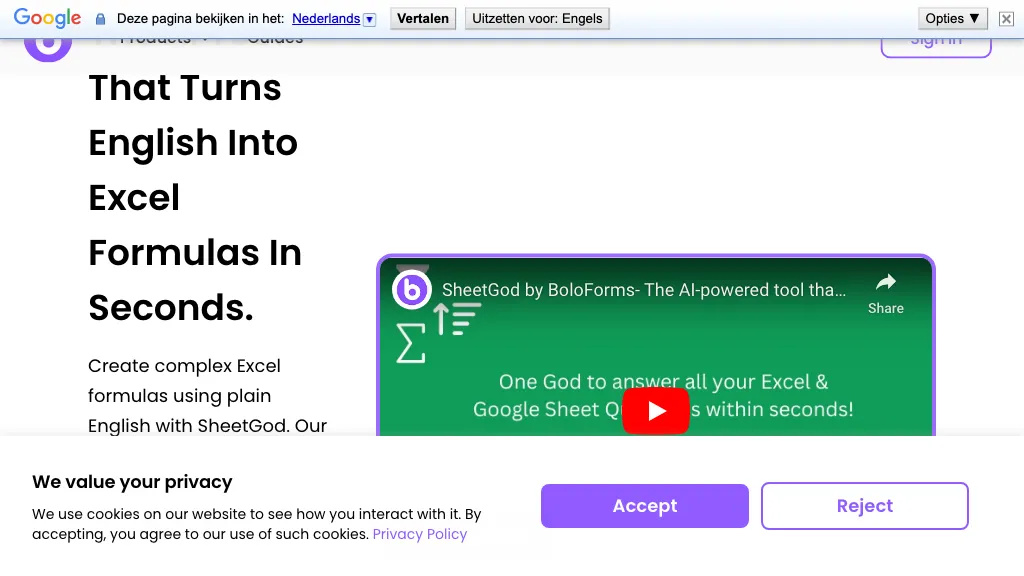
What is SheetGod?
Sheetgod translates plain‑English queries into Excel formulas, VBA scripts, and Google Apps Script code, enabling users to generate complex spreadsheet calculations without manual coding. It also supports regular expressions for targeted data extraction and transformation across both Excel and Google Sheets.
The tool provides step‑by‑step tutorials for basic Excel and Google Sheets tasks, helping beginners quickly learn essential features. Users can automate routine workflows, generate bulk PDFs, and send marketing emails directly from spreadsheet data, streamlining documentation and communication processes.
Additionally, Sheetgod allows the creation of custom add‑ons for Google Workspace and Microsoft Excel, extending spreadsheet functionality and workflow automation. These capabilities help data analysts, finance professionals, and business users reduce manual effort, minimize errors, and increase productivity.
SheetGod details
- Company
- Closer Innovation Labs Corp.
- Jurisdiction
- State of Delaware
- Built for
- Businesses and teams
- Stated compliance
- SOC 2, GDPR, HIPAA, ISO 27001
Compliance as stated in SheetGod's own published documentation.
SheetGod tech specs
- Payment Processors
- Stripe
- Integrations
- HubSpot Google Workspace WhatsApp
SheetGod pricing
Freemium- Free trial
- 7 days
- Auto-renewal
- Yes
Verify on the official pricing page.
View plansSheetGod's key features
-
AI formula generation
-
VBA and Appscript code
-
Regex data extraction
-
Automate tasks in Excel
-
Bulk PDF generation
-
Create add-ons
-
Step-by-step tutorials
SheetGod use cases
-
Convert plain‑English requests like “Calculate the year‑to‑date growth rate for revenue across all product lines” into sophisticated Excel formulas and VBA code, automatically generating dynamic financial dashboards without writing a line of code
-
Use Sheetgod to turn natural‑language instructions into Google Apps Script that bulk‑exports monthly performance reports as PDFs and emails them to investors, streamlining communication with a single command
-
Create a custom spreadsheet add‑on that pulls client data from a CRM, applies regex extraction to identify anomalous entries, and flags them in real time, reducing manual data validation effort for analysts
SheetGod user reviews
Based on 26 reviews, 73% of users recommend SheetGod, rated highly for value for money.
Liked for
Disliked for
Would you recommend SheetGod?
Who is SheetGod for?
-
Excel analysts
-
Data analysts
-
Business leaders
-
Academic researchers
-
Educational instructors
SheetGod FAQ
Is SheetGod free?
Partly. SheetGod has a free plan with usage limits, and paid plans unlock the full feature set. Plans include Freelancer at $10/mo (billed annually), Team at $49/mo (billed annually), Hipaa at $49/mo (billed mo) and Growing business at $99/mo (billed annually).
Is SheetGod safe to use?
SheetGod states SOC 2, GDPR, HIPAA and ISO 27001 compliance in its own published documentation. SheetGod is operated by Closer Innovation Labs Corp., registered in State of Delaware. SheetGod carries the TopAI.tools verified mark, which we award after a manual review of pricing transparency, published terms, public following and working functionality.
Is SheetGod good?
SheetGod has a 73% recommendation rate from 26 reviewers on TopAI.tools. Reviewers rate it highest on value for money and ease of use.
What are the best alternatives to SheetGod?
The closest alternatives to SheetGod are GPTExcel, GPT for Work, AI Excel Bot, SheetXAI and Sheeter.ai. You can compare them side by side in the alternatives section further down this page.
What does SheetGod do with my data?
Its privacy policy states that personal data is not sold or shared for marketing purposes.
Does SheetGod auto-renew or offer refunds?
SheetGod subscriptions renew automatically until you cancel.
Does SheetGod have an API?
Yes. SheetGod offers an API, so you can call it from your own applications instead of using the interface directly.
Is there a mobile app for SheetGod?
Yes. SheetGod has a mobile app alongside its web version.
Who made SheetGod?
SheetGod is built and operated by Closer Innovation Labs Corp., a company registered in State of Delaware.
What does SheetGod integrate with?
SheetGod connects with HubSpot, Google Workspace and WhatsApp.
Compliance, privacy and billing terms are as stated in each product's own published documentation and have not been independently verified by TopAI.tools.


