
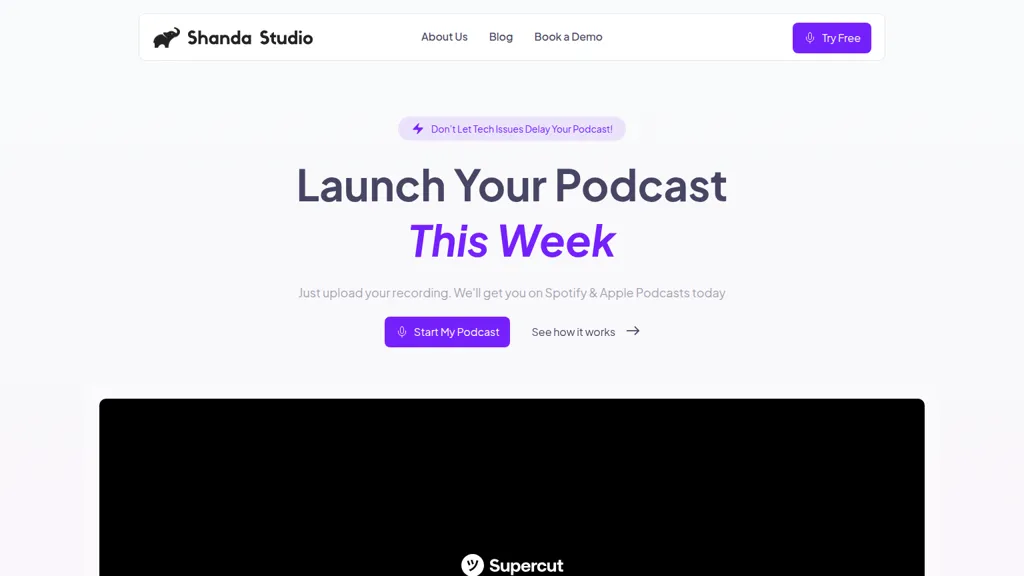
What is Shanda Studio?
Shanda Studio is an AI podcast editing and publishing platform that processes uploaded audio for editing, enhancement, and distribution. It supports text-based editing, waveform trimming, and AI transcription for fast, precise episode cuts. Built-in noise reduction, level balancing, and voice equalization improve audio clarity without manual mixing.
A royalty-free music library and automated intro/outro tools streamline episode branding. One-click distribution publishes to Spotify, Apple Podcasts, and other major platforms while generating titles and descriptions. Analytics track downloads, listener behavior, and episode performance for independent creators, production teams, and businesses.
Shanda Studio details
- Built for
- Individuals
Shanda Studio pricing
SubscriptionPricing details aren't listed here — check the official pricing page below.
- Refund window
- 30 days
Verify on the official pricing page.
View plansShanda Studio's key features
-
Text-based audio editing (edit audio by editing the transcript)
-
AI audio enhancement: background-noise removal, level balancing, studio polishing
-
One-click automated publishing to Spotify, Apple Podcasts and major platforms (automatic submission)
-
Built-in royalty-free music library with automated intro/outro insertion
-
AI transcription and waveform-based audio editing
Shanda Studio use cases
-
Produce a polished weekly podcast using Shanda Studio without hiring an editor: upload raw recordings, use automated transcription for text-based editing and waveform trimming, apply noise reduction and leveling, add royalty-free music and automated intros, then publish with one-click distribution and analytics
-
Streamline interview-heavy shows using Shanda Studio by removing filler words and dead air via text-based edits, aligning multi-speaker transcripts, applying noise reduction and leveling, inserting automated intros and chapter markers, and automatically hosting and distributing episodes with listener analytics
-
Quickly repurpose long-form episodes into social clips using Shanda Studio—search transcripts to find highlights, trim waveforms and fine-tune audio, layer royalty-free music and automated intros, export share-ready clips and monitor performance with the analytics dashboard
Shanda Studio user reviews
Would you recommend Shanda Studio?
Who is Shanda Studio for?
-
Podcast producers
-
Content creators
-
Audio editors
-
Marketing professionals
-
Digital businesses
Shanda Studio FAQ
Is Shanda Studio free?
No. Shanda Studio is a paid product and requires a paid plan to use.
What are the best alternatives to Shanda Studio?
The closest alternatives to Shanda Studio are PodcastAI, PodcastorAI, Cleanvoice AI, AudioPod AI and Podsqueeze. You can compare them side by side in the alternatives section further down this page.
Does Shanda Studio auto-renew or offer refunds?
Shanda Studio states a 30-day refund window.
Compliance, privacy and billing terms are as stated in each product's own published documentation and have not been independently verified by TopAI.tools.


