
What is Sai - Simular.AI?
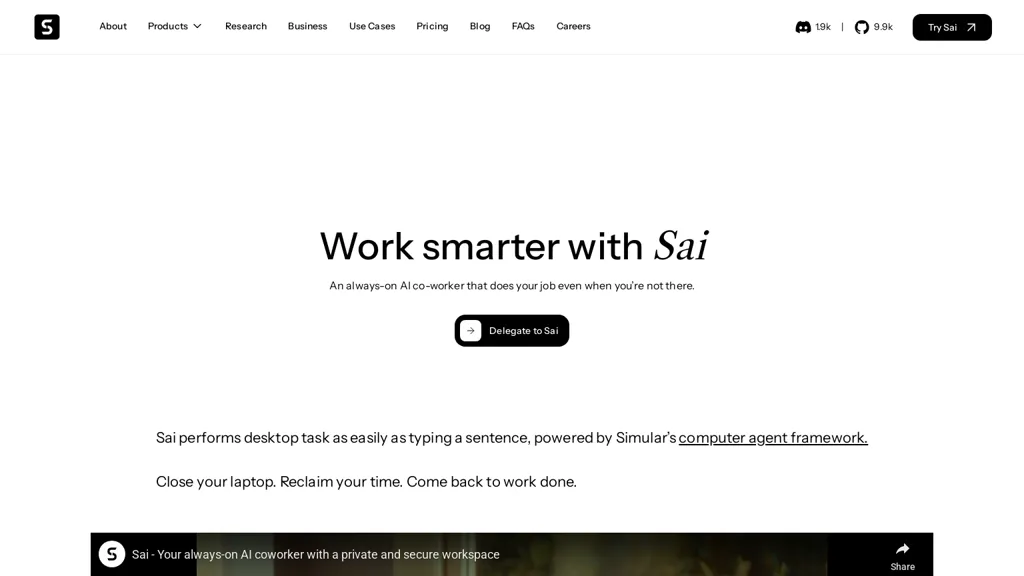
Sai is an always-on AI co-worker that automates desktop workflows and tasks for individuals, teams, and enterprises.
It performs GUI actions (clicking, typing), interacts with APIs, executes terminal commands, and generates or edits code and documents.
Common use cases include resume tailoring, job application automation, LinkedIn and social media posting, email and Gmail task automation, and Microsoft Word formatting.
sai supports private remote desktop deployments to isolate workspaces and maintain local resource control.
Approval-based security and execution guardrails require confirmation for critical actions and restrict autonomous behavior.
Integrations and an agent framework enable workflow automation, API integration, terminal automation, and scheduled task execution for research and business use cases.
Searchable task templates and repeatable workflows accelerate onboarding and improve productivity across teams.
Sai - Simular.AI details
- Company
- Simular
- Stated compliance
- SOC 2
Compliance as stated in Sai - Simular.AI's own published documentation.
Sai - Simular.AI tech specs
- Works with
- Anthropic / Claude Perplexity
- Integrations
- Slack HubSpot Google Workspace Figma GitHub
Sai - Simular.AI pricing
SubscriptionVerify on the official pricing page.
View plansSai - Simular.AI's key features
-
Always-on desktop workflow and task automation
-
GUI automation (clicking, typing) and desktop interaction
-
API integration and agent framework for workflow automation
-
Terminal command execution and scheduled task orchestration
-
Private remote desktop deployments with approval-based security guardrails
Sai - Simular.AI use cases
-
Automate cross-application desktop workflows like data entry, report generation, and file transfers by recording GUI actions, orchestrating API and terminal commands into reusable task templates, and scheduling or running them on-demand for hands-free processing
-
Tailor resumes and job applications at scale by extracting job details from websites, editing documents or code templates, optimizing keywords and formatting, and sending personalized emails via approval-based workflows to ensure quality before submission
-
Orchestrate secure remote-desktop and IT automation: run diagnostics, apply patches, remediate incidents through approved GUI or terminal actions, integrate with monitoring tools, schedule maintenance tasks, and maintain audit trails for compliance
Sai - Simular.AI user reviews
Would you recommend Sai - Simular.AI?
Who is Sai - Simular.AI for?
-
Software engineers
-
Talent recruiters
-
Marketing managers
-
Independent freelancers
-
Career seekers
Sai - Simular.AI FAQ
How much does Sai - Simular.AI cost?
Sai - Simular.AI is a paid product with no free plan. Plans include Simular plus at $20/mo and Simular pro at $500/mo.
Is Sai - Simular.AI safe to use?
Sai - Simular.AI states SOC 2 compliance in its own published documentation. Sai - Simular.AI is operated by Simular.
What are the best alternatives to Sai - Simular.AI?
The closest alternatives to Sai - Simular.AI are XX.AI, Genspark.ai, Designer Clone AI, Saas-AI and Simular.ai. You can compare them side by side in the alternatives section further down this page.
What does Sai - Simular.AI do with my data?
Sai - Simular.AI states that customer content may be used to train its models. Its privacy policy states that personal data is sold or shared for marketing purposes. Data may be shared with third-party service providers that help run the product.
Who made Sai - Simular.AI?
Sai - Simular.AI is built and operated by Simular.
Which AI models does Sai - Simular.AI use?
Sai - Simular.AI is built on Anthropic / Claude and Perplexity. Which models you can reach may depend on your plan.
What does Sai - Simular.AI integrate with?
Sai - Simular.AI connects with Slack, HubSpot, Google Workspace, Figma and GitHub.
Compliance, privacy and billing terms are as stated in each product's own published documentation and have not been independently verified by TopAI.tools.


Time saver this! Especially with daily repetitive tasks