
What is Questgen?
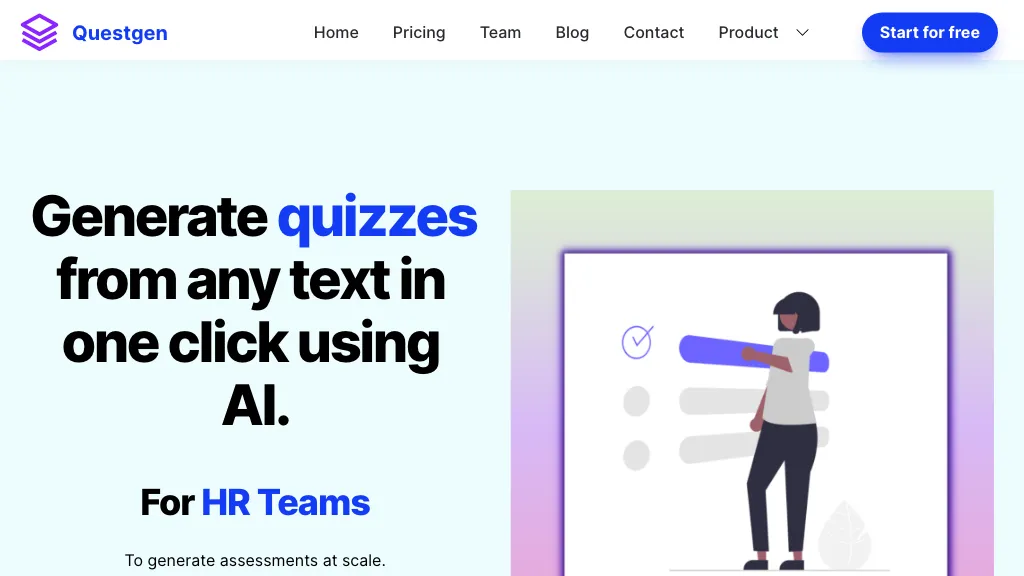
Questgen is an AI quiz generator that creates multiple choice, true/false, fill‑in‑the‑blank, higher‑order, and Bloom's taxonomy questions from text, images, PDFs, videos, and website URLs.
Users can input documents up to 80,000 words or upload media files, and the tool generates quiz items in a single click.
The platform supports editing of questions and export in formats such as PDF, QTI 2.1, Moodle XML, GIFT, CSV, JSON, and AIKEN for integration with learning management systems.
Teachers, schools, HR teams, publishers, and edtech companies can use Questgen to quickly produce assessment materials from training documents, policy manuals, and textbook content.
Questgen includes a study mode that lets students practice generated quizzes with automatic scoring for objective question types.
Additional features allow conversion of images, videos, news articles, and webpages into quizzes, and the tool provides options to embed quizzes on external sites.
Questgen details
- Company
- QuestgenAI Inc.
- Jurisdiction
- United States
- Built for
- Individuals
- Data residency
- Worldwide
Questgen tech specs
- Integrations
- GitHub
Questgen pricing
FreemiumVerify on the official pricing page.
View plansQuestgen's key features
-
Generate MCQs from text
-
Create true/false questions
-
Generate Bloom questions
-
Adjust difficulty levels
-
Export AIKEN format
-
Support multiple languages
-
Edit quiz content
Questgen use cases
-
Convert a 20‑page PDF textbook into a series of Bloom's taxonomy multiple‑choice quizzes, automatically importable into Moodle for instant student assessment
-
Turn recorded lecture videos into interactive true/false and fill‑in‑the‑blank quizzes, embedding them directly in your LMS to reinforce key concepts during study mode
-
Create image‑based higher‑order reasoning quizzes from instructional posters and integrate them into a learning portal, enabling auto‑scoring and export to various formats for teachers
Questgen user reviews
Would you recommend Questgen?
Who is Questgen for?
-
Instructional designers
-
Educational administrators
-
School managers
-
Textbook publishers
-
Learning technologists
Questgen FAQ
Is Questgen free?
Partly. Questgen has a free plan with usage limits, and paid plans unlock the full feature set. Plans include Pro at $15/mo.
Is Questgen safe to use?
Questgen is operated by QuestgenAI Inc., registered in United States. It has a substantial audience that is independently measured month to month.
What are the best alternatives to Questgen?
The closest alternatives to Questgen are Quizbot, AI Quiz Generator - Coursebox, Quizwhiz, Quizrise and Exam Maker AI. You can compare them side by side in the alternatives section further down this page.
What does Questgen do with my data?
Its privacy policy states that personal data is not sold or shared for marketing purposes. Data may be shared with third-party service providers that help run the product. Customer data is held in Worldwide.
Who made Questgen?
Questgen is built and operated by QuestgenAI Inc., a company registered in United States.
What does Questgen integrate with?
Questgen connects with GitHub.
Compliance, privacy and billing terms are as stated in each product's own published documentation and have not been independently verified by TopAI.tools.


