
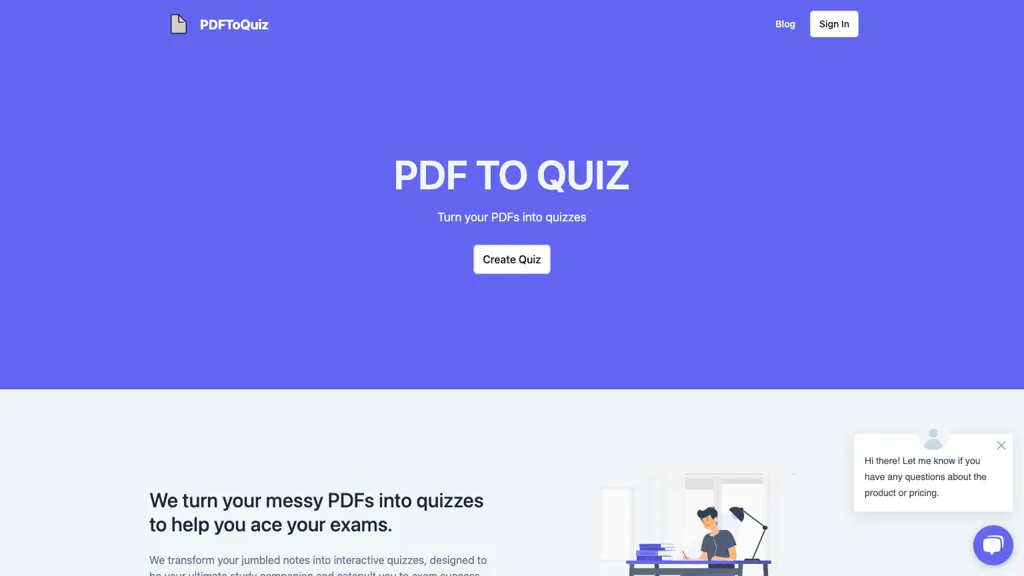
What is PDFToQuiz?
PDFToQuiz converts PDF documents into interactive quizzes using AI‑generated multiple‑choice, true/false, fill‑in‑the‑blank, and long‑form questions.
The tool extracts key concepts automatically, allowing students, tutors, and educators to create formative assessments within seconds.
Quizzes are auto‑graded and provide instant explanations, helping learners identify knowledge gaps quickly.
Analytics track quiz completion, scores, and learning trends over time, supporting progress monitoring.
Export options include PDF, CSV, and XLSX, and quizzes can be shared via secure public links for collaboration.
PDFToQuiz pricing
FreemiumVerify on the official pricing page.
View plansPDFToQuiz's key features
-
Convert PDFs to quizzes automatically
-
Auto-graded interactive quizzes
-
Create MCQ, T/F, FIB, long-form
-
Real-time explanations for missed questions
-
Track progress with analytics
-
Download quizzes in PDF, CSV, XLSX
-
Share quizzes via secure link
PDFToQuiz use cases
-
Create an interactive quiz from your lecture notes PDF to engage students without any coding, leveraging auto‑graded multiple‑choice, true/false, fill‑in‑the‑blank, and essay questions with instant explanations for rapid learning feedback
-
Convert company policy PDFs into secure compliance quizzes, track employee progress in real‑time, and export graded results for HR reporting and audit compliance
-
Transform multilingual research papers into interactive quizzes, supporting multi‑language content, secure sharing links, and an analytics dashboard for international academic conferences
PDFToQuiz user reviews
Would you recommend PDFToQuiz?
Who is PDFToQuiz for?
-
Student learners
-
Teaching leaders
-
Academic researchers
-
Exam preparers
-
Quiz takers
PDFToQuiz FAQ
Is PDFToQuiz free?
Partly. PDFToQuiz has a free plan with usage limits, and paid plans unlock the full feature set. Plans include Pro for dedicated students at $8.99/mo.
What are the best alternatives to PDFToQuiz?
The closest alternatives to PDFToQuiz are Quizwhiz, Questgen, Smartexam, Quizgecko and Text 2 quiz. You can compare them side by side in the alternatives section further down this page.


