
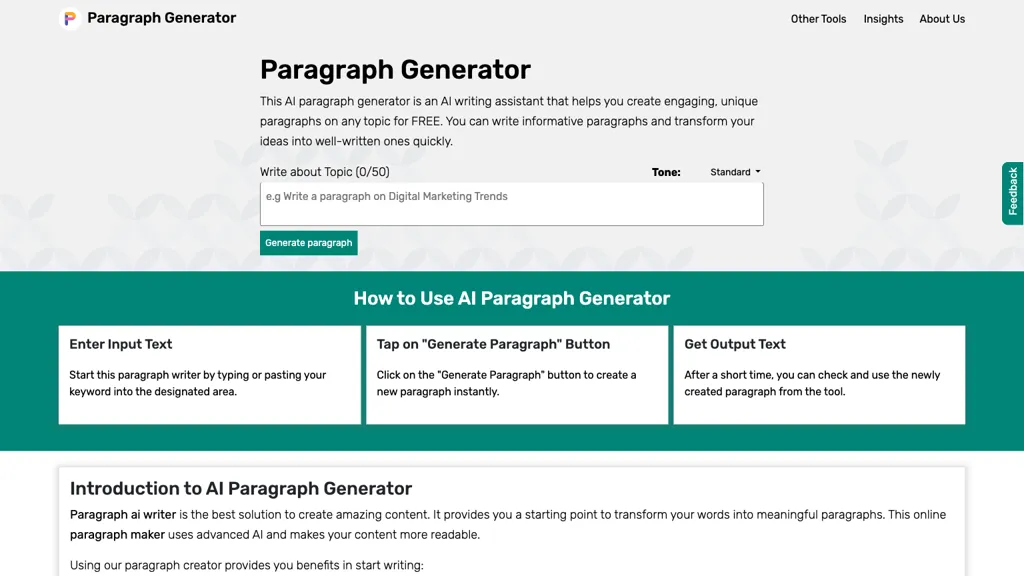
What is Paragraph Generator?
AI Paragraph Generator produces short or long, style‑specific paragraphs from a keyword or brief prompt. It offers multiple modes—Standard, Creative, Formal, Persuasive, Narrative, Descriptive, Social‑media, and Custom—letting users tailor tone and content.
The tool supports single or multiple paragraph output, useful for blog posts, product descriptions, emails, essays, or research summaries. Paragraphs are automatically checked for plagiarism and optimized for SEO with relevant keywords and entities. Students can use the generator to outline essays or revise drafts; writers and marketers gain quick, coherent outlines for articles or copy; researchers benefit from concise summaries of gathered notes.
Small businesses can create landing‑page copy or promotional blurbs without starting from scratch. Email marketers can draft welcome messages, promotions, or updates and then refine them. The interface accepts plain text input, generates content instantly, and provides download or copy options for immediate use.
Paragraph Generator pricing Free
This tool is free to use, with no credit card required.
Verify on the official pricing page.
Get started freeParagraph Generator user reviews
Would you recommend Paragraph Generator?
Paragraph Generator's key features
-
Generate paragraphs in various styles
-
Create one or multiple paragraphs
-
Produces plagiarism‑free, SEO‑optimized content
-
Supports multiple languages
-
Includes rewriter and expander tools
-
User‑friendly keyword input interface
Paragraph Generator use cases
-
Generate SEO‑optimized product description paragraphs for an e‑commerce landing page in a persuasive tone, ensuring keyword density and uniqueness.
-
Write engaging social‑media captions in a creative style for a brand’s marketing campaign, using the tool’s quick mode to produce multiple variations.
-
Create concise, formal executive summaries for research papers, automatically adapting the paragraph length and style to fit journal guidelines.
Who is it for?
-
Copywriting teams
-
Content producers
-
Search optimizers
-
Blog authors
-
Business leaders


