
What is paper-polyglot.com?
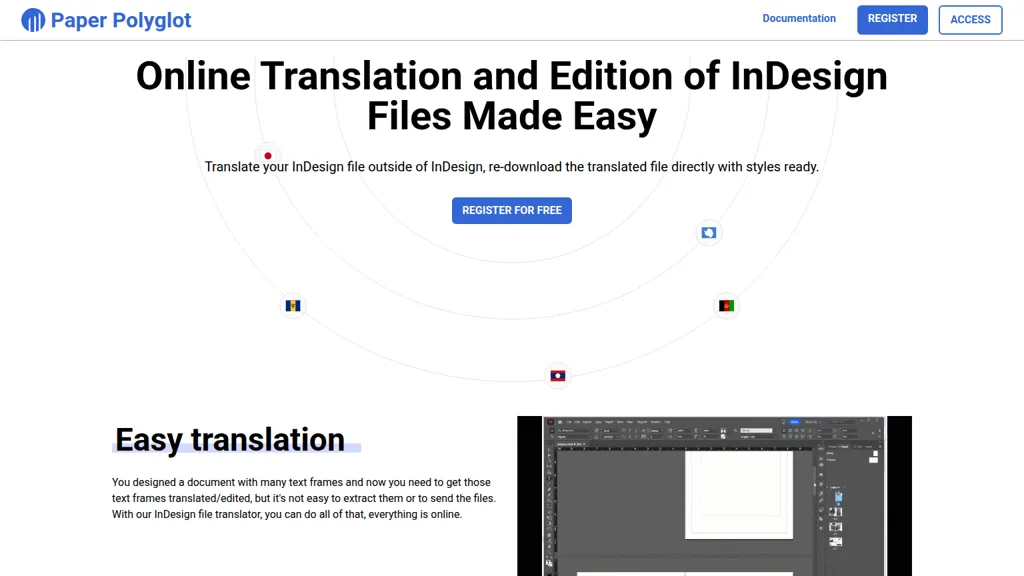
Paper Polyglot is an online InDesign file translator that extracts text frames from .idml files for translation and editing. It performs automatic text-frame extraction and offers AI-assisted translation with a one-click Translate all option to populate translations across frames.
Translators and editors can work in the browser with live progress monitoring and link-based collaboration that does not require sign-in. Translated .idml files are re-downloadable with original styles preserved so designers can open them in InDesign without manual style adjustments.
The platform supports 100+ languages, enables same-language editing and commenting, and streamlines handoff between translators, editors, and designers. Paper Polyglot is not affiliated with Adobe and requires exporting projects to the .idml format for processing.
paper-polyglot.com pricing Subscription
Pricing details aren't listed here — check the official pricing page below.
Verify on the official pricing page.
View planspaper-polyglot.com user reviews
Would you recommend paper-polyglot.com?
paper-polyglot.com's key features
-
Automatic extraction of text frames from uploaded .idml files
-
Browser-based translation and editing of Adobe InDesign (.idml) files with styles preserved on re-download
-
Shareable, no-sign-in collaboration links with real-time progress monitoring
-
One-click/batch automatic translation for all text frames with accept-all or per-frame edit controls
-
AI-assisted translation suggestions (Google Translate integration) and support for same-language editing/comments
paper-polyglot.com use cases
-
Localize print and digital marketing materials (brochures, catalogs, flyers) by uploading IDML files to Paper Polyglot, using AI-assisted one-click "Translate all" into 100+ languages, editing extracted text frames in-browser and re-downloading style-preserved IDML ready for print or web.
-
Run client review and translation workflows by sharing link-based access to extracted IDML text frames—stakeholders and translators can edit or approve in the browser without signing in, then export the original-styled IDML for final production.
-
Accelerate product documentation and manual localization by extracting UI and help text from IDML, applying machine translation with human-in-the-loop edits in-browser, and preserving typographic styles when re-downloading updated IDML for multi-language releases.
Who is it for?
-
Content creators
-
Indesign designers
-
Translators
-
Content editors
-
Translation teams


