
What is muse-video.ai?
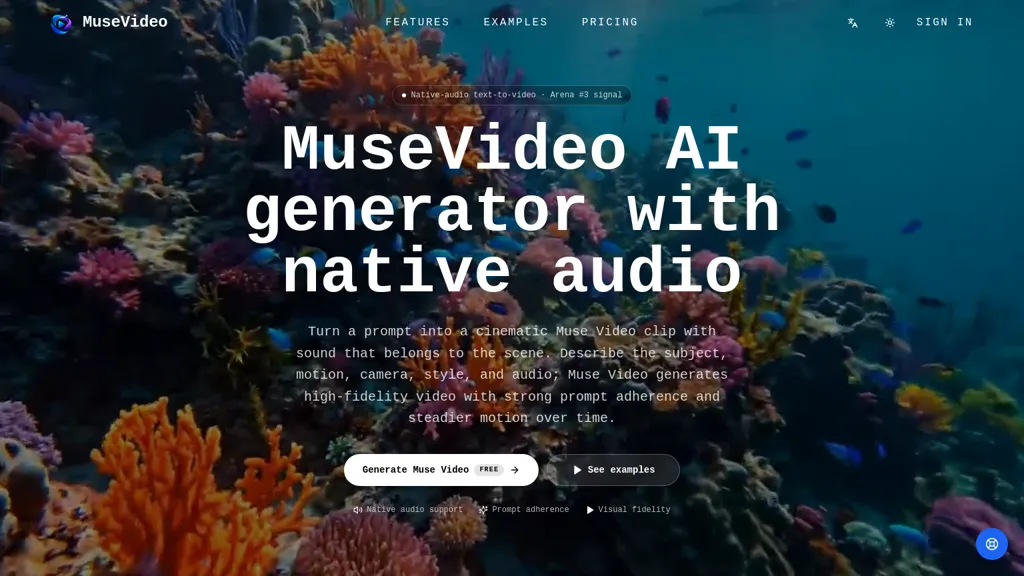
Muse Video is a text-to-video generator with native audio support for producing short AI video clips.
It converts prompts describing subject, motion, camera, style, and sound into videos with strong prompt adherence and temporal consistency.
Features include native-audio rendering (ambient sound, dialogue, effects, music), aspect ratio options (16.9, 9.16), and export resolutions up to 4K.
Workflow supports prompt-driven previews, downloads, and iterative versioning for social clips, ads, product stories, and cinematic b-roll.
Visual fidelity emphasizes cleaner details, convincing lighting, stable motion, and consistent scene composition across frames.
Creator and marketing workflows enable rapid production of vertical videos, campaign assets, product demos, storyboards, and broadcast-style prototypes.
Controls cover duration, camera movement, and prompt-based audio placement to align action and sound.
muse-video.ai details
- Built for
- Individuals
muse-video.ai tech specs
- Works with
- Google / Gemini Meta ByteDance / Seedance
muse-video.ai pricing
FreemiumVerify on the official pricing page.
View plansmuse-video.ai's key features
-
Prompt-driven text-to-video synthesis (interprets subject, motion, camera, style, and sound prompts)
-
Native audio rendering and placement (ambient sound, dialogue, effects, music; prompt-based audio alignment)
-
Temporal consistency and stable motion across frames (consistent scene composition and lighting)
-
Format and output options (aspect ratios like 16:9 and 9:16; export resolutions up to 4K)
-
Workflow controls and iteration (prompt-driven previews, downloads, iterative versioning; duration and camera movement controls)
muse-video.ai use cases
-
Create short, high-impact social and ad videos using Muse Video by turning written copy into 9:16 or 16:9 clips with native music, dialogue and sound effects, leveraging prompt-driven previews and camera/audio controls to optimize engagement across platforms
-
Produce polished 4K product demo videos using Muse Video without filming—generate stable-motion scenes that showcase features with synchronized voiceover and ambient audio, then fine-tune duration and camera angles for product pages and ads
-
Quickly create vertical short-form content for reels and stories using Muse Video—convert scripts into temporally consistent clips with native audio, iterate with prompt-driven previews, tweak pacing and audio levels, and export platform-optimized versions for A/B testing
muse-video.ai user reviews
Would you recommend muse-video.ai?
Who is muse-video.ai for?
-
Motion designers
-
Filmmakers
-
Content creators
-
Creative studios
-
Brand managers
muse-video.ai FAQ
Is muse-video.ai free?
Partly. muse-video.ai has a free plan with usage limits, and paid plans unlock the full feature set. Plans include Starter at $29.9/mo, Pro at $49.9/mo and Studio at $99.9/mo.
What are the best alternatives to muse-video.ai?
The closest alternatives to muse-video.ai are Clipfly AI Video Generator, Video Generator - A2E.ai , HeyGen, Textideo and Video Any. You can compare them side by side in the alternatives section further down this page.
What does muse-video.ai do with my data?
Its privacy policy states that personal data is not sold or shared for marketing purposes. Data may be shared with third-party service providers that help run the product.
Which AI models does muse-video.ai use?
muse-video.ai is built on Google / Gemini, Meta and ByteDance / Seedance. Which models you can reach may depend on your plan.
Compliance, privacy and billing terms are as stated in each product's own published documentation and have not been independently verified by TopAI.tools.


