
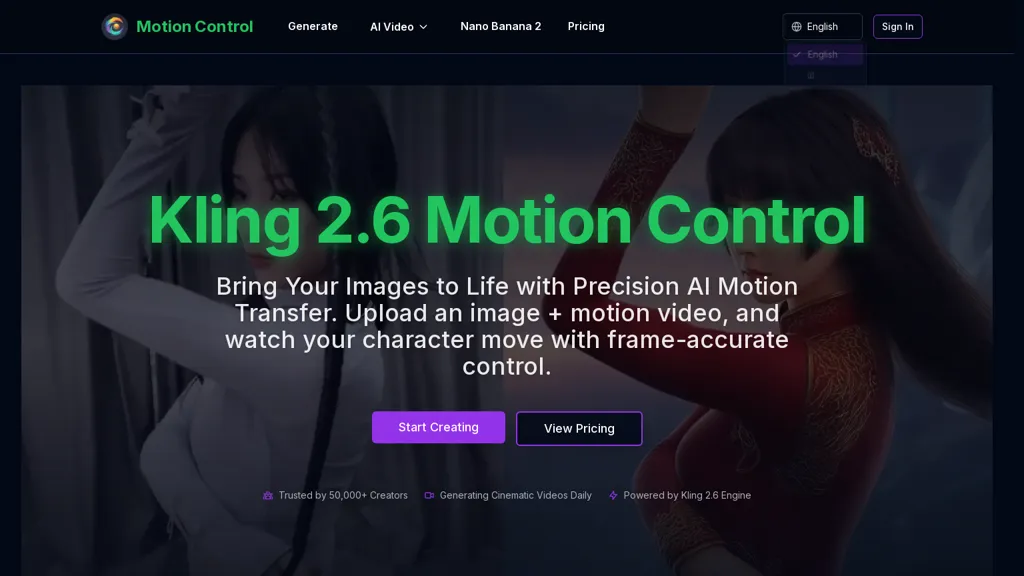
What is MotionControl.app?
MotionControl.app is an AI motion transfer video generator that maps motion from a reference video onto a static image with frame-accurate control.It supports full-body synchronization, facial expression and lip synchronization, and allows drawing precise motion trajectories and cinematic camera moves (pans, tilts, zooms).
Outputs render at 1080p with physically informed lighting and fluid textures while maintaining character consistency to prevent feature morphing.Workflow combines an uploaded reference image, a motion reference video, and optional text prompts to customize scene elements, outfit, and background.
The system handles complex, rapid motion sequences and reduces render times to accelerate iteration for filmmakers, content creators, and game developers.Common use cases include character animation, pre-visualization, product video motion, and producing directed cinematic clips with precise motion control.
MotionControl.app details
- Built for
- Individuals
MotionControl.app tech specs
- Works with
- Google / Veo Google / Nano Banana Kling ByteDance / Seedance
MotionControl.app pricing
Subscription- Auto-renewal
- Yes
Verify on the official pricing page.
View plansMotionControl.app's key features
-
Frame-accurate motion transfer from reference video to a static image
-
Full-body synchronization
-
Facial expression and lip synchronization
-
Drawing precise motion trajectories and cinematic camera moves (pans, tilts, zooms)
-
1080p rendering with physically informed lighting, fluid textures, and character consistency to prevent feature morphing
MotionControl.app use cases
-
Create photorealistic character-driven video ads and social content using Kling 2.6 Motion Control by transferring actor performances onto static product images or brand mascots with frame-accurate full-body motion, facial and lip synchronization, cinematic camera trajectories and 1080p renders for rapid A/B testing and faster iteration
-
Produce high-fidelity previsualization and virtual production assets using Kling 2.6 Motion Control by animating concept art or still portraits with reference footage, leveraging physically informed rendering for realistic lighting and textures and precise camera motion to iterate blocking and camera moves before on-set shoots
-
Generate ready-to-integrate in-game cinematics and NPC cutscenes using Kling 2.6 Motion Control by mapping motion-captured or reference video performances onto static character images with frame-accurate motion transfer, synchronized facial/lip animation and cinematic camera control, delivering 1080p renders developers can import directly
MotionControl.app user reviews
Based on 3 reviews, 67% of users recommend MotionControl.app, rated highly for quality results.
Liked for
Disliked for
Would you recommend MotionControl.app?
Who is MotionControl.app for?
-
Game developers
-
Animators
-
Vfx artists
-
Motion designers
-
Pre-visualization artists
MotionControl.app FAQ
How much does MotionControl.app cost?
MotionControl.app is a paid product with no free plan. Plans include Starter at $15.00/mo or $144.00/year, Pro at $35.00/mo or $336.00/year and Ultra at $95.00/mo or $912.00/year.
What are the best alternatives to MotionControl.app?
The closest alternatives to MotionControl.app are Klingaimotioncontrol.com, Kling 2.6 AI-, kling3.io, Klingvideo.com and Kling O1. You can compare them side by side in the alternatives section further down this page.
What does MotionControl.app do with my data?
Data may be shared with third-party service providers that help run the product.
Does MotionControl.app auto-renew or offer refunds?
MotionControl.app subscriptions renew automatically until you cancel.
Which AI models does MotionControl.app use?
MotionControl.app is built on Google / Veo, Google / Nano Banana, Kling and ByteDance / Seedance. Which models you can reach may depend on your plan.
Compliance, privacy and billing terms are as stated in each product's own published documentation and have not been independently verified by TopAI.tools.


