
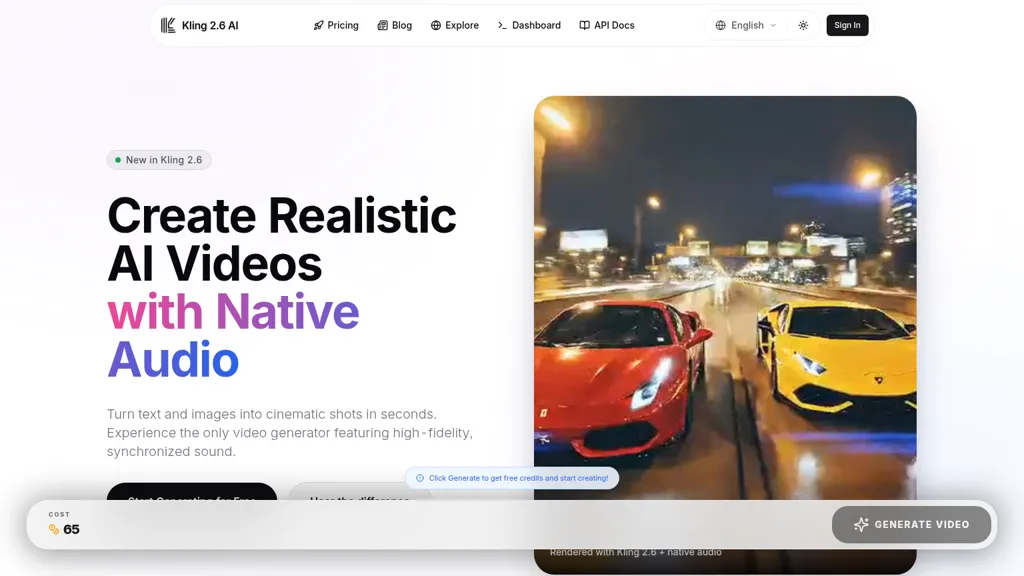
What is Kling 2.6 AI-?
Kling 2.6, text-to-video and image-to-video generator with native audio synthesis.
Generates 1080p video with synchronized speech, sound effects, and ambient audio in a single generation step.
Supports prompt-to-video workflows and image animation while preserving subject consistency.
Includes camera controls (pan, tilt, zoom) and a video extension feature for creating longer sequences.
Produces multi-character dialogue, singing, ASMR-style ambient layers, and object-based sound effects.
Targets creators, marketers, filmmakers, educators, and product teams for rapid prototyping, ads, and concept visualization.
Kling 2.6 AI- details
- Jurisdiction
- California, USA
- Built for
- Individuals
Kling 2.6 AI- tech specs
- Works with
- Kling
- Payment Processors
- Stripe PayPal
- Integrations
- Slack
Kling 2.6 AI- pricing
Freemium- Auto-renewal
- Yes
Verify on the official pricing page.
View plansKling 2.6 AI-'s key features
-
Native audio generation with synchronized speech, sound effects, and ambience
-
Single-step text-to-audio-visual (text-to-video) generation
-
Image-to-audio-visual workflow to animate static images
-
1080p photorealistic cinematic video output
-
Advanced camera controls and complex motion handling (pan, tilt, zoom) with seamless clip extension
Kling 2.6 AI- use cases
-
Produce 1080p product demo ads from text scripts or product images using Kling 2.6, with integrated speech, sound effects and ambient layers, subject-consistent animation and pan/tilt/zoom camera moves to showcase features — extend videos seamlessly for longer ad cuts or A/B prototype variations
-
Create multi-character dialogue explainer videos or social shorts from prompts or character images, with synchronized voice performances, layered SFX and dynamic camera control for engaging onboarding, customer education or marketing campaigns
-
Rapidly prototype animated storyboards and software demos by converting screenshots or descriptive text into 1080p animated sequences with audio-synced narration, scene extension for longer flows and consistent subject animation to iterate UX flows and pitch-ready presentations
Kling 2.6 AI- user reviews
Would you recommend Kling 2.6 AI-?
Who is Kling 2.6 AI- for?
-
Video creators
-
Animation creators
-
Prototype developers
-
Demo creators
-
Content creators
Kling 2.6 AI- FAQ
Is Kling 2.6 AI- free?
Partly. Kling 2.6 AI- has a free plan with usage limits, and paid plans unlock the full feature set. Plans include Monthly at $10, Select plan at $10/mo, Pro at $20 and Select plan pro at $20/mo.
What are the best alternatives to Kling 2.6 AI-?
The closest alternatives to Kling 2.6 AI- are VideoMaker.me, Video Generator - A2E.ai , AIImageToVideo Pro, wan2-6 and Clipdance AI. You can compare them side by side in the alternatives section further down this page.
What does Kling 2.6 AI- do with my data?
Kling 2.6 AI- states that customer content is not used to train its models. Its privacy policy states that personal data is not sold or shared for marketing purposes. Data may be shared with third-party service providers that help run the product.
Does Kling 2.6 AI- auto-renew or offer refunds?
Kling 2.6 AI- subscriptions renew automatically until you cancel.
Does Kling 2.6 AI- have an API?
Yes. Kling 2.6 AI- offers an API, so you can call it from your own applications instead of using the interface directly.
Which AI models does Kling 2.6 AI- use?
Kling 2.6 AI- is built on Kling. Which models you can reach may depend on your plan.
What does Kling 2.6 AI- integrate with?
Kling 2.6 AI- connects with Slack.
Compliance, privacy and billing terms are as stated in each product's own published documentation and have not been independently verified by TopAI.tools.


