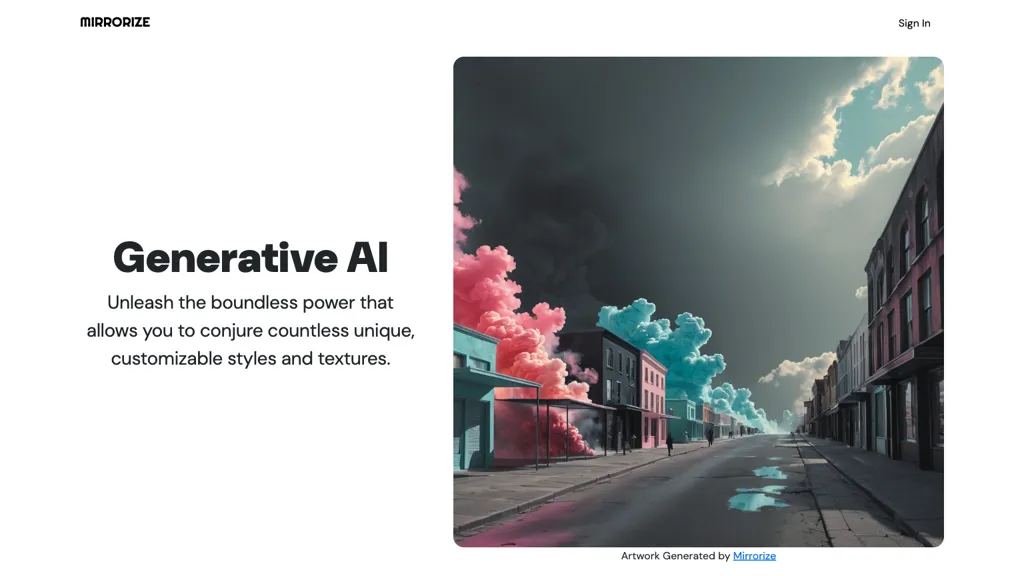
What is Mirrorize AI?
Mirrorize AI is a creative platform that offers more than a single image generator. It hosts 50 + proprietary AI models ranging from photorealistic to anime, abstract, and illustration styles, and supports 100 + style categories for style stacking up to three styles per generation.
The platform includes a Director Mode that converts a single image into a multi‑scene storyboard and animated video, and an AI Studio for text‑to‑image and image‑to‑video production. Qi, an AI assistant powered by Claude, provides post‑analysis, creative suggestions, and conversational image generation.
Mirrorize emphasizes a community‑focused feed, direct messaging, and creator partner programs for exposure and early access to new models. It is free to start, omits algorithmic ranking and advertising, and targets artists, visual storytellers, and social media creators seeking streamlined AI‑driven production tools.
Mirrorize AI details
- Jurisdiction
- Florida
- Built for
- Individuals
Mirrorize AI tech specs
- Works with
- ByteDance / Seedance ElevenLabs
Mirrorize AI pricing
Free- Auto-renewal
- Yes
Verify on the official pricing page.
Get started freeMirrorize AI's key features
-
50+ Proprietary AI Models
-
Style Stacking up to Three
-
Director Mode Storyboarding
-
Qi AI Assistant Powered by Claude
-
Text to Image and Video Generation
-
No Algorithmic Rage Bait
Mirrorize AI use cases
-
Generate dynamic product launch promo videos by layering brand color palettes, typography, and motion styles on product images, then exporting the storyboard to a polished video using Director Mode
-
Create an animated comic series by stacking three distinct art styles on each panel, converting the image sequence into an engaging video storyline via AI Studio's image‑to‑video conversion
-
Collaboratively design a short film concept by sharing style‑merged visuals on the community feed, refining prompts with Qi's analysis, and producing a complete video in a single workflow
Mirrorize AI user reviews
Based on 1 review, 100% of users recommend Mirrorize AI, rated highly for quality results.
Liked for
Would you recommend Mirrorize AI?
Who is Mirrorize AI for?
-
Visual artists
-
Graphic designers
-
Content creators
-
Product designers
-
Marketing managers
Mirrorize AI FAQ
Is Mirrorize AI free?
Yes. Mirrorize AI is free to use and does not require a credit card.
What are the best alternatives to Mirrorize AI?
The closest alternatives to Mirrorize AI are Meta Image Generator, A1.art, Imagine.art, Morph Studio and DeepAI. You can compare them side by side in the alternatives section further down this page.
What does Mirrorize AI do with my data?
Mirrorize AI states that customer content is not used to train its models. Its privacy policy states that personal data is not sold or shared for marketing purposes. Data may be shared with third-party service providers that help run the product.
Does Mirrorize AI auto-renew or offer refunds?
Mirrorize AI subscriptions renew automatically until you cancel.
Which AI models does Mirrorize AI use?
Mirrorize AI is built on ByteDance / Seedance and ElevenLabs. Which models you can reach may depend on your plan.
Compliance, privacy and billing terms are as stated in each product's own published documentation and have not been independently verified by TopAI.tools.