
What is Mind Your Now?
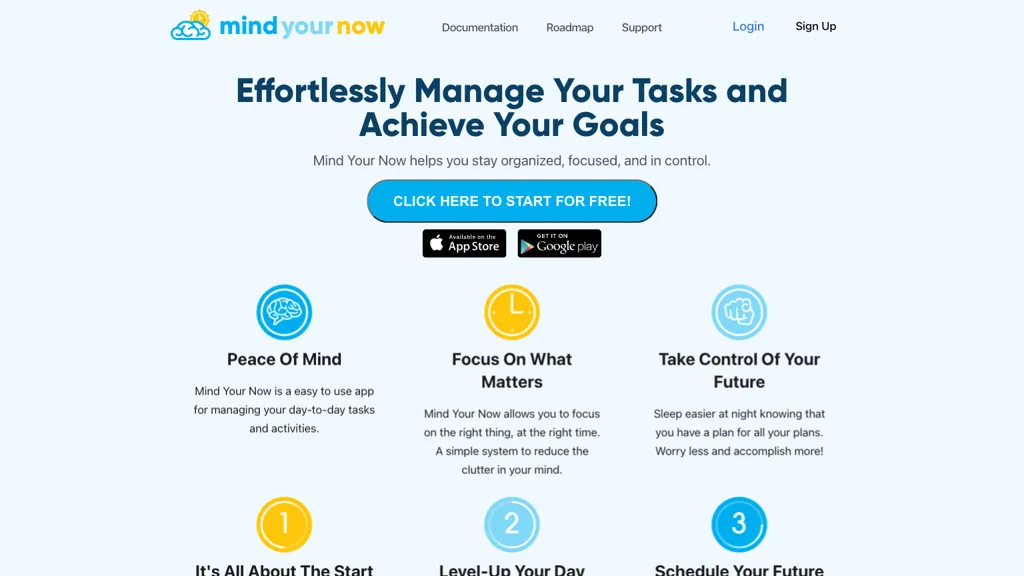
Mind Your Now is an AI‑powered task management platform designed for busy families and professionals. It applies the MYN Method, which prioritizes tasks into “Critical Now,” “Opportunity Now,” “Over‑the‑Horizon,” and “Parking Lot” zones, ensuring users focus on a maximum of five daily critical items.
The interface syncs in real‑time with Google Calendar and Microsoft Outlook, automatically identifying available focus blocks and suggesting schedule‑aware task placements. An AI “compass” surface provides a daily summary of urgent items, overdue tasks, and habit reminders, while a dashboard offers morning reviews, evening checks, and weekly AI‑generated productivity insights.
Users can batch‑manage tasks, accept or reschedule actions with one click, and link sessions to tasks for deep‑work tracking. Family collaboration features include chore assignments, points, and leaderboards, plus smart grocery lists that sync across devices.
The tool supports habit building with streak protection, skip allowances, and milestone celebrations, and offers AI‑driven meeting action extraction and smart notifications via email, Slack, or push. All data syncs instantly across phone, tablet, and desktop, with privacy‑oriented security and minimal load times.
Mind Your Now details
- Company
- Mind Your Now LLC
- Jurisdiction
- New Mexico
- Built for
- Individuals
Mind Your Now tech specs
- Works with
- OpenAI / GPT
- Integrations
- Slack
Mind Your Now pricing
Free trialMind Your Now offers a free trial before requiring payment.
- Refund window
- 14 days
- Auto-renewal
- Yes
Verify on the official pricing page.
Start free trialMind Your Now's key features
-
Schedule-aware AI calendar sync
-
AI task rescheduling recommendations
-
Project Compass deadline alerts
-
Kaia AI memory assistant
-
Real-time cross-device sync
-
Batch task actions
-
Habit tracker streak protection
Mind Your Now use cases
-
Prioritize daily work by automatically moving tasks from Future to Critical based on due dates and calendar events, ensuring the most urgent items appear prominently in the morning briefing.
-
Co‑manage household chores with family members by assigning tasks to the Parking zone, then reviewing and moving them to Opportunity or Future as time allows, all synced across devices for instant updates.
-
Generate AI‑derived meeting action items and automatically add them to the Outlook calendar, with habit streak tracking for follow‑up tasks to boost accountability.
Mind Your Now user reviews
Would you recommend Mind Your Now?
Who is Mind Your Now for?
-
Strategic planners
-
Process administrators
-
Digital marketers
-
Business founders
-
Operational coordinators
Mind Your Now FAQ
Is Mind Your Now free?
Not permanently. Mind Your Now gives you a free trial, after which a paid plan is required.
Is Mind Your Now safe to use?
Mind Your Now is operated by Mind Your Now LLC, registered in New Mexico.
What are the best alternatives to Mind Your Now?
The closest alternatives to Mind Your Now are FlowSavvy, Routine, Motion AI, SelfManager.ai and BeforeSunset AI. You can compare them side by side in the alternatives section further down this page.
What does Mind Your Now do with my data?
Mind Your Now states that customer content may be used to train its models. Its privacy policy states that personal data is not sold or shared for marketing purposes. Data may be shared with third-party service providers that help run the product.
Does Mind Your Now auto-renew or offer refunds?
Mind Your Now subscriptions renew automatically until you cancel. It states a 14-day refund window.
Who made Mind Your Now?
Mind Your Now is built and operated by Mind Your Now LLC, a company registered in New Mexico.
Which AI models does Mind Your Now use?
Mind Your Now is built on OpenAI / GPT. Which models you can reach may depend on your plan.
What does Mind Your Now integrate with?
Mind Your Now connects with Slack.
Compliance, privacy and billing terms are as stated in each product's own published documentation and have not been independently verified by TopAI.tools.


