
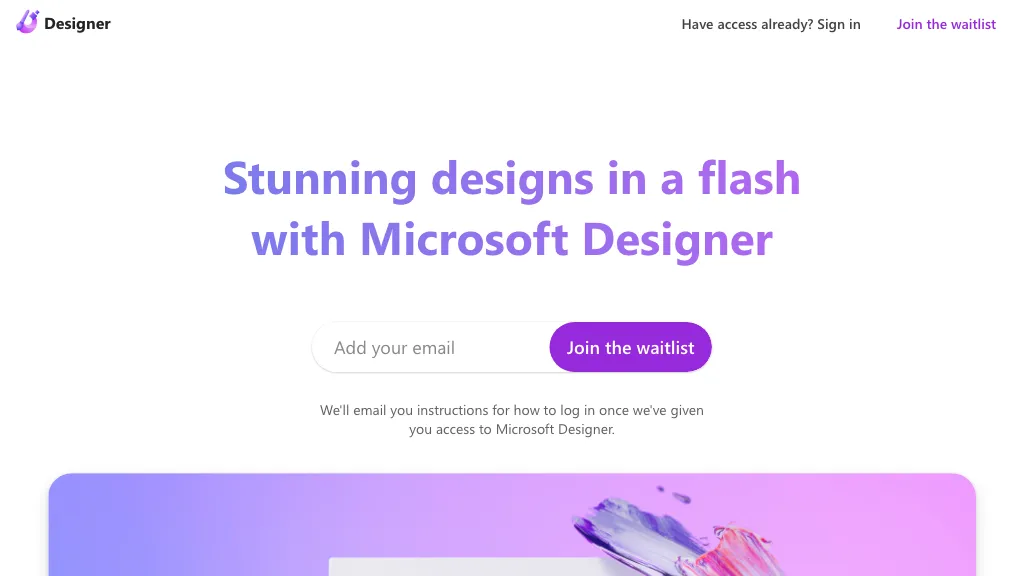
What is Microsoft Designer?
Microsoft Designer is an AI‑driven design platform that integrates with Microsoft 365. It enables users to generate images from text prompts, edit photos, remove backgrounds, and apply frames or color adjustments. The tool offers templates for a wide range of media, including social‑media posts, banners, presentations, email signatures, and event flyers.
Users can create custom graphics such as logos, icons, avatars, and stickers, and export designs in multiple formats and sizes. Collaboration features let team members edit, comment, and share designs directly within the Microsoft ecosystem. The platform supports generative design for quick prototyping and allows fine‑tuned adjustments to layout, typography, and color.
It also provides a library of pre‑built assets, such as clip‑art, backgrounds, and layout grids, to streamline the design workflow. The AI assistance reduces manual effort by suggesting design elements and automating repetitive tasks, making it useful for marketers, content creators, and non‑designers alike.
Microsoft Designer pricing
FreeThis tool is free to use, with no credit card required.
Verify on the official pricing page.
Get started freeMicrosoft Designer's key features
-
Generate images with AI
-
Edit images with AI
-
Remove backgrounds automatically
-
Create designs from scratch
-
Use templates for social media
-
Send feedback to Microsoft
-
Sign in with Microsoft account
Microsoft Designer use cases
-
Create eye‑catching Instagram stories and reels using Microsoft Designer’s text‑to‑image generation and pre‑built social media templates, all within Microsoft 365, eliminating the need for external design tools
-
Produce professional flyers for community events by uploading photos, removing backgrounds, and collaborating in real‑time to fine‑tune layouts, then exporting the final design straight to Word or PowerPoint
-
Generate a unique company logo and icon set from a brief with the AI icon creator, adjust layout details with the designer’s fine‑tuned tools, and share the brand assets directly across Microsoft 365 apps for consistent branding
Microsoft Designer user reviews
Based on 26 reviews, 85% of users recommend Microsoft Designer, rated highly for ease of use.
Liked for
Disliked for
Would you recommend Microsoft Designer?
Who is Microsoft Designer for?
-
Graphic designers
-
Content creators
-
Product designers
-
Marketing staff
-
Digital marketers
Microsoft Designer FAQ
Is Microsoft Designer free?
Yes. Microsoft Designer is free to use and does not require a credit card.
Is Microsoft Designer safe to use?
Microsoft Designer carries the TopAI.tools verified mark, which we award after a manual review of pricing transparency, published terms, public following and working functionality. It has a substantial audience that is independently measured month to month.
Is Microsoft Designer good?
Microsoft Designer has an 85% recommendation rate from 26 reviewers on TopAI.tools. Reviewers rate it highest on ease of use and value for money.
What are the best alternatives to Microsoft Designer?
The closest alternatives to Microsoft Designer are There is a logo for that, Designer Clone AI, DeepAI, Text To Book Cover and AIimagine.io. You can compare them side by side in the alternatives section further down this page.


