
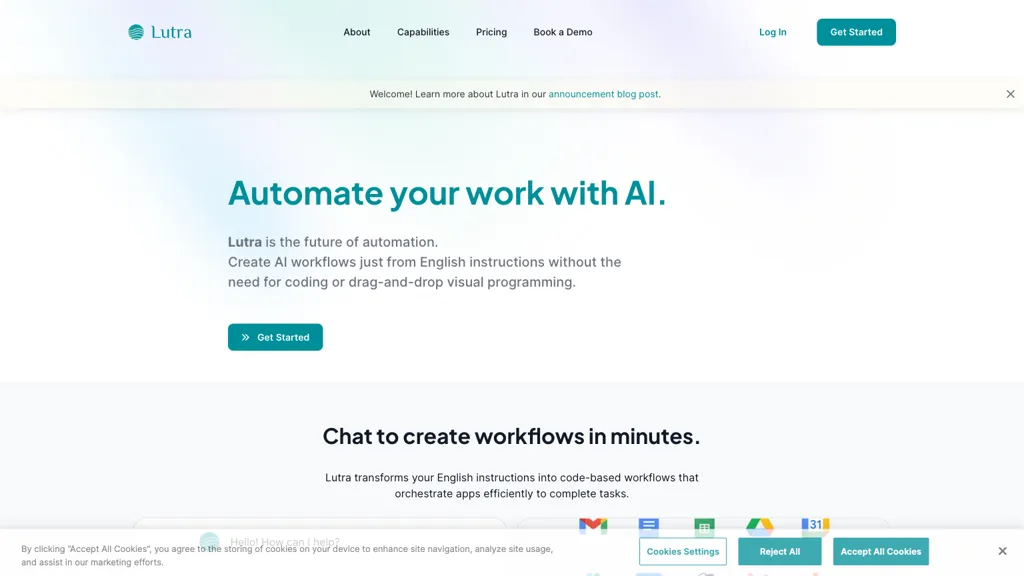
What is Lutra AI?
Lutra AI connects enterprise data and applications, automating tasks across Google Workspace, Microsoft Office, Slack, GitHub, HubSpot, Airtable, LinkedIn, and more. It uses AI to build custom API connectors that pull, enrich, and update information from sources such as HubSpot, Excel, LinkedIn profiles, and external web pages.
Users in sales, marketing, and finance can generate contact enrichment, email campaign automation, PDF extraction, and spreadsheet management within a single workflow. The platform writes executable code to execute each task, ensuring accurate results and repeatable playbooks.
Security is maintained through OAuth authentication, SOC‑2 compliance, and fine‑grained access control. Integration via MCP, REST, and OpenAPI enables rapid creation of new connectors. Playbooks can be scheduled, shared, and standardized across teams to streamline recurring processes.
Lutra AI details
- Company
- DEPENDABLE AI, INC.
- Jurisdiction
- State of California
- Stated compliance
- SOC 2
Compliance as stated in Lutra AI's own published documentation.
Lutra AI tech specs
- Works with
- OpenAI / GPT Anthropic / Claude Google / Gemini
- Cloud
- Supabase
- Integrations
- n8n Slack HubSpot Google Workspace Airtable GitHub
Lutra AI pricing
Freemium- Auto-renewal
- Yes
Verify on the official pricing page.
View plansLutra AI's key features
-
Integrates with ActiveCampaign
-
Generates automation code from English
-
Creates new ActiveCampaign list
-
Creates new contact
-
Updates custom field value
-
Retrieves email activity by ID
Lutra AI use cases
-
Automate lead enrichment by pulling contact data from LinkedIn, GitHub, and HubSpot, normalizing it into a Google Sheet, and triggering follow‑up email campaigns in Gmail via secure OAuth playbooks
-
Generate PDF extraction playbooks that pull documents from SharePoint, extract key metrics into Airtable, and update Slack channels with summarized insights, all while maintaining SOC‑2 compliant API connectors
-
Build a multi‑step sales pipeline automation that pulls new deals from HubSpot, enriches contacts with Airtable data, schedules email sequences in Outlook, and logs all interactions back to a master spreadsheet, ensuring seamless cross‑platform data flow
Lutra AI user reviews
Based on 1 review, 100% of users recommend Lutra AI, rated highly for quality results.
Liked for
Would you recommend Lutra AI?
Who is Lutra AI for?
-
Workflow automations
-
Small business owners
-
Data integrations
-
Project management teams
-
Lead generators
Lutra AI FAQ
Is Lutra AI free?
Partly. Lutra AI has a free plan with usage limits, and paid plans unlock the full feature set. Plans include Essentials at $23/mo and Professional at $63/mo.
Is Lutra AI safe to use?
Lutra AI states SOC 2 compliance in its own published documentation. Lutra AI is operated by DEPENDABLE AI, INC., registered in State of California.
What are the best alternatives to Lutra AI?
The closest alternatives to Lutra AI are Boost.space 3, SheetXAI, Sparkco AI Sheets, Durable AI and viktor.com. You can compare them side by side in the alternatives section further down this page.
What does Lutra AI do with my data?
Lutra AI states that customer content may be used to train its models. Its privacy policy states that personal data is not sold or shared for marketing purposes. Data may be shared with third-party service providers that help run the product.
Does Lutra AI auto-renew or offer refunds?
Lutra AI subscriptions renew automatically until you cancel.
Does Lutra AI have an API?
Yes. Lutra AI offers an API, so you can call it from your own applications instead of using the interface directly.
Who made Lutra AI?
Lutra AI is built and operated by DEPENDABLE AI, INC., a company registered in State of California.
Which AI models does Lutra AI use?
Lutra AI is built on OpenAI / GPT, Anthropic / Claude and Google / Gemini. Which models you can reach may depend on your plan.
What does Lutra AI integrate with?
Lutra AI connects with n8n, Slack, HubSpot, Google Workspace, Airtable and GitHub.
Compliance, privacy and billing terms are as stated in each product's own published documentation and have not been independently verified by TopAI.tools.


