
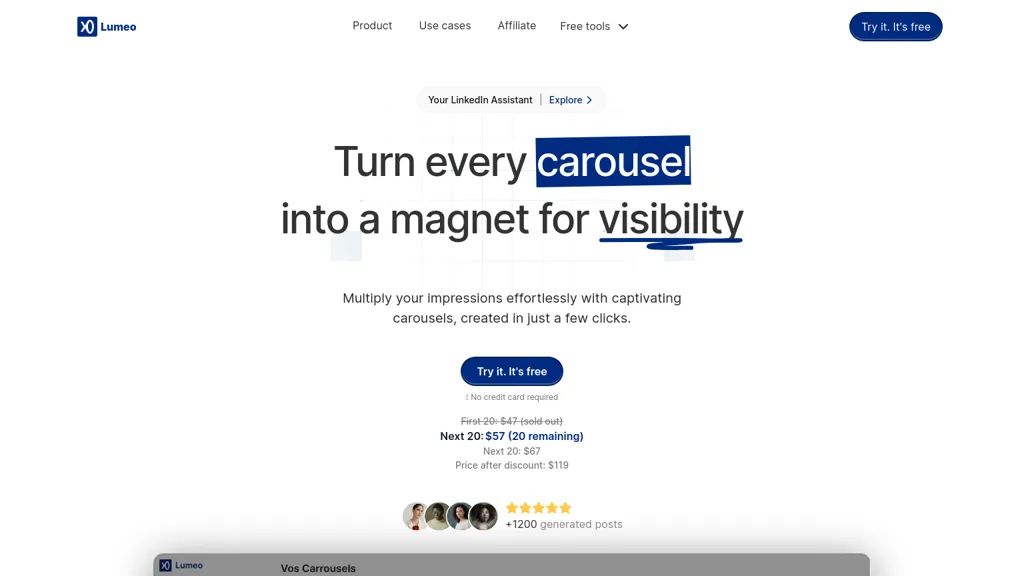
What is Lumeo?
Lumeo is an AI‑driven carousel creator that converts LinkedIn, Instagram, and TikTok posts into multi‑slide visuals with a single click. It can generate carousels from tweets, YouTube videos, articles, or custom ideas, automatically extracting and formatting the content.
Users can build a brand kit for consistent styling and adjust layouts through an options panel. Finished slides are exportable as PDF or individual PNG images, ready for upload to social platforms. The platform supports unlimited carousel creation, both AI‑generated and manual, and provides 24/7 online assistance.
Lumeo details
- Built for
- Individuals
Lumeo pricing
Subscription- Free trial
- 7 days
Verify on the official pricing page.
View plansLumeo's key features
-
Create AI carousels in one click
-
Generate carousel from tweet, video, article
-
Custom brand kit application
-
Adjust settings via options panel
-
Download PDF or PNG slides
-
Unlimited carousel creation with AI
-
Access 3+ million illustrations
Lumeo use cases
-
Transform a viral Instagram Reel into a multi-slide carousel, auto‑style with brand colors and export as PNG for sharing across corporate social media without manual editing
-
Convert a YouTube video into an engaging slide deck, add custom layouts and branding, and export as PDF to include in training manuals or presentations
-
Turn a long‑form article into a concise carousel, automatically generate slide titles and bullet points, then export to PNG for embedding on company intranet or LinkedIn posts
Lumeo user reviews
Would you recommend Lumeo?
Who is Lumeo for?
-
Content creators
-
Marketing managers
-
E-commerce sellers
-
Digital designers
-
Social media analysts
Lumeo FAQ
How much does Lumeo cost?
Lumeo is a paid product with no free plan. Plans include Pro mensual at $12/mo ttc, Pro annual at $114/year ttc and Lifetime plan at $349.
What are the best alternatives to Lumeo?
The closest alternatives to Lumeo are aiCarousels.com, Carousel, Super Carousels, Imaiger and PostNitro. You can compare them side by side in the alternatives section further down this page.


