
What is Laxis?
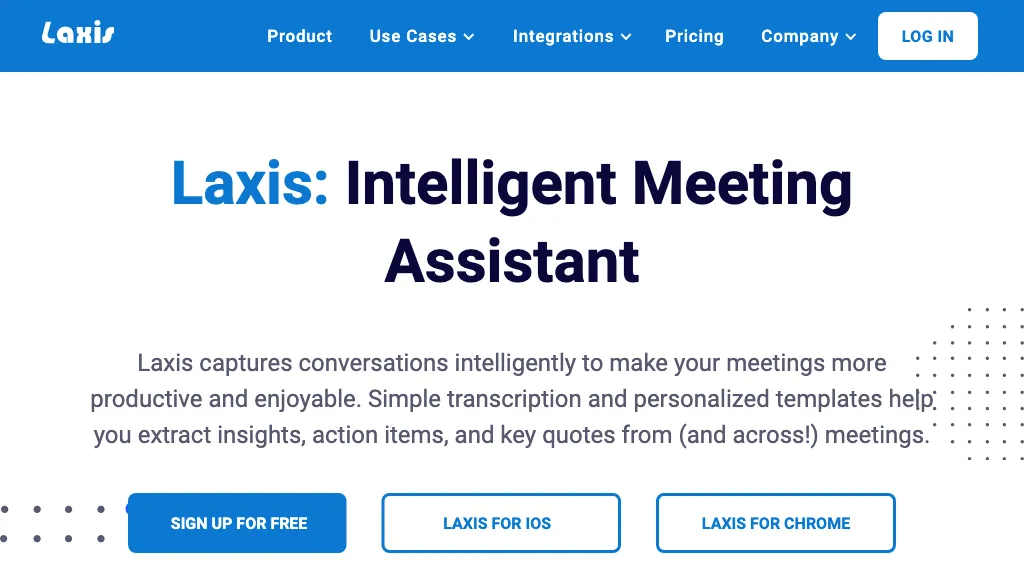
Laxis is an AI‑powered meeting assistant that captures spoken dialogue, converts it into structured notes, and extracts action items and key decisions. The tool offers a native voice keyboard that works in any input field, allowing users to dictate in real time across browsers, messaging apps, and productivity suites.
AI processing cleans up filler words, removes repetition, and automatically creates concise summaries that reflect human intent rather than raw transcripts. Integrated with CRMs and project management platforms, Laxis auto‑syncs meeting outcomes, contacts, and tasks, eliminating manual data entry for sales, marketing, and product teams.
Real‑time AI guidance prompts participants to cover agenda items and identify potential blockers during live sessions. Custom vocabularies learn industry terminology and acronyms, improving transcription accuracy for specialized domains. Dedicated hardware options, such as AI earbuds and a 360‑degree meeting camera, provide studio‑quality audio capture that feeds directly into the Laxis ecosystem.
Laxis details
- Company
- Laxis, Inc.
- Jurisdiction
- State of Indiana
- Built for
- Businesses and teams
- Stated compliance
- SOC 2, GDPR
Compliance as stated in Laxis's own published documentation.
Laxis tech specs
- Works with
- OpenAI / GPT Anthropic / Claude
- Cloud
- AWS
- Payment Processors
- Stripe
- Integrations
- Zapier Slack Salesforce HubSpot Microsoft Teams
Laxis pricing
PaidPricing details aren't listed here — check the official pricing page below.
Verify on the official pricing page.
View plansLaxis's key features
-
Transcribe voice across all apps
-
Summarize meetings with AI insights
-
Live AI guidance during meetings
-
Sync outcomes with CRM
-
Clean up filler words automatically
-
Custom vocabulary dictionary
-
AI audio capture devices
Laxis use cases
-
Generate real‑time action‑item lists for project teams, automatically syncing with Jira and Slack to keep everyone on track during sprint planning sessions.
-
Record executive board meetings, produce cleaned transcripts that feed into Salesforce and generate decision logs, so stakeholders can review minutes without manual note‑taking.
-
Guide product managers through feature‑backlog grooming by prompting agenda items and alerting blockers, while capturing voice dictation that populates Confluence pages instantly.
Laxis user reviews
Based on 1 review, 100% of users recommend Laxis, rated highly for quality results.
Liked for
Would you recommend Laxis?
Who is Laxis for?
-
Product designers
-
Strategic planners
-
Data analysts
-
Legal advisors
-
Business leaders
Laxis FAQ
Is Laxis free?
No. Laxis is a paid product and requires a paid plan to use.
Is Laxis safe to use?
Laxis states SOC 2 and GDPR compliance in its own published documentation. Laxis is operated by Laxis, Inc., registered in State of Indiana. It has a substantial audience that is independently measured month to month.
What are the best alternatives to Laxis?
The closest alternatives to Laxis are Read AI, tl;dv, Otter AI, Happy Scribe and ScreenApp. You can compare them side by side in the alternatives section further down this page.
What does Laxis do with my data?
Its privacy policy states that personal data is not sold or shared for marketing purposes. Data may be shared with third-party service providers that help run the product.
Is there a mobile app for Laxis?
Yes. Laxis has a mobile app alongside its web version.
Who made Laxis?
Laxis is built and operated by Laxis, Inc., a company registered in State of Indiana.
Which AI models does Laxis use?
Laxis is built on OpenAI / GPT and Anthropic / Claude. Which models you can reach may depend on your plan.
What does Laxis integrate with?
Laxis connects with Zapier, Slack, Salesforce, HubSpot and Microsoft Teams.
Compliance, privacy and billing terms are as stated in each product's own published documentation and have not been independently verified by TopAI.tools.


