
What is Kimi - CLI?
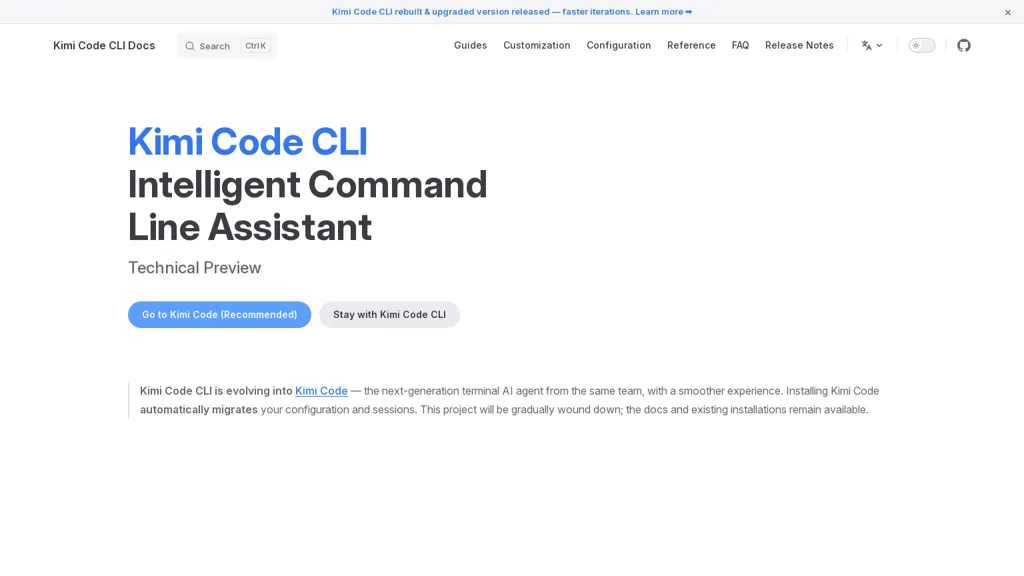
Kimi Code CLI is an intelligent command-line assistant for developers and DevOps teams.Rebuilt and upgraded for faster iterations, it combines CLI search, guides, customization, configuration reference, and release notes into a unified workflow.
The tool delivers optimized Markdown documentation and a searchable docs site with English and Simplified Chinese support.Installation automatically migrates existing configuration and session data to simplify upgrades.
Available as a technical preview with a recommended Go runtime, it offers LLM-assisted command suggestions and terminal automation.Kimi Code CLI targets developers and maintainers who need streamlined CLI workflows, local customization, and quick access to reference material.
Project documentation and legacy installation guides remain available during migration.
Kimi - CLI pricing
FreeThis tool is free to use, with no credit card required.
Verify on the official pricing page.
Get started freeKimi - CLI's key features
-
LLM-assisted command suggestions and terminal automation
-
Unified CLI workflow integrating search, guides, customization, configuration reference, and release notes
-
Optimized Markdown documentation and searchable docs site with English and Simplified Chinese support
-
Automatic migration of existing configuration and session data during installation
-
Local customization and configuration management
Kimi - CLI use cases
-
Create a unified, searchable CLI documentation site for your engineering team using Kimi Code CLI, automatically generating Markdown guides, config references, and release notes with built-in English and Simplified Chinese support for global accessibility
-
Accelerate developer workflows by using Kimi Code CLI's LLM-assisted command suggestions and terminal automation to convert natural-language tasks into safe, reproducible shell commands and embed them into team-shared docs
-
Simplify configuration migration and DevOps onboarding with Kimi Code CLI by detecting and transforming environment configs, generating step-by-step migration guides, and versioning changes in a customizable, searchable docs workflow
Kimi - CLI user reviews
Based on 3 reviews, 100% of users recommend Kimi - CLI, rated highly for quality results.
Liked for
Would you recommend Kimi - CLI?
More from this provider


Who is Kimi - CLI for?
-
Developers
-
Devops engineers
-
Maintainers
-
Product managers
-
System administrators
Kimi - CLI FAQ
Is Kimi - CLI free?
Yes. Kimi - CLI is free to use and does not require a credit card.
Is Kimi - CLI safe to use?
Kimi - CLI carries the TopAI.tools verified mark, which we award after a manual review of pricing transparency, published terms, public following and working functionality.
What are the best alternatives to Kimi - CLI?
The closest alternatives to Kimi - CLI are Command Code AI, Claude Code, Gemini CLI, OpenCode.ai and CommandAI. You can compare them side by side in the alternatives section further down this page.


