
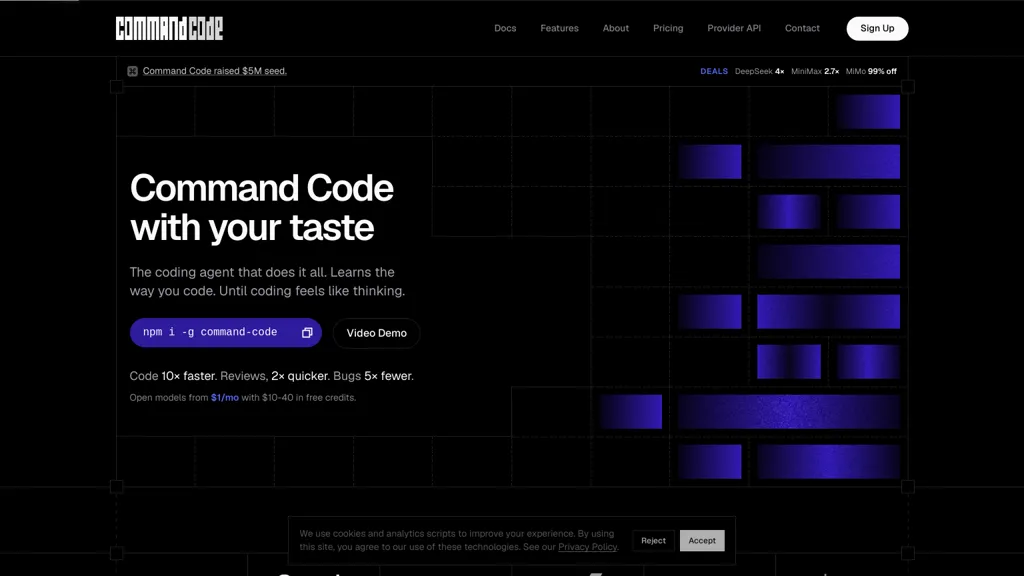
What is Command Code AI?
Command Code is a command-line tool for interacting with large language models and managing AI-driven workflows.It supports multiple models (OpenAI GPT-5.6, Muse Spark, Grok, Claude Sonnet, GLM, Kimi, Tencent) and includes vision-model image path handling.
Features include session management (/session-file, /fork, /reload, /goal), sliding-window memory, headless TUI for CI, and persisted resumeable sessions on disk.Developer-focused capabilities include a non-blocking auto-updater, CLI-native fingerprinting, telemetry options, trace IDs for debugging, and detailed changelogs.
Operational tools cover background shell tasks, bounded monitor runs, persistent output logs, large-file safe readers, and cross-platform fixes for Windows terminals.Target users include developers, engineers, and power users needing CLI-based model selection, scriptable automation, long-running task monitoring, and reproducible session workflows.
Command Code AI details
- Company
- Langbase, Inc.
- Jurisdiction
- Delaware, United States
- Built for
- Individuals
Command Code AI tech specs
- Works with
- OpenAI / GPT Anthropic / Claude Google / Gemini DeepSeek xAI / Grok Qwen Z.ai Kimi MiniMax
- Integrations
- Discord
Command Code AI pricing
Freemium- Auto-renewal
- Yes
Verify on the official pricing page.
View plansCommand Code AI's key features
-
Multi-model support (OpenAI GPT-5.6, Muse Spark, Grok, Claude Sonnet, GLM, Kimi, Tencent) with vision-model image-path handling
-
Session management (/session-file, /fork, /reload, /goal) with persisted, resumable sessions on disk
-
Sliding-window memory for conversational context
-
Headless TUI for CI and headless operation
-
Operational tooling: background shell tasks, bounded monitor runs, persistent output logs, large-file-safe readers, and cross-platform terminal fixes
Command Code AI use cases
-
Automate reliable extraction and QA from very large documents and images using Command Code's large-file-safe reader and vision inputs, orchestrating scriptable, resumable workflows that run headless in CI, persist logs for audit trails, and resume from failures without manual intervention
-
Build reproducible long-running batch-inference and evaluation pipelines across multiple LLMs by leveraging session management, sliding-window memory, and background task monitoring—allowing interrupted jobs to resume, producing traceable persistent logs for debugging, and enabling developer tooling for automation
-
Implement a production-ready conversational agent and ticketing automation that preserves context with sliding-window memory, uses the CLI to orchestrate LLMs and parse attachments via vision inputs, and operates as a headless, resumable service with persistent logs and monitoring for seamless CI/CD integration
Command Code AI user reviews
Based on 3 reviews, 100% of users recommend Command Code AI, rated highly for quality results.
Liked for
Would you recommend Command Code AI?
Who is Command Code AI for?
-
Software developers
-
Machine learning engineers
-
Data scientists
-
Automation engineers
-
Devops engineers
Command Code AI FAQ
Is Command Code AI free?
Partly. Command Code AI has a free plan with usage limits, and paid plans unlock the full feature set. Plans include Go at $1/mo, Pro at $15/mo, Teams at $40/mo and Max 10× at $100/mo.
Is Command Code AI safe to use?
Command Code AI is operated by Langbase, Inc., registered in Delaware, United States. It has a substantial audience that is independently measured month to month.
What are the best alternatives to Command Code AI?
The closest alternatives to Command Code AI are OpenCode.ai, Claude Code, Use.ai, Gemini CLI and CommandAI. You can compare them side by side in the alternatives section further down this page.
What does Command Code AI do with my data?
Command Code AI states that customer content is not used to train its models. Its privacy policy states that personal data is not sold or shared for marketing purposes. Data may be shared with third-party service providers that help run the product.
Does Command Code AI auto-renew or offer refunds?
Command Code AI subscriptions renew automatically until you cancel.
Does Command Code AI have an API?
Yes. Command Code AI offers an API, so you can call it from your own applications instead of using the interface directly.
Who made Command Code AI?
Command Code AI is built and operated by Langbase, Inc., a company registered in Delaware, United States.
Which AI models does Command Code AI use?
Command Code AI is built on OpenAI / GPT, Anthropic / Claude, Google / Gemini, DeepSeek, xAI / Grok, Qwen, Z.ai, Kimi and MiniMax. Which models you can reach may depend on your plan.
What does Command Code AI integrate with?
Command Code AI connects with Discord.
Compliance, privacy and billing terms are as stated in each product's own published documentation and have not been independently verified by TopAI.tools.


