
What is Jots?
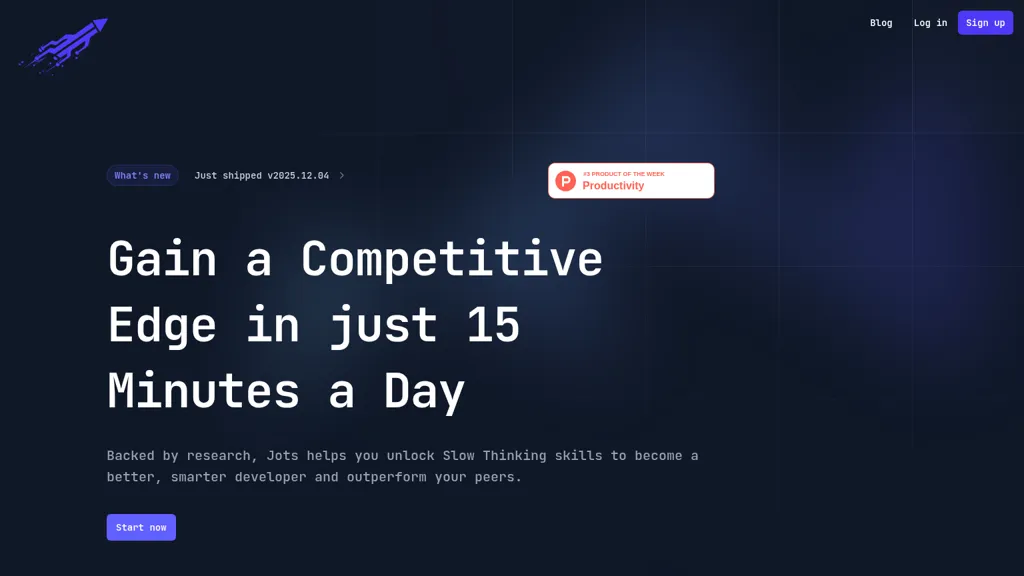
Jots helps developers build Slow Thinking habits with daily reflection prompts, AI summaries, and a career-coach chat.
Log insights, lessons, and debugging notes in a distraction-free editor or via the VSCode extension to keep reflections close to code.
Track mood, achievements, and reflection entries to visualize progress and surface performance patterns over time.
Use short, 15-minute reflection sessions, prompts, and digests to integrate reflective practice into regular workflows.
Reflection techniques and behavior-science-based workflows turn everyday work into learning material and support better problem-solving and decision-making.
AI features summarize entries, highlight trends, and suggest follow-ups for focused skill development.
Supports developer journal, reflective practice, Slow Thinking, VSCode extension, AI summaries, progress tracking, and developer productivity needs.
Jots details
- Data residency
- EU
Jots tech specs
- Integrations
- GitHub
Jots pricing
FreeThis tool is free to use, with no credit card required.
Verify on the official pricing page.
Get started freeJots's key features
-
Distraction-free editor for developer journaling
-
Track mood, achievements, and reflections over time
-
AI-generated reflection prompts
-
AI summaries of entries
-
VSCode extension for logging developer journal
Jots use cases
-
Build a daily developer reflection routine with Jots using short, distraction-free sessions and the VSCode extension to capture debugging notes, track mood and progress, and generate AI summaries that surface productivity and bug-fix trends
-
Turn everyday work into a focused learning plan by using Jots' career-coach chat to convert reflections into actionable learning goals, prioritize skills to practice, and get step-by-step tasks you can execute inside VSCode
-
Maintain clearer project documentation and post-mortems by writing reflection entries in Jots' editor, exporting AI-generated summaries that highlight recurring issues and improvement opportunities, and sharing them with teammates for faster onboarding
Jots user reviews
Would you recommend Jots?
Who is Jots for?
-
Developers
-
Product designers
-
E-commerce sellers
-
Content creators
-
Strategic managers
Jots FAQ
Is Jots free?
Yes. Jots is free to use and does not require a credit card.
What are the best alternatives to Jots?
The closest alternatives to Jots are 6000 thoughts, Reflectr, Deepwander, Thoughtful app and AI Journaler. You can compare them side by side in the alternatives section further down this page.
What does Jots do with my data?
Jots states that customer content may be used to train its models. Its privacy policy states that personal data is not sold or shared for marketing purposes. Data may be shared with third-party service providers that help run the product. Customer data is held in EU.
What does Jots integrate with?
Jots connects with GitHub.
Compliance, privacy and billing terms are as stated in each product's own published documentation and have not been independently verified by TopAI.tools.


