
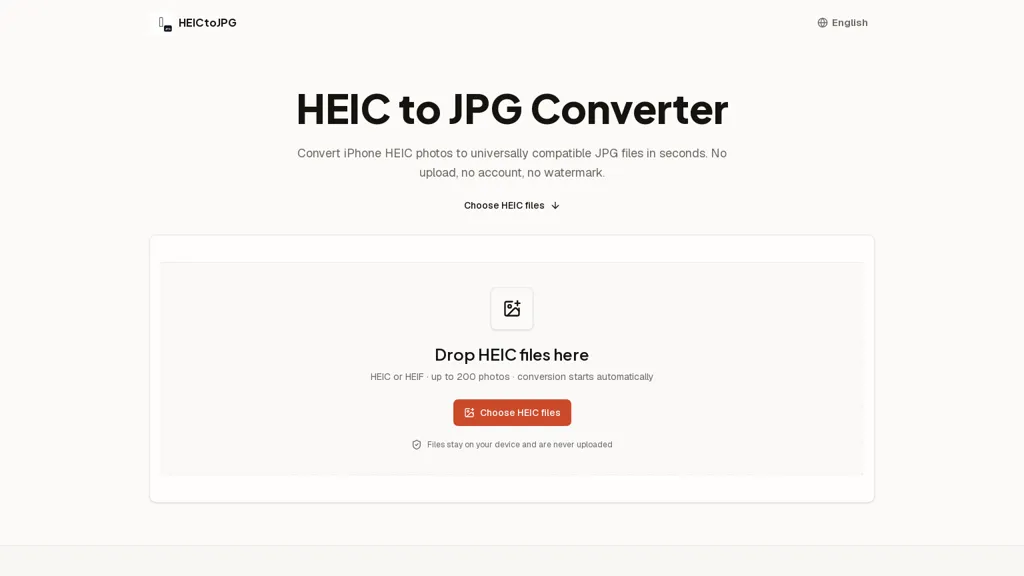
What is HEICtoJPG?
HEICtoJPG converts HEIC and HEIF images to standard JPEG files directly in the browser.
Processing runs locally in your tab so files are not uploaded or stored on a server and no account is required.
Batch conversion handles large sets in one session and lets you download individual JPEGs or a single ZIP.
The tool preserves original pixel dimensions and image orientation while producing broadly compatible JPEG copies.
Adjustable output quality balances fidelity and file size without exposing source files to external servers.
Conversion speed depends on device performance, with decoding and encoding performed client-side.
HEICtoJPG pricing
FreeThis tool is free to use, with no credit card required.
Verify on the official pricing page.
Get started freeHEICtoJPG's key features
-
In-browser conversion of HEIC and HEIF images to JPEG
-
Local client-side processing in the browser (no upload or server storage)
-
Batch conversion with ability to download individual JPEGs or a single ZIP
-
Preserves original pixel dimensions and image orientation during conversion
-
Adjustable JPEG output quality
HEICtoJPG use cases
-
Convert large batches of iPhone HEIC photos to JPEG directly in the browser with HEICtoJPG, preserving dimensions and orientation, choosing output quality to reduce file size, and downloading all results as a ZIP for fast client delivery
-
Prepare web-ready images by converting HEIC files to high-quality JPEGs client-side with adjustable compression to balance fidelity and page-load performance while keeping orientation intact and avoiding any uploads for privacy
-
Quickly convert and compress family or event HEIC photos for sharing via email or printing using HEICtoJPG in the browser, batch-processing images, preserving aspect ratio, and selecting output quality to meet attachment size limits before downloading individual JPEGs
HEICtoJPG user reviews
Would you recommend HEICtoJPG?
Recommend this tool?
Who is HEICtoJPG for?
-
Casual smartphone users needing jpeg compatibility
-
Professional and amateur photographers requiring batch conversion
-
Content creators and social media managers
-
Web developers and designers ensuring browser compatibility
-
Graphic designers and print professionals preserving image dimensions
-
Journalists and reporters who need local, private processing
-
Privacy-conscious users who avoid cloud uploads
-
Office workers and administrative staff preparing images for email and documents
-
It support staff and system administrators converting images for compatibility
-
Real estate agents and marketers preparing property photos