
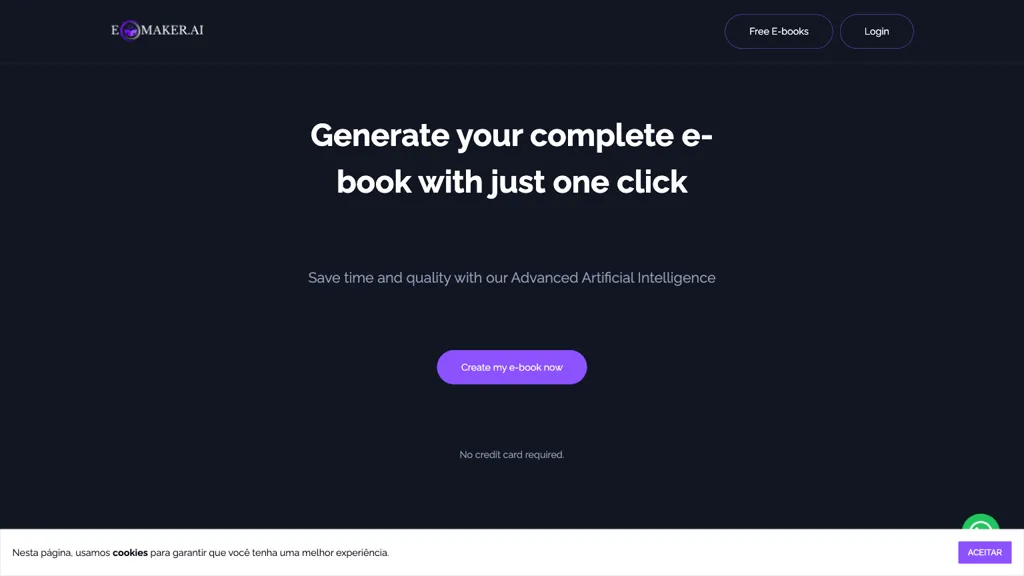
What is ebookmaker.ai?
Ebookmaker is an AI‑powered platform that converts a simple title or brief description into a fully structured e‑book, automatically generating text and organizing content into chapters. Users can choose the desired number of chapters, then refine the output with a built‑in editor that supports text edits, image insertion, and layout adjustments.
The tool also offers a media editor to enhance visual presentation and a voice‑selection feature that transforms the text into audiobooks with multiple voice options. Advanced users can train a personalized model using a set of uploaded photos, enabling the creation of e‑books that reflect the user’s likeness.
After generation, e‑books can be exported to PDF, ePub, or FlipBook formats for distribution across devices and platforms. The platform’s interface is designed for both novice writers and experienced publishers, providing an automated content creation workflow combined with post‑generation customization and multimedia integration.
ebookmaker.ai pricing
FreeThis tool is free to use, with no credit card required.
Verify on the official pricing page.
Get started freeebookmaker.ai's key features
-
Generate e-book from title
-
Choose chapter count for structure
-
Edit text and add images
-
Create audiobooks with voice selection
-
Media editor for images and layout
-
Train personalized model with photos
-
Export to PDF, ePub, FlipBook
ebookmaker.ai use cases
-
Generate a polished 20‑page marketing guide from a single headline, auto‑create chapters, edit the text, add custom images, tweak the layout, and export a ready‑to‑publish PDF or ePub for your website.
-
Turn a series of blog posts into an engaging audiobook: import the articles, auto‑segment into chapters, insert relevant images, convert the text to natural‑sounding voice, and export the finished audiobook file.
-
Build a visually stunning flipbook product catalog: choose sections for each product line, edit descriptions, insert photos, fine‑tune the layout, and export a responsive FlipBook for social media sharing.
ebookmaker.ai user reviews
Based on 1 review, 100% of users recommend ebookmaker.ai, rated highly for quality results.
Liked for
Would you recommend ebookmaker.ai?
Main competitors of ebookmaker.ai
Here are some of the major competitors comparisons vs. ebookmaker.ai.


Who is ebookmaker.ai for?
-
Content creators
-
Self-publishing authors
-
E-commerce sellers
-
Course creators
-
Product designers
ebookmaker.ai FAQ
Is ebookmaker.ai free?
Yes. ebookmaker.ai is free to use and does not require a credit card.
What are the best alternatives to ebookmaker.ai?
The closest alternatives to ebookmaker.ai are Automateed, Youbooks.com, AIWriteBook, Book Wizard AI and Ai book writer. You can compare them side by side in the alternatives section further down this page.


