
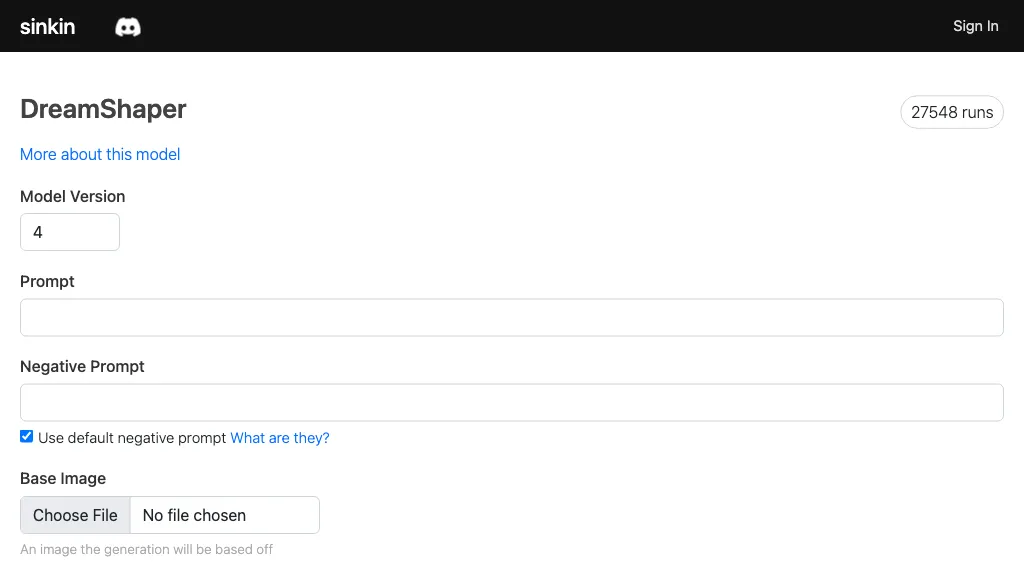
What is DreamShaper (Sinkin)?
The tool offers AI upscaling of images with two options: Sinkin upscale for high detail and ESRGAN for smooth detail. Users can choose between different start images, prompts, and dimensions, and pay for the service with credits. The tool also offers various model options and allows adding prompt guidance up to 50 maximum infer steps and 20 maximum guidance scales. The image generation process usually takes 10-20 seconds.
DreamShaper (Sinkin) on the web:
DreamShaper (Sinkin) on Discord
DreamShaper (Sinkin)'s key features
-
Image upscaling
-
Choice between two ai techniques: sinkin upscale, esrgan
-
Various start images, prompts, and dimensions
-
Pay for service with credits
-
Model options available
-
Prompt guidance
-
Infer steps (max 50)
-
Guidance scales (max 20)
DreamShaper (Sinkin) use cases
-
Enhancing low-resolution images for printing or display
-
Improving image quality for social media or website use
-
Restoring old or damaged photos
DreamShaper (Sinkin) user reviews
Based on 1 review, 100% of users recommend DreamShaper (Sinkin), rated highly for quality results.
1
recommend
0
don't
1 review
Liked for
Quality results
1 of 1
Worth the price
1 of 1
Easy to use
1 of 1
Would you recommend DreamShaper (Sinkin)?
Recommend this tool?
Who is DreamShaper (Sinkin) for?
-
Digital artists
-
Photographers
-
Graphic designers
-
Videographers
-
Product designers
DreamShaper (Sinkin) FAQ
What are the best alternatives to DreamShaper (Sinkin)?
The closest alternatives to DreamShaper (Sinkin) are Upscale.media, Img Upscaler, Upsampler, EnhancePhoto AI and cre8tiveAI. You can compare them side by side in the alternatives section further down this page.


