
What is Docs to WP Pro?
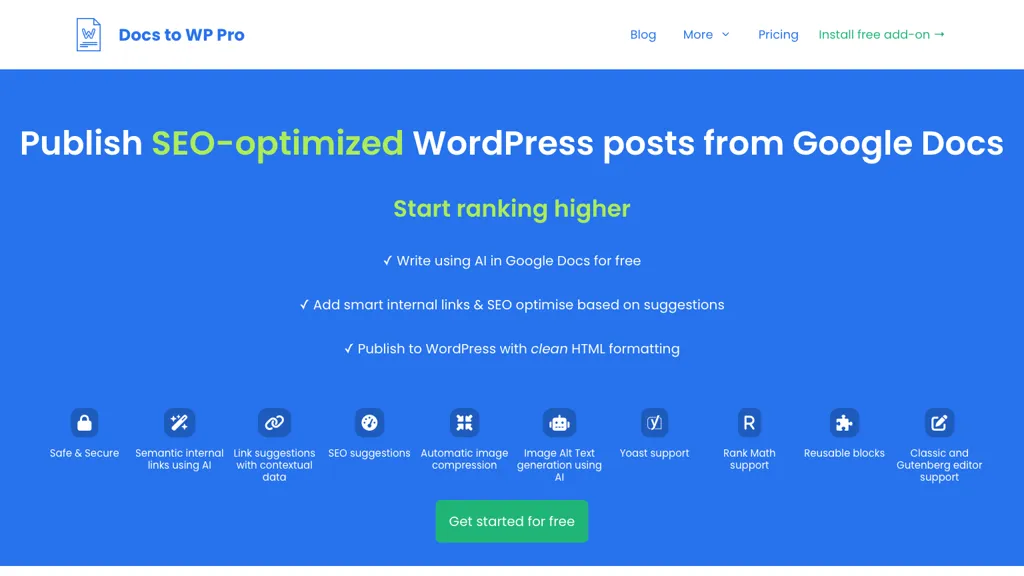
Docs to WordPress Pro converts Google Docs content to WordPress with a single click, producing clean HTML and supporting both Classic and Gutenberg editors. It automatically compresses images and generates AI‑based alt text, improving page load speed and accessibility.
AI‑driven semantic internal linking and related‑post suggestions add contextual links that help search engines index the site more effectively. The add‑on integrates with Yoast and Rank Math, letting users set focus keywords and meta descriptions directly in Docs.
Custom post types, categories, tags, and featured images can be specified, and external links can be set to open in new tabs or carry nofollow attributes. Publication and update activity is logged in a consolidated Google Sheets file for tracking and revision control.
Docs to WP Pro details
- Built for
- Businesses and teams
Docs to WP Pro tech specs
- Integrations
- Google Workspace WordPress
Docs to WP Pro pricing
PaidVerify on the official pricing page.
View plansDocs to WP Pro's key features
-
One-click publish to WordPress
-
AI internal link suggestions
-
SEO optimization suggestions
-
Automatic image compression
-
AI-generated image alt text
-
Yoast and Rank Math support
Docs to WP Pro use cases
-
Convert a Google Docs marketing brief into a fully optimized WordPress blog post in seconds, automatically compressing images, generating alt text, and inserting Yoast SEO meta tags.
-
Easily migrate a Google Docs policy document into a multi‑taxonomy WordPress page, with semantic internal links and Gutenberg blocks, ensuring consistent formatting without manual coding.
-
Quickly transform a Google Docs research paper into a WordPress article, leveraging AI‑generated alt text, secure activity logs, and seamless integration with existing WordPress custom taxonomies for easy organization.
Docs to WP Pro user reviews
Would you recommend Docs to WP Pro?
Who is Docs to WP Pro for?
-
Digital publishers
-
Content creators
-
Wordpress authors
-
E-commerce sellers
-
Seo managers
Docs to WP Pro FAQ
How much does Docs to WP Pro cost?
Docs to WP Pro is a paid product with no free plan. Plans include Starter at $ 59, Pro at $ 149 and Enterprise at $ 199.
What are the best alternatives to Docs to WP Pro?
The closest alternatives to Docs to WP Pro are Wordpress pro converter, Jetpack, SEO Writing AI, Bertha.ai and PressMeGPT. You can compare them side by side in the alternatives section further down this page.
What does Docs to WP Pro do with my data?
Its privacy policy states that personal data is not sold or shared for marketing purposes.
What does Docs to WP Pro integrate with?
Docs to WP Pro connects with Google Workspace and WordPress.
Compliance, privacy and billing terms are as stated in each product's own published documentation and have not been independently verified by TopAI.tools.


