
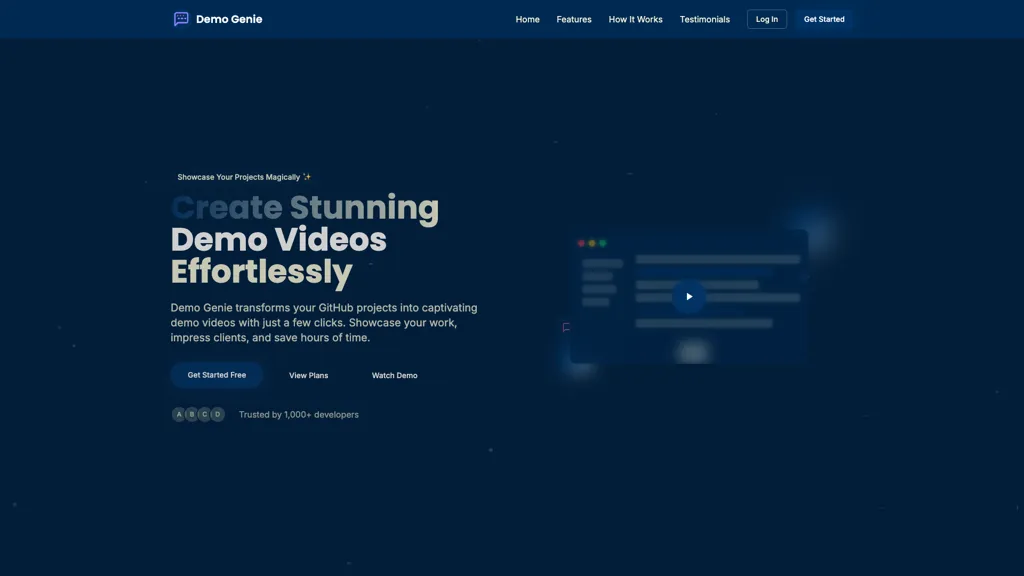
What is DemoGenie?
Demo Genie automates demo video creation from GitHub repositories, converting code and UI flows into shareable demo videos.
It connects to public and private GitHub repos, extracts project interactions, and generates AI-driven demo scripts from plain-language prompts.
The platform automates screen sequencing, captions, and export formats so users can download MP4s or embed demos in documentation.
Key features include GitHub integration, natural-language demo description, automated video generation, and direct link sharing for clients or team review.
Benefits for developers, product teams, and freelancers include reduced time spent recording and editing, consistent demo assets for releases and docs, and simplified client walkthroughs.
Demo Genie supports secure repository access, downloadable files, and embed/link sharing for internal reviews and external presentation.
DemoGenie pricing Freemium
DemoGenie offers a free plan with paid upgrades available.
Verify on the official pricing page.
View plansDemoGenie user reviews
Would you recommend DemoGenie?
DemoGenie's key features
-
One-click GitHub integration (supports public and private repositories)
-
Natural-language AI demo scripting (describe what to showcase)
-
Automated demo video generation from repository code
-
Code analysis to create interactive demos highlighting features and interactions
-
Export and sharing via download, link, email, or embed
DemoGenie use cases
-
Create polished release demo videos for product launches directly from public or private GitHub repos using Demo Genie, automatically extracting code snippets and UI flows, generating AI scripts and captions, and exporting MP4s or embeddable links for marketing, release notes, and social sharing
-
Build step-by-step onboarding and documentation videos for developer docs or knowledge bases by converting code examples and UI journeys into sequenced, captioned demo videos with Demo Genie, embedding them into docs and maintaining secure repo access for internal content
-
Accelerate client and stakeholder reviews by producing narrated walkthroughs from specific branches or commits with Demo Genie, sequencing screens, auto-generating natural language scripts and captions, and sharing secure embeddable links or downloadable MP4s for feedback and approvals
Who is it for?
-
Software developers
-
Product managers
-
Technical writers
-
Ui/ux designers
-
Sales engineers


