
What is CloudCLI AI?
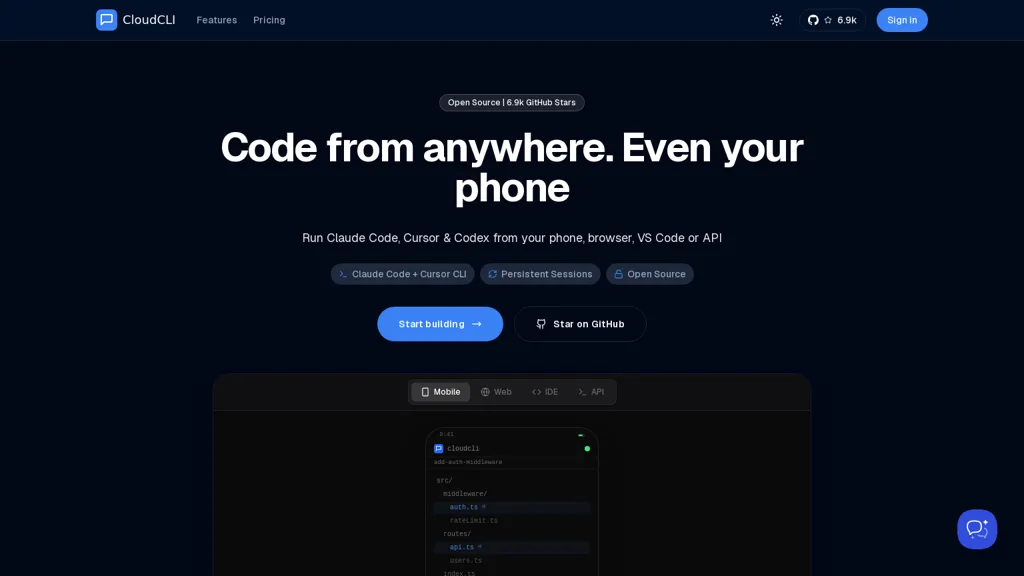
CloudCLI provides open-source, containerized remote development environments with persistent sessions for cross-device coding.It supports AI coding agents (Claude Code, Cursor CLI, Codex, Gemini) via CLI and API, allowing teams to use preferred agents and manage API keys.
Integration options include SSH access, VS Code and Cursor IDE plugins, GitHub sync, and mobile/web IDE access.Sessions preserve running processes and context so users can start work on a phone or browser and continue in VS Code or via SSH without losing state.
Team features let organizations share environment configurations, context files, and onboarding templates to streamline developer setup.Deployments can be self-hosted or run on a hosted service with configurable CPU/RAM, custom subdomains, and container orchestration.
APIs, CLI tooling, and documentation support automation, CI integrations, and agent-agnostic workflows for individual developers and teams.
CloudCLI AI pricing
FreemiumVerify on the official pricing page.
View plansCloudCLI AI's key features
-
Containerized remote development environments with persistent sessions that preserve running processes and context
-
AI coding agent support via CLI and API (Claude Code, Cursor CLI, Codex, Gemini) with agent-agnostic workflows and API key management
-
Integration options including SSH access, VS Code and Cursor IDE plugins, GitHub sync, and mobile/web IDE access
-
Team features for sharing environment configurations, context files, and onboarding templates
-
Configurable deployments as self-hosted or hosted services with adjustable CPU/RAM, custom subdomains, and container orchestration
CloudCLI AI use cases
-
Create standardized, containerized development environments using cloudcli team templates so new hires can start coding immediately across devices with persistent sessions, VS Code/SSH integration and preconfigured GitHub workflows
-
develop collaborative, cross-device pair-programming workflows with cloudcli by syncing persistent dev sessions across laptops and browsers and leveraging multiple AI coding agents via CLI/API for code suggestions, refactors and real-time reviews
-
Automate reproducible build, test and deployment pipelines using cloudcli's automation APIs and containerized sessions, integrating with GitHub and remote debugging through SSH/Cursor while preserving session state for troubleshooting and agent-assisted fixes
CloudCLI AI user reviews
Would you recommend CloudCLI AI?
Who is CloudCLI AI for?
-
Software developers
-
Remote developers
-
Assistive developers
-
Devops engineers
-
Site reliability engineers
CloudCLI AI FAQ
Is CloudCLI AI free?
Partly. CloudCLI AI has a free plan with usage limits, and paid plans unlock the full feature set. Plans include Hobby at €7/mo and Popular growth at €20/mo.
What are the best alternatives to CloudCLI AI?
The closest alternatives to CloudCLI AI are OpenCode.ai, Command Code AI, Replit, Pi.dev and HumanLayer. You can compare them side by side in the alternatives section further down this page.
Does CloudCLI AI have an API?
Yes. CloudCLI AI offers an API, so you can call it from your own applications instead of using the interface directly.


