
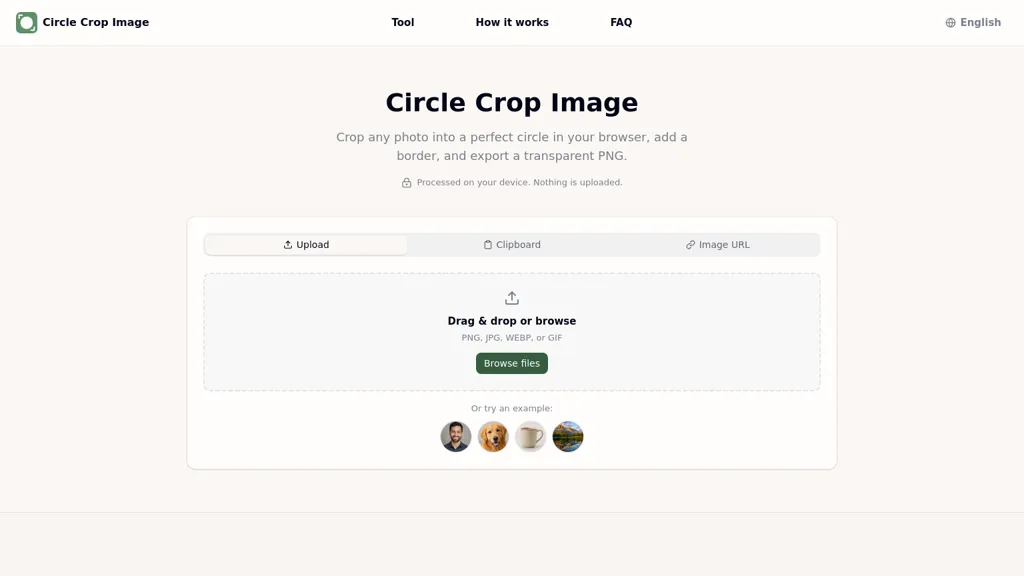
What is Circle Crop Image?
A browser-based circle cropper and round PNG maker that crops photos into circular or oval shapes with drag, zoom, and rotate controls.
Processing runs locally in the browser so images are edited and exported without uploading to a server.
Add configurable border, padding, and solid or gradient background with a live preview that updates instantly.
Use built-in size presets or enter custom dimensions, and export with or without transparency in multiple output formats.
Process multiple images in a batch queue, apply consistent styling across files, and download individually or as a group.
Live preview and instant updates allow precise positioning, styling, and final checks before export.
Circle Crop Image pricing
FreeThis tool is free to use, with no credit card required.
Verify on the official pricing page.
Get started freeCircle Crop Image's key features
-
Crop photos into circular or oval shapes with drag, zoom, and rotate controls
-
Process images locally in the browser (no server upload)
-
Configure border, padding, and solid or gradient backgrounds with live preview
-
Use built-in size presets or custom dimensions and export in multiple formats with optional transparency
-
Batch process multiple images with consistent styling and download individually or as a group
Circle Crop Image use cases
-
Create consistent circular avatars for websites and apps with the browser-based circle cropper—drag, zoom and rotate to frame faces, choose size presets or custom dimensions, export transparent round PNGs and batch-process entire teams for quick updates
-
Generate uniform round product thumbnails for e-commerce and social media by batch circle cropping product photos, add solid or gradient backgrounds, set borders and padding, preview results live and export optimized JPG/PNG/WebP at preset sizes for fast uploads
-
Design branded circular logos, badges and marketing assets with configurable borders/padding and gradient fills, fine-tune rotation/zoom in the live preview, export high-resolution transparent or filled formats for print and digital, and download grouped batches for streamlined delivery
Circle Crop Image user reviews
Would you recommend Circle Crop Image?
Who is Circle Crop Image for?
-
Social media managers
-
E-commerce sellers and marketplace vendors
-
Photographers and photo editors
-
Graphic designers
-
Web and app developers
-
Ui/ux designers
-
Content creators and influencers
-
Marketing teams
-
Small business owners
-
Product photographers
-
Community managers and moderators
-
Podcast hosts and creators