
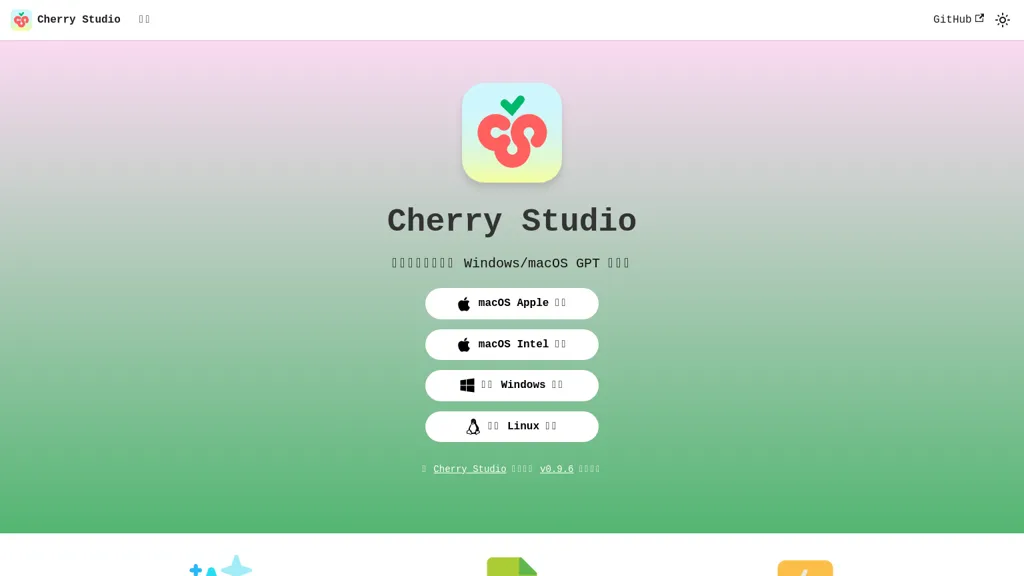
What is Cherry Studio?
Cherry Studio is a desktop application for Windows and macOS that supports multiple AI language models. This tool allows users to quickly switch between various models, enhancing interaction flexibility. Installation is straightforward, requiring no Docker or command-line knowledge, making it accessible for users of all technical backgrounds.
Cherry Studio facilitates rapid conversation completion, ensuring efficient engagement with AI. Additionally, comprehensive documentation and community support are available for users seeking guidance or sharing experiences. With support for macOS Apple and Intel chips, as well as a Linux version, Cherry Studio caters to a diverse range of systems and user preferences.
Cherry Studio pricing
FreemiumCherry Studio offers a free plan with paid upgrades available.
Verify on the official pricing page.
View plansCherry Studio's key features
-
Multi-AI language model support
-
Model switching functionality
-
No Docker or command-line installation
-
Rapid conversation completion
-
Cross-platform compatibility (Windows, macOS, Linux)
Cherry Studio use cases
-
Easily switch between different AI language models in Cherry Studio to enhance writing productivity and streamline content creation tasks, whether for marketing materials, academic papers, or creative projects.
-
Utilize the easy installation process of Cherry Studio to onboard team members with varying technical skills, enabling collaborative AI-driven projects without the need for complex setup procedures.
-
Leverage the comprehensive documentation and community support from Cherry Studio to troubleshoot issues and share best practices, fostering a collaborative learning environment among users.
Cherry Studio user reviews
Based on 17 reviews, 71% of users recommend Cherry Studio, rated highly for value for money.
Liked for
Disliked for
Would you recommend Cherry Studio?
Who is Cherry Studio for?
-
Tech developers
-
Product designers
-
Content creators
-
Strategic managers
-
Productivity seekers
Cherry Studio FAQ
Is Cherry Studio free?
Partly. Cherry Studio has a free plan with usage limits, and paid plans unlock the full feature set.
Is Cherry Studio safe to use?
Cherry Studio carries the TopAI.tools verified mark, which we award after a manual review of pricing transparency, published terms, public following and working functionality. It has a substantial audience that is independently measured month to month.
Is Cherry Studio good?
Cherry Studio has a 71% recommendation rate from 17 reviewers on TopAI.tools. Reviewers rate it highest on value for money and quality of results.
What are the best alternatives to Cherry Studio?
The closest alternatives to Cherry Studio are Use.ai, Monica, AI Fiesta, Lmstudio.ai and FreedomGPT. You can compare them side by side in the alternatives section further down this page.


Cherry Studio's UI feels like a middleman; I prefer toggling via CLI for speed.