
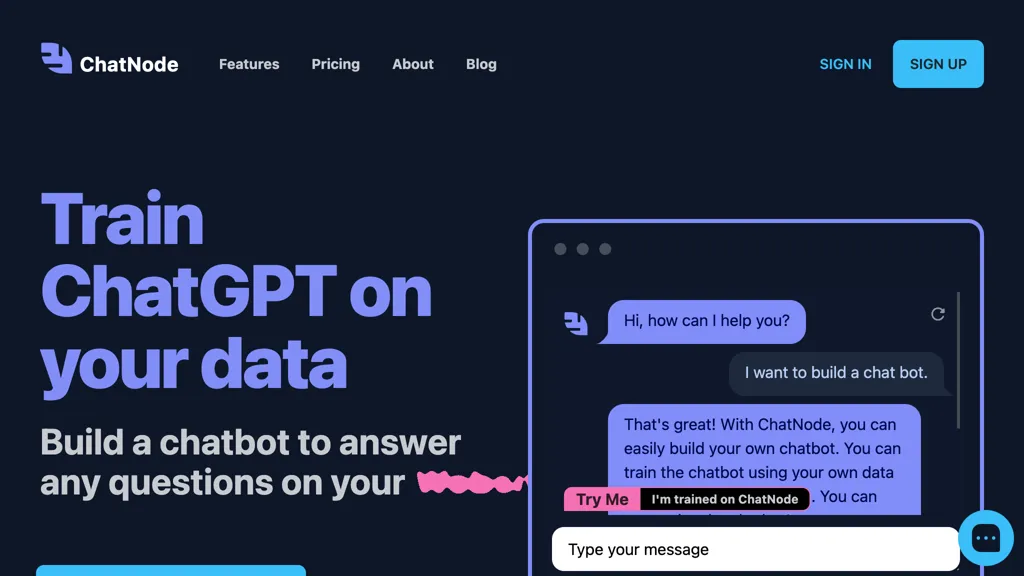
What is ChatNode?
ChatNode is an AI‑driven customer support platform that turns website and knowledge‑base content into autonomous agents. It automatically retrains on new data, enabling continuous learning and up‑to‑date responses. The agents can execute actionable tasks such as booking appointments, processing invoices, or calling external APIs, and can transfer complex queries to live agents with full conversation context.
Integrations with WordPress, Slack, Notion, Zendesk, OneDrive, Dropbox, Google Drive, Zapier, and Make allow deployment across existing workflows. Built‑in analytics track satisfaction, high‑volume topics, and action success to refine prompts and flows.
ChatNode details
- Jurisdiction
- Delaware
- Built for
- Individuals
- Stated compliance
- GDPR
Compliance as stated in ChatNode's own published documentation.
ChatNode tech specs
- Works with
- OpenAI / GPT Anthropic / Claude Google / Gemini DeepSeek
- Payment Processors
- Stripe
- Integrations
- Zapier Slack Google Workspace Zendesk Calendly
ChatNode pricing
Paid- Auto-renewal
- Yes
Verify on the official pricing page.
View plansChatNode's key features
-
Auto-retrain continuous knowledge updates
-
Seamless handoff to human with context
-
Custom API calls and integrations
-
No-code setup and instant website integration
-
Visual AI agent designer
-
Analytics for deflection and performance
-
On-brand, policy-safe replies
ChatNode use cases
-
Deploy a self‑learning website chatbot that answers product questions, schedules appointments, and processes invoices, all integrated with WordPress and Slack, without writing a single line of code.
-
Automate customer support workflows by connecting ChatNode to Notion and Zapier, allowing your team to manage tickets, update knowledge‑base entries, and generate real‑time satisfaction analytics in a no‑code interface.
-
Turn your existing knowledge base into an evolving support agent that handles booking tasks, tracks user flow, and refines responses over time, leveraging WordPress integration and a drag‑and‑drop dashboard for instant deployment.
ChatNode user reviews
Based on 6 reviews, 83% of users recommend ChatNode, rated highly for quality results.
Liked for
Disliked for
Would you recommend ChatNode?
Who is ChatNode for?
-
Chatbot developers
-
Business owners
-
Customer support teams
-
Internal chatbot operators
-
System administrators
ChatNode FAQ
How much does ChatNode cost?
ChatNode is a paid product with no free plan. Plans include Lite at $35, Standard at $89, Lite at $350 and Scale at $377.
Is ChatNode safe to use?
ChatNode states GDPR compliance in its own published documentation.
What are the best alternatives to ChatNode?
The closest alternatives to ChatNode are Intercom, SiteSpeakAI, Zendesk Advanced AI, Quickchat and DocsBot AI. You can compare them side by side in the alternatives section further down this page.
What does ChatNode do with my data?
ChatNode states that customer content is not used to train its models. Its privacy policy states that personal data is not sold or shared for marketing purposes. Data may be shared with third-party service providers that help run the product.
Does ChatNode auto-renew or offer refunds?
ChatNode subscriptions renew automatically until you cancel.
Does ChatNode have an API?
Yes. ChatNode offers an API, so you can call it from your own applications instead of using the interface directly.
Which AI models does ChatNode use?
ChatNode is built on OpenAI / GPT, Anthropic / Claude, Google / Gemini and DeepSeek. Which models you can reach may depend on your plan.
What does ChatNode integrate with?
ChatNode connects with Zapier, Slack, Google Workspace, Zendesk and Calendly.
Compliance, privacy and billing terms are as stated in each product's own published documentation and have not been independently verified by TopAI.tools.


